USTER
®
HVI SPECTRUM
Instruction Manual
2.2 Length/Strength
2.2.1 Calibration Check
To check Length/Strength Calibration:
1. Select the SETUP button from the
HVI
SPECTRUM
MAIN MENU
screen.
2. Press the SYSTEM CHECK button.
3. Click on the LENGTH/STRENGTH button located on the SYSTEM
CHECK TEST SELECTION MENU.
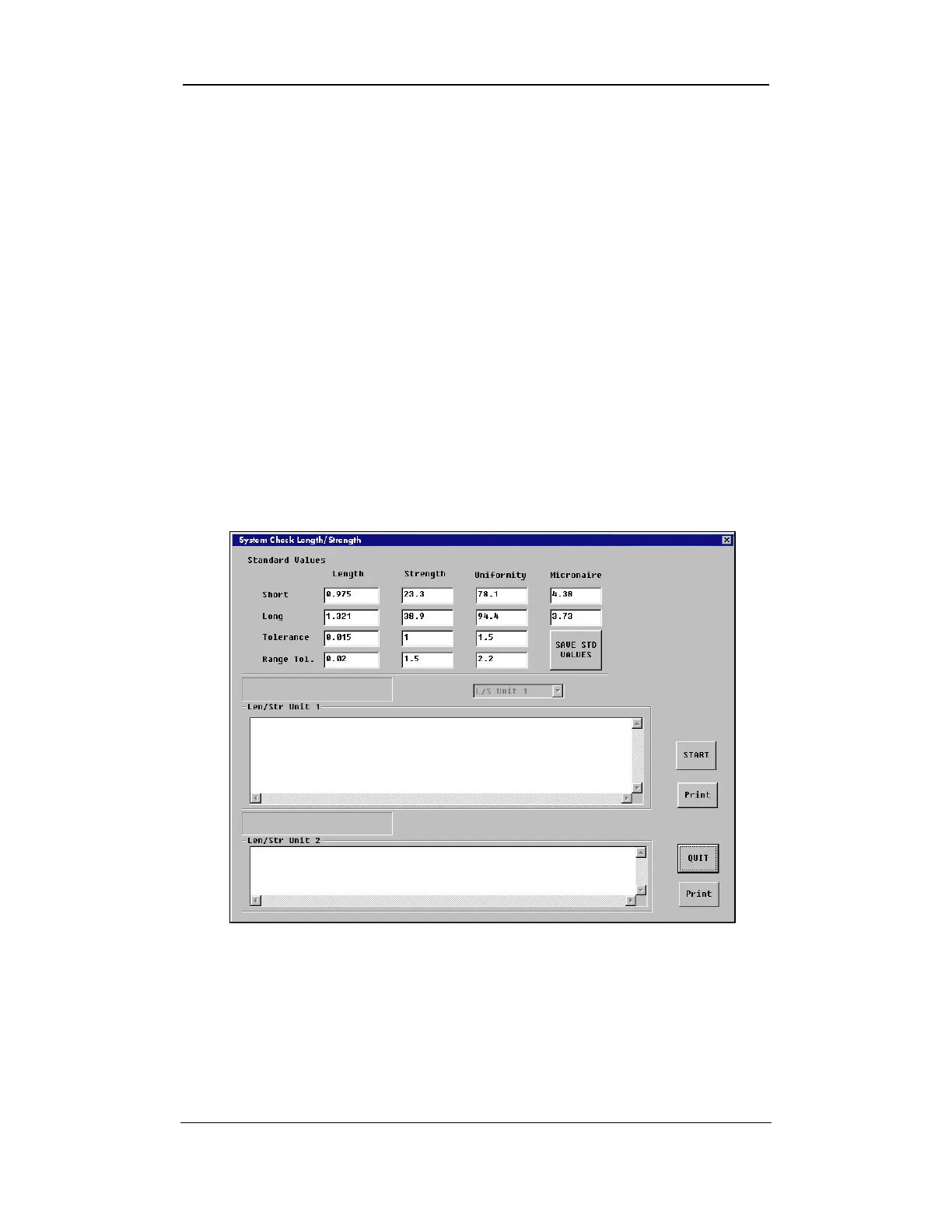
4. The SYSTEM CHECK LENGTH/STRENGTH screen appears:
Figure 5-5: System Check Length/Strength Screen
Uster Technologies, Inc. Chapter 5
System Check • Page 5-6



 To Next Page