USTER
®
HVI SPECTRUM
Instruction Manual
10. A NEW LOT LIMIT ADDED dialog box appears, select OK.
Figure 6-7: New Lot Limit Added
2.1.3 Edit Lot Limits
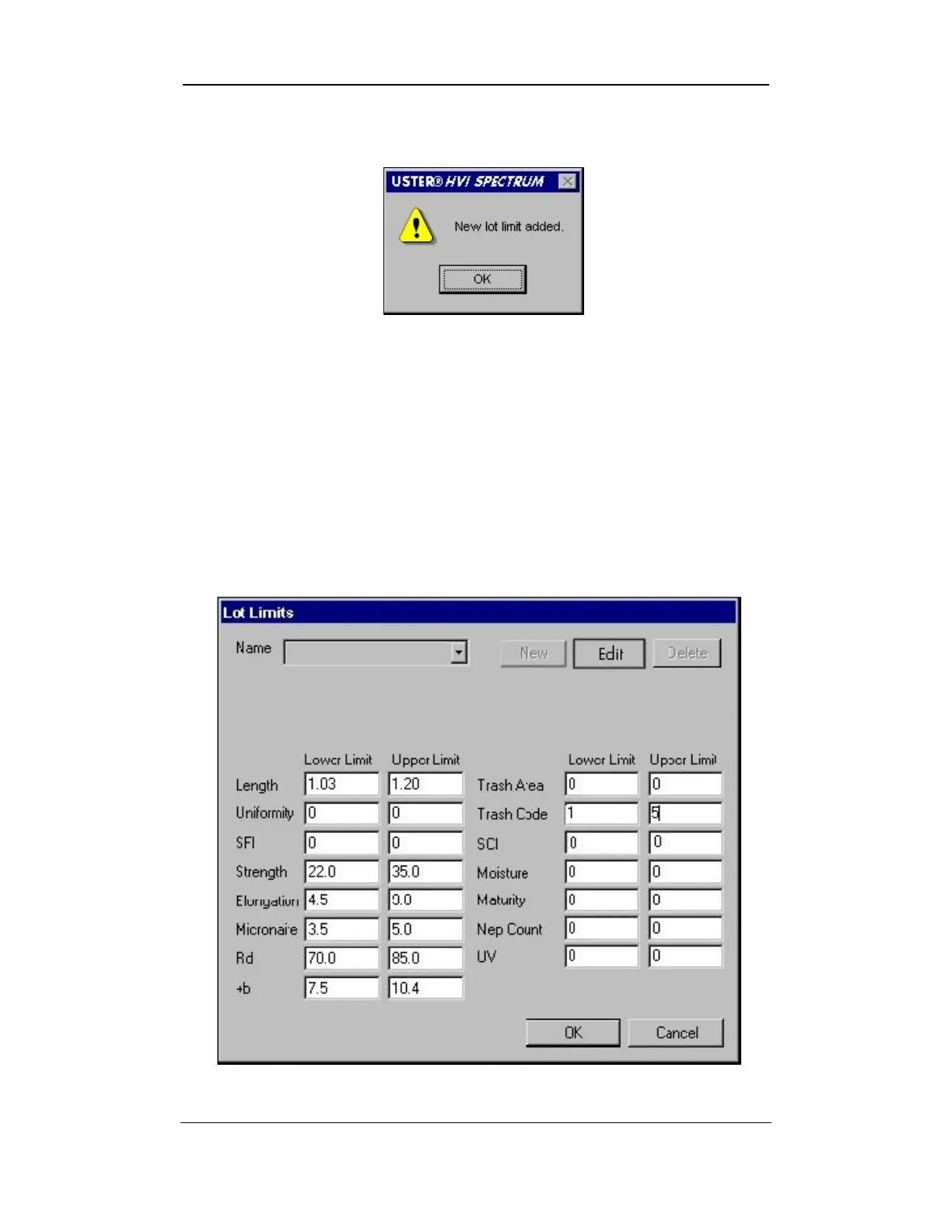
Follow these steps to edit lot limits:
1. Select the Lot Limit to be edited from the “Name” field drop down
box on the LOT LIMITS screen.
2. Press the EDIT button.
Figure 6-8: Lot Limits Screen – Edit
Uster Technologies, Inc. Chapter 6
Configurations • Page 6-9



 To Next Page