USTER
®
HVI SPECTRUM
Instruction Manual
2. When all testing of a specific Lot Identifier is completed and you
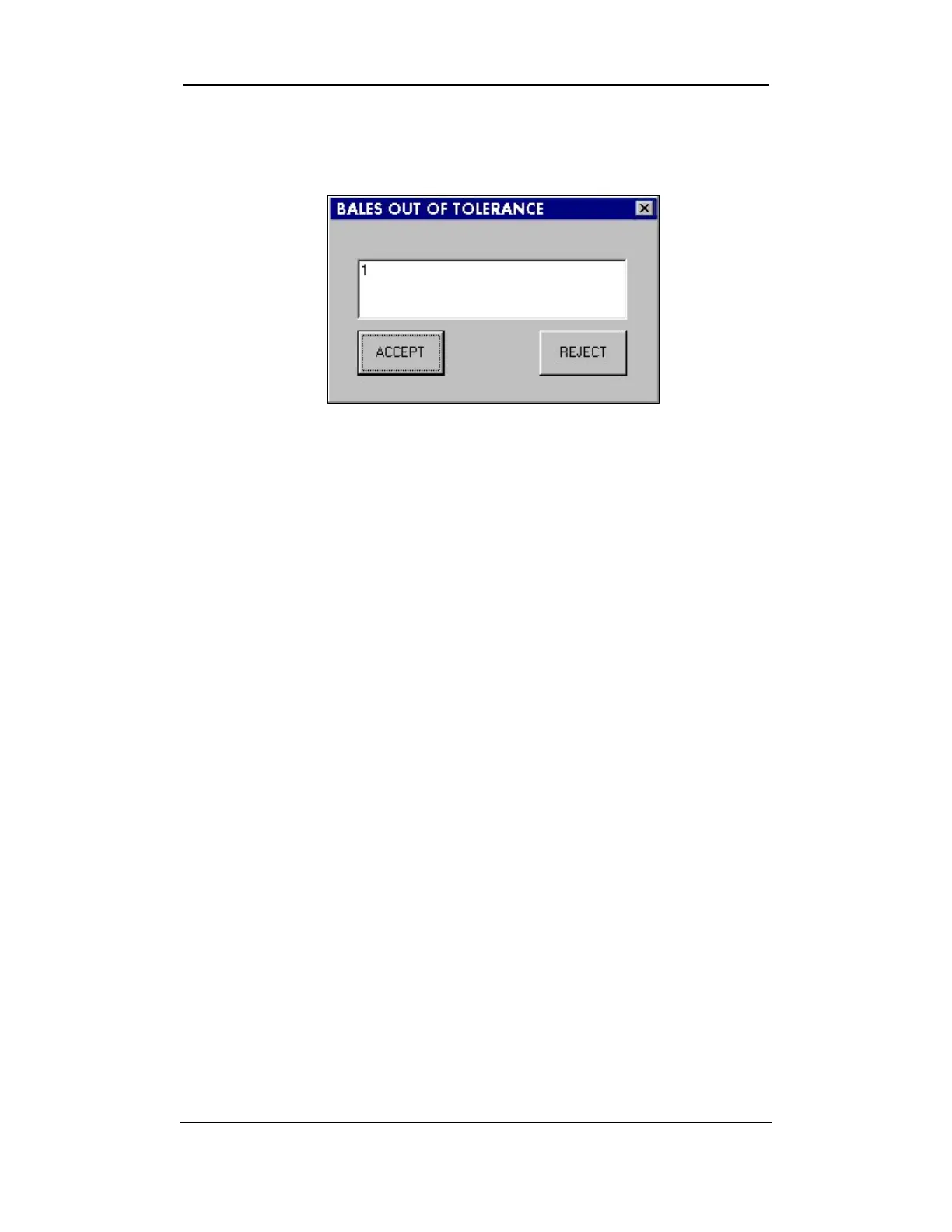
exit the SYSTEM TESTING screen, the BALES OUT OF TOLERANCE DIALOG
BOX will appear:
Figure 7-7: Bales Out of Tolerance Dialog Box
3. This dialog box shows you how many bales were out of tolerance.
You will have the same two (2) options as to what to do with these
test results.
o ACCEPT: If you select the
ACCEPT button, all the bales will be
saved as accepted data. When you request a report of
Accepted data, these bales will be included in the report. The
out of tolerance data will be printed in BLUE.
o REJECT: If you select REJECT button, the data will be sent to a
file as rejected data. This information will not be displayed
if you request a report of Accepted data.
Note:
If it is necessary to view the data for the rejected bales, you can
design a report of rejected data in the Reports section of the software.
(See Chapter 8, Reports, in this manual for additional information.)
Uster Technologies, Inc. Chapter 7
Testing Procedures • Page 7-12



 To Next Page