USTER
®
HVI SPECTRUM
Instruction Manual
Chapter 6 Configurations
1 Introduction
The
HVI SPECTRUM
is a versatile instrument, which can be configured
to meet the testing needs of a variety of mills and gins. The
CONFIGURATION screen is used to adjust various system settings as
needed.
2 System Configuration Screen
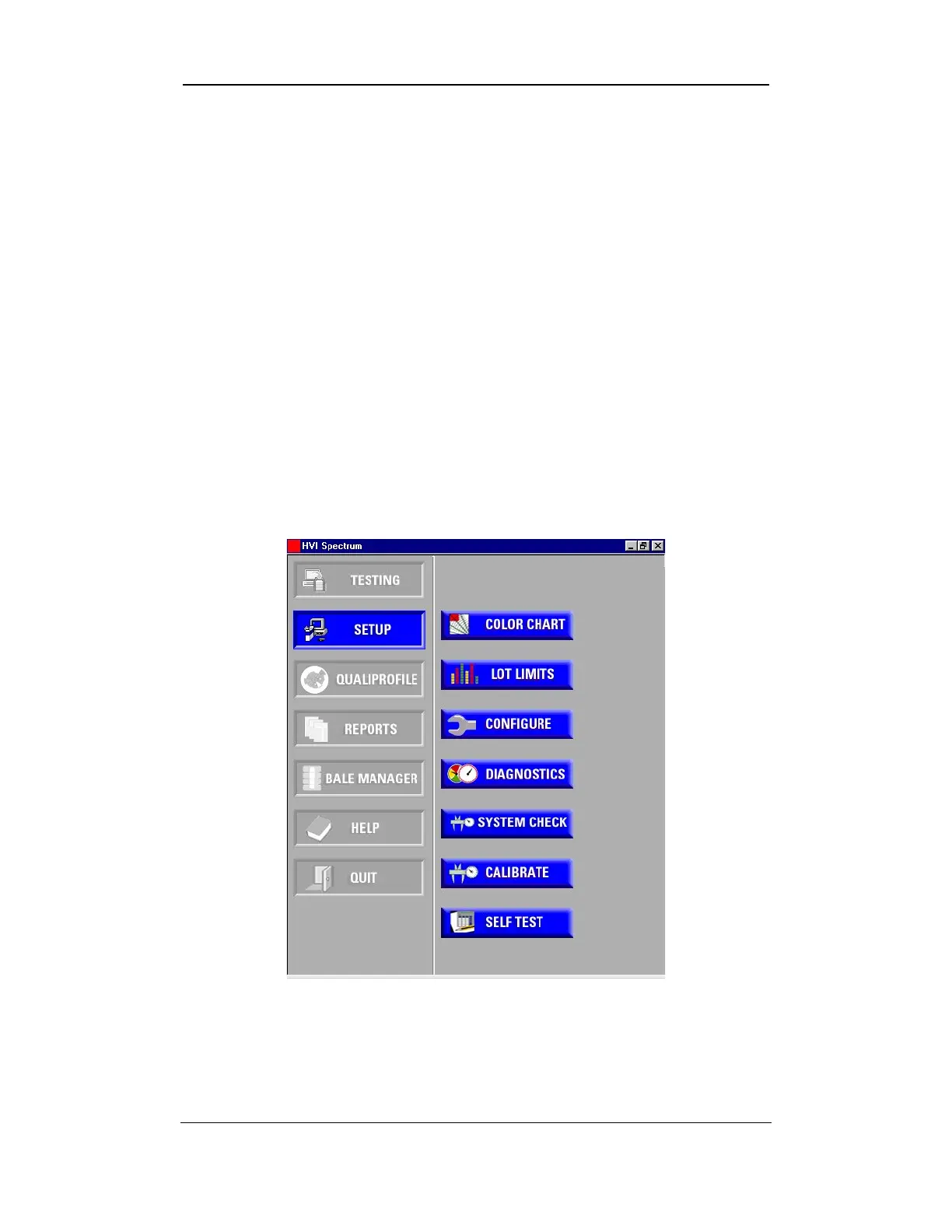
1. Select the SETUP button from the
HVI
SPECTRUM
MAIN MENU.
2. Next, select the CONFIGURE button.
Figure 6-1: Main Menu - Setup
3. The S
YSTEM CONFIGURATION screen will automatically appear. It
contains six tabs that are used for various purposes.
Uster Technologies, Inc. Chapter 6
Configurations • Page 6-1



 To Next Page