USTER
®
HVI SPECTRUM
Instruction Manual
Uster Technologies, Inc. Chapter 10
Bale Manager • Page 10-16
4.4.2 Define Growth Areas
This selection allows the operator to add and/or delete specified growth
areas.
e operator to add and/or delete specified growth
areas.
1. Select the C1. Select the CONFIGURE menu item from the BALE MANAGER MAIN
MENU.
2. Select G
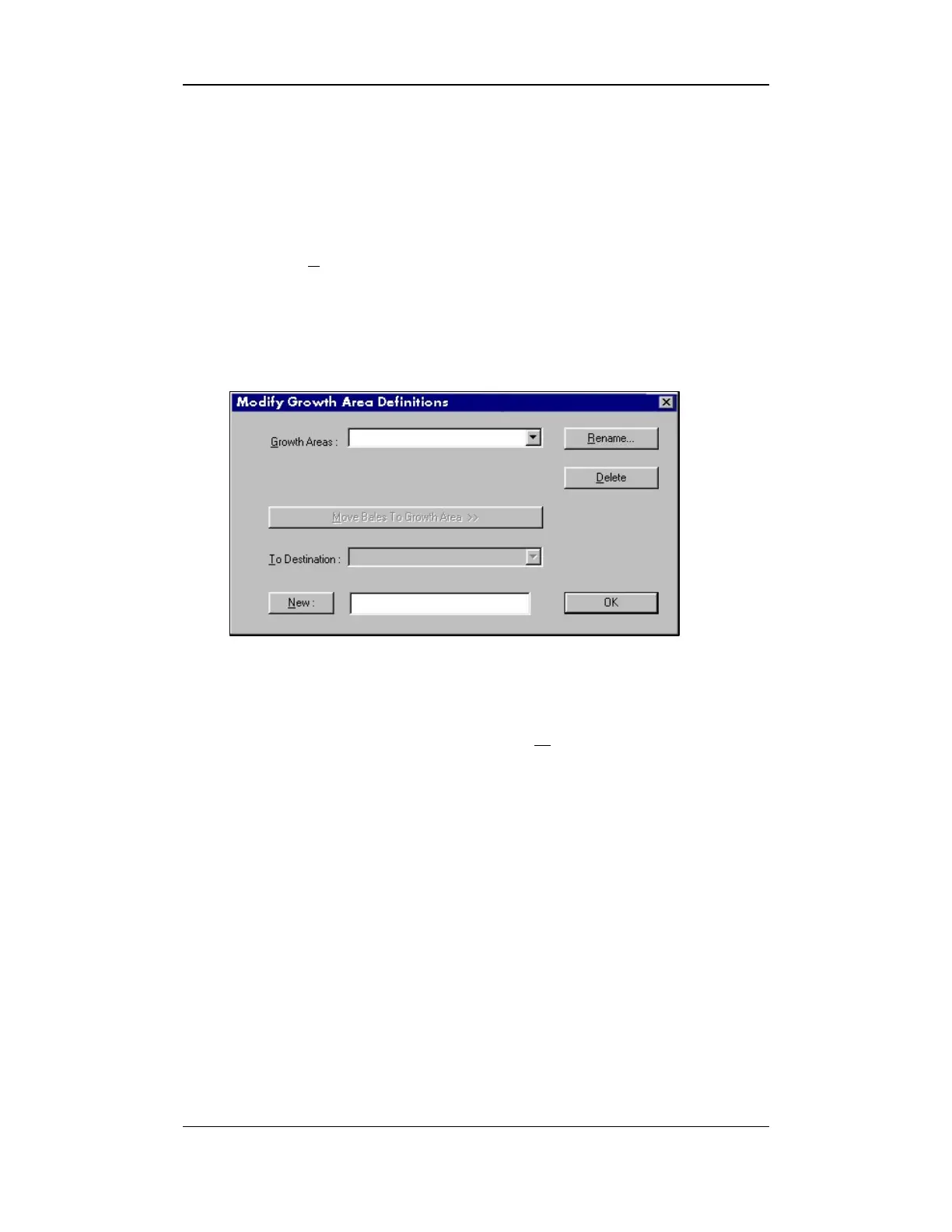
ROWTH AREAS to access the DEFINE GROWTH AREAS screen
shown below:
Figure 10-8: Define Growth Areas Screen
3. To add a new growth area, select the NEW button and enter the
name assigned to the new growth area in the adjacent field.
Select the OK button to save the entry.
Note:
Up to 30 growth areas can be entered in the system. There is a
limit of 20 characters per name.



 To Next Page