USTER
®
HVI SPECTRUM
Instruction Manual
Uster Technologies, Inc. Chapter 10
Bale Manager • Page 10-34
4.7.4 View Mix History Histograms
1. Select the VIEW menu option from the BALE MANAGER MAIN MENU.
2. Next, select the HISTORY item and the HISTOGRAM sub item. The
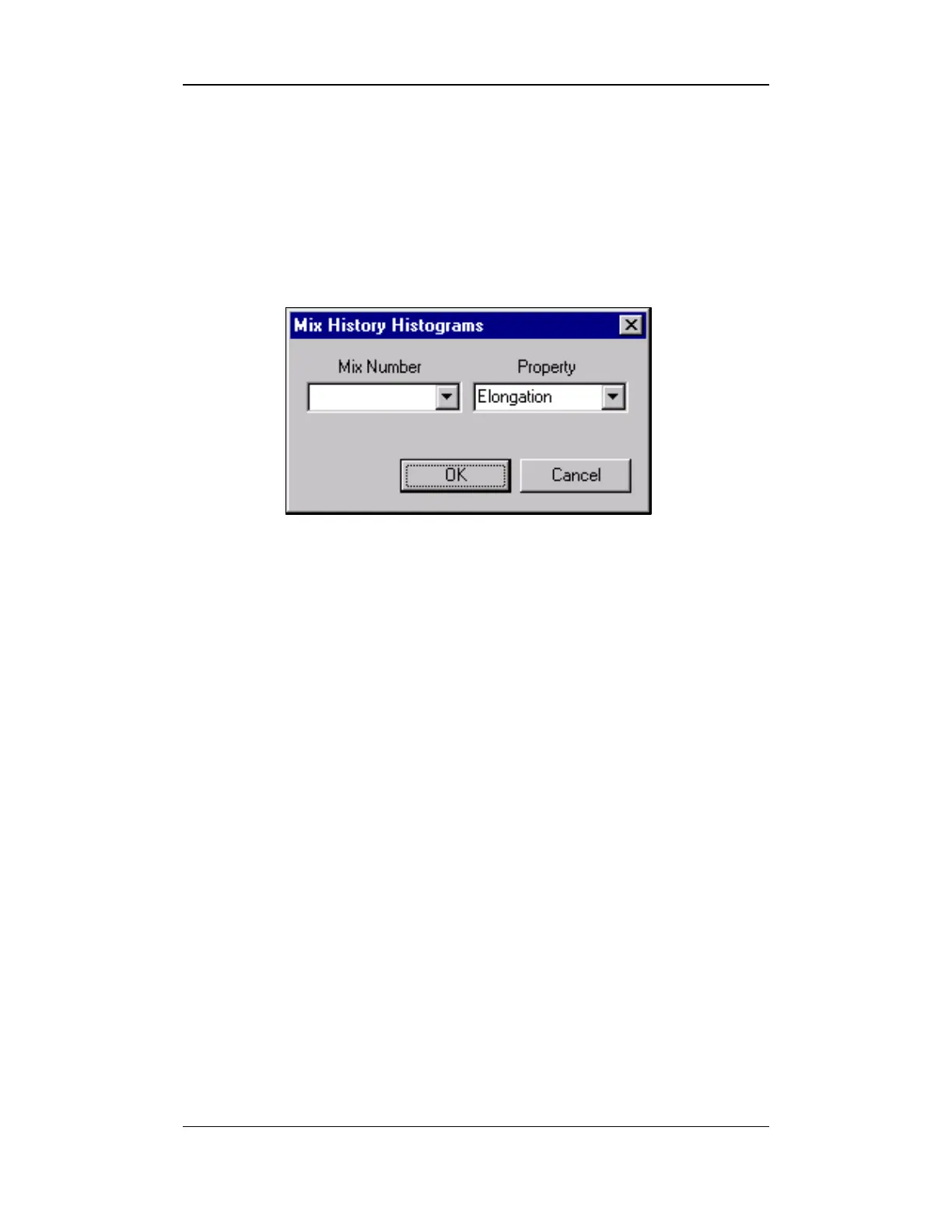
MIX HISTORY HISTOGRAM screen will appear:
Figure 10-23: Mix History Histogram Screen
3. Enter the Mix Number or select it from the pull-down list on the
left.
4. Select the Property from the Property pull-down list.
5. Once the selections have been made press the OK button.
6. The Histogram will be displayed.



 To Next Page