USTER
®
HVI SPECTRUM
Instruction Manual
3.1.1 Length/Strength and Uniformity
Calibration
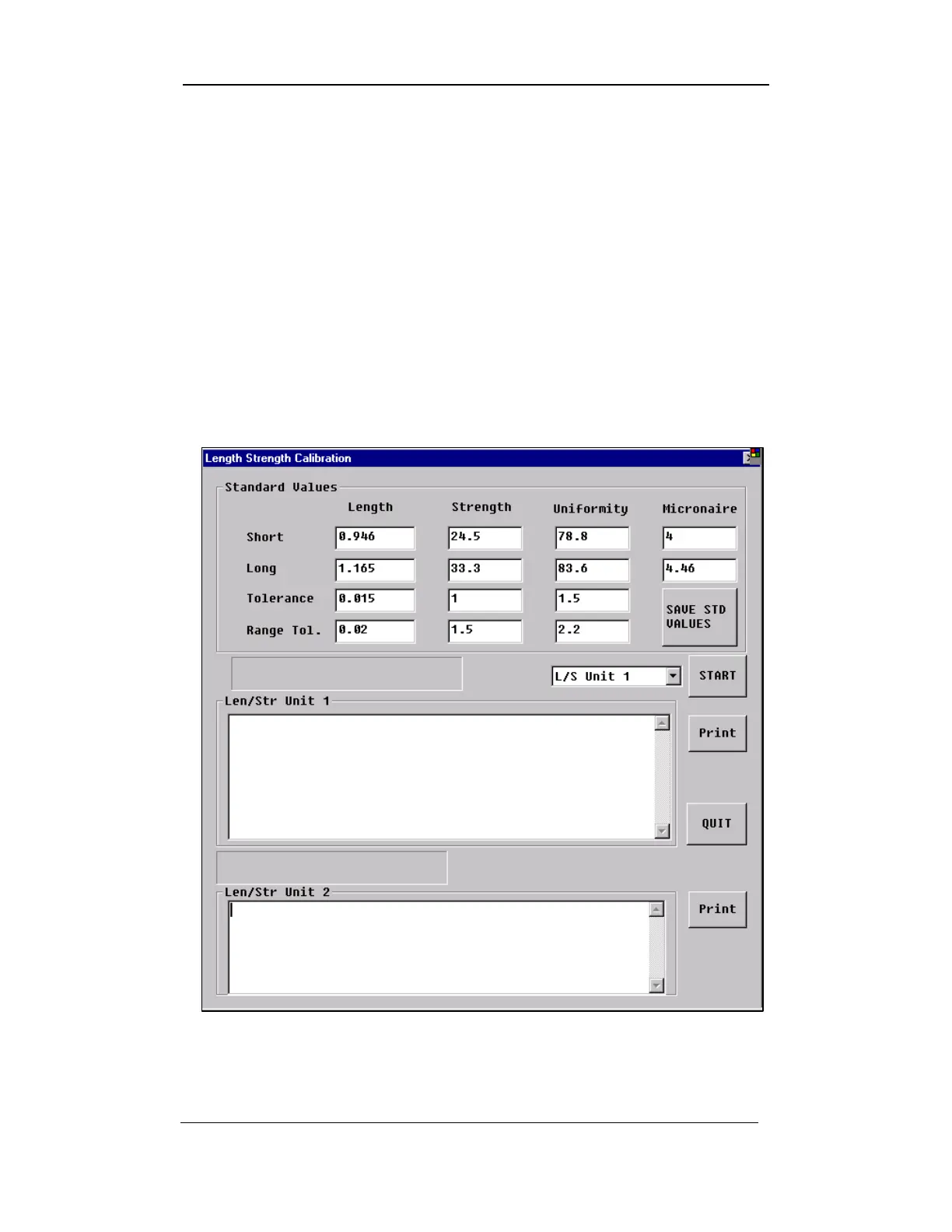
THE LENGTH/STRENGTH AND UNIFORMITY button is used to access the
LENGTH/STRENGTH CALIBRATION screen, which is necessary to calibrate
specific components.
1. Select the LENGTH/STRENGTH, UNIFORMITY button from the
LENGTH/STRENGTH CALIBRATION MENU.
2. The LENGTH/STRENGTH CALIBRATION DIALOG BOX (shown below) will
appear:
Figure 4-4: Length/Strength Calibration Dialog Box
Uster Technologies, Inc. Chapter 4
Calibration • Page 4-7



 To Next Page