USTER
®
HVI SPECTRUM
Instruction Manual
Uster Technologies, Inc. Chapter 10
Bale Manager • Page 10-30
4.6.3 Preview/Accept Mix
1. Select the MIX menu from the BALE MANAGER MAIN MENU.
2. Once the P
REVIEW/ACCEPT item has been selected, the
P
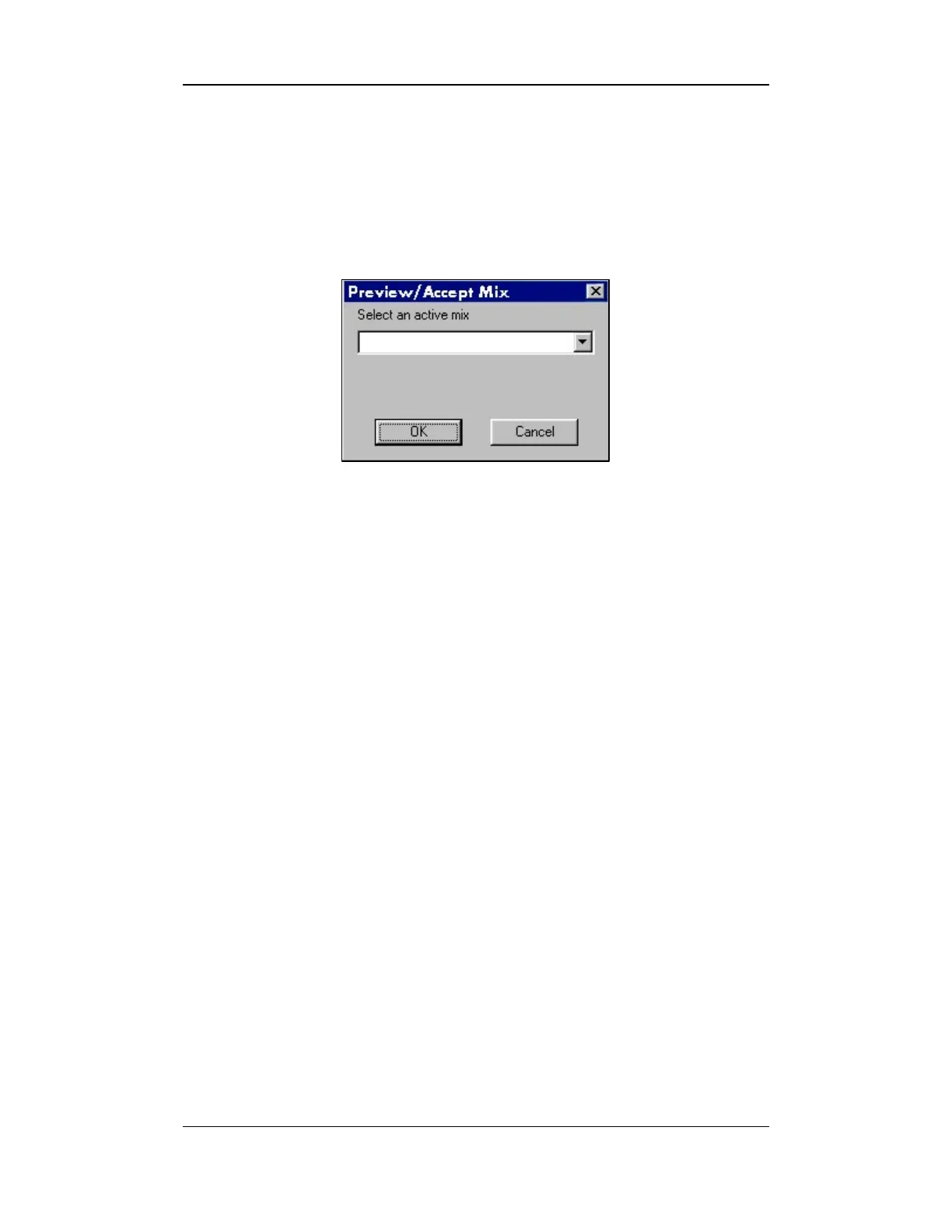
REVIEW/ACCEPT MIX screen will appear:
Figure 10-19: Preview/Accept Mix Screen
3. Select an active mix from the pull-down menu. Press the OK button
to review the mix criteria.
4.7 View
The VIEW menu is used to access the following screens:
• Inventory – This menu option accesses the V
IEW INVENTORY BALE
DATA screen.
• History – This menu option contains sub items to access screens to
M
IX HISTORY, MIX HISTORY DETAIL, HISTOGRAMS, AND MIX HISTORY
TRENDS.



 To Next Page