USTER
®
HVI SPECTRUM
Instruction Manual
b) Simultaneously, press down on each of the two buttons, which
are located on the tabletop of the measuring components.
c) The sample hands will compress the samples to eliminate air
pockets and the measurements will be taken. The sample hands
will return to the original resting position when finished.
DO NOT REACH UNDER SAMPLE HANDS ONCE THE
TESTING PROCESS HAS BEEN INITIATED!
4. Once all sample results have been calculated, they will be displayed
in the appropriate fields on the
HVI
SPECTRUM
TESTING screen. The
results can then be sent to a printer and/or external computer (if
configured to do so).
2.1 Step 1—Access the Main Testing
Screen
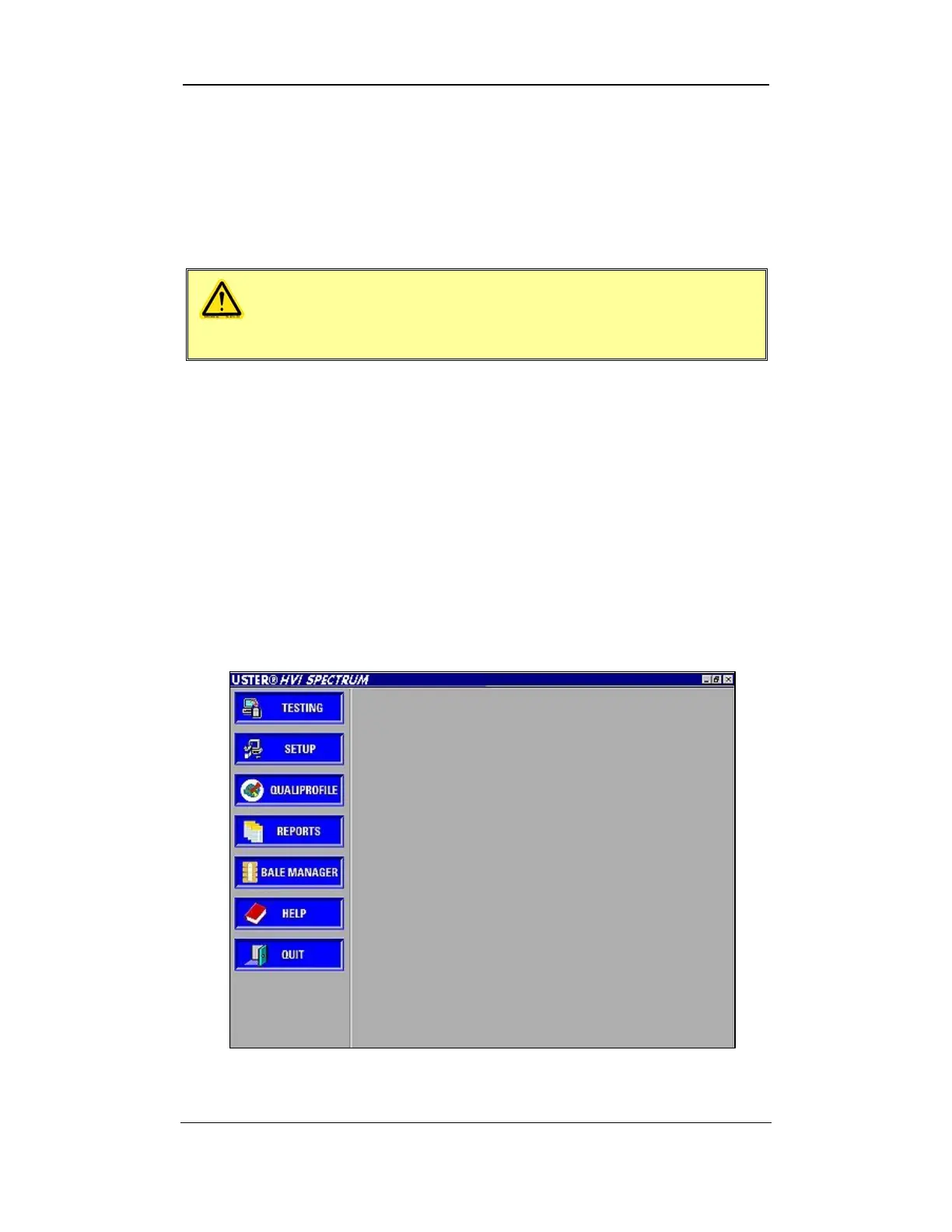
• The
HVI
SPECTRUM
MAIN MENU is automatically displayed as the
software is initialized.
Figure 7-1: Main Menu
Uster Technologies, Inc. Chapter 7
Testing Procedures • Page 7-3



 To Next Page