USTER
®
HVI SPECTRUM
Instruction Manual
Uster Technologies, Inc. Chapter 10
Bale Manager • Page 10-29
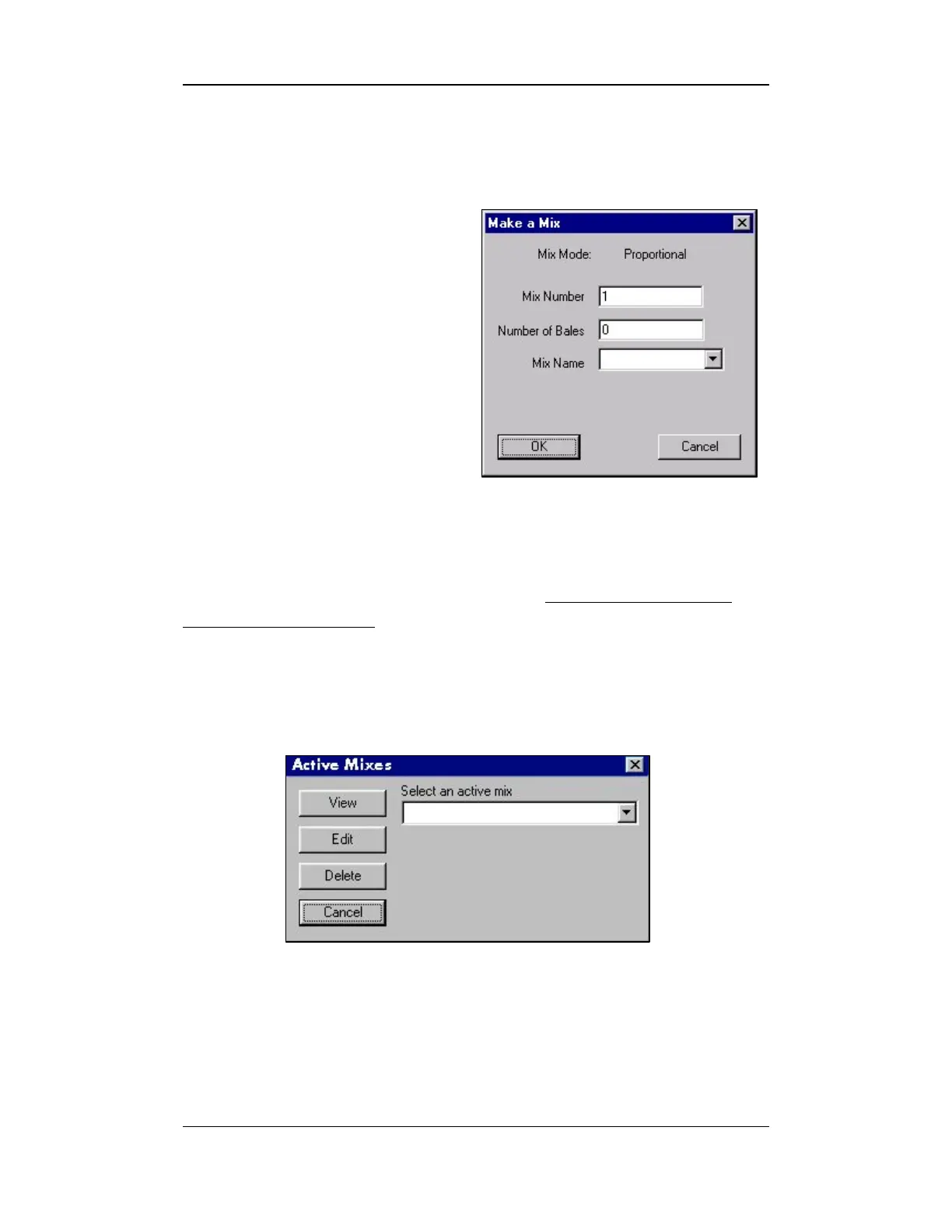
1. Enter the number assigned to the mix in the Mix Number field.
2. Enter the number of the bales that will comprise the mix in the
Number of Bales field.
3. Select the name of the mix
from the Mix Name
pull-
down list.
4. Press OK when finished.
Figure 10-17: Make a Mix Screen
4.6.2 Active Mixes
This screen is used to view, edit, or delete a previously created,
but unaccepted mix. Deleting an active mix is another option,
which is offered.
1. Select the MIX menu option from the BALE MANAGER MAIN MENU.
2. Select the ACTIVE MIX item. The ACTIVE MIXES screen will appear:
Figure 10-18: Active Mixes Screen
3. To delete an active mix, make a selection from the pull-down menu
and press the D
ELETE button.
4. To VIEW or EDIT, select the mix and press the appropriate button.



 To Next Page