USTER
®
HVI SPECTRUM
Instruction Manual
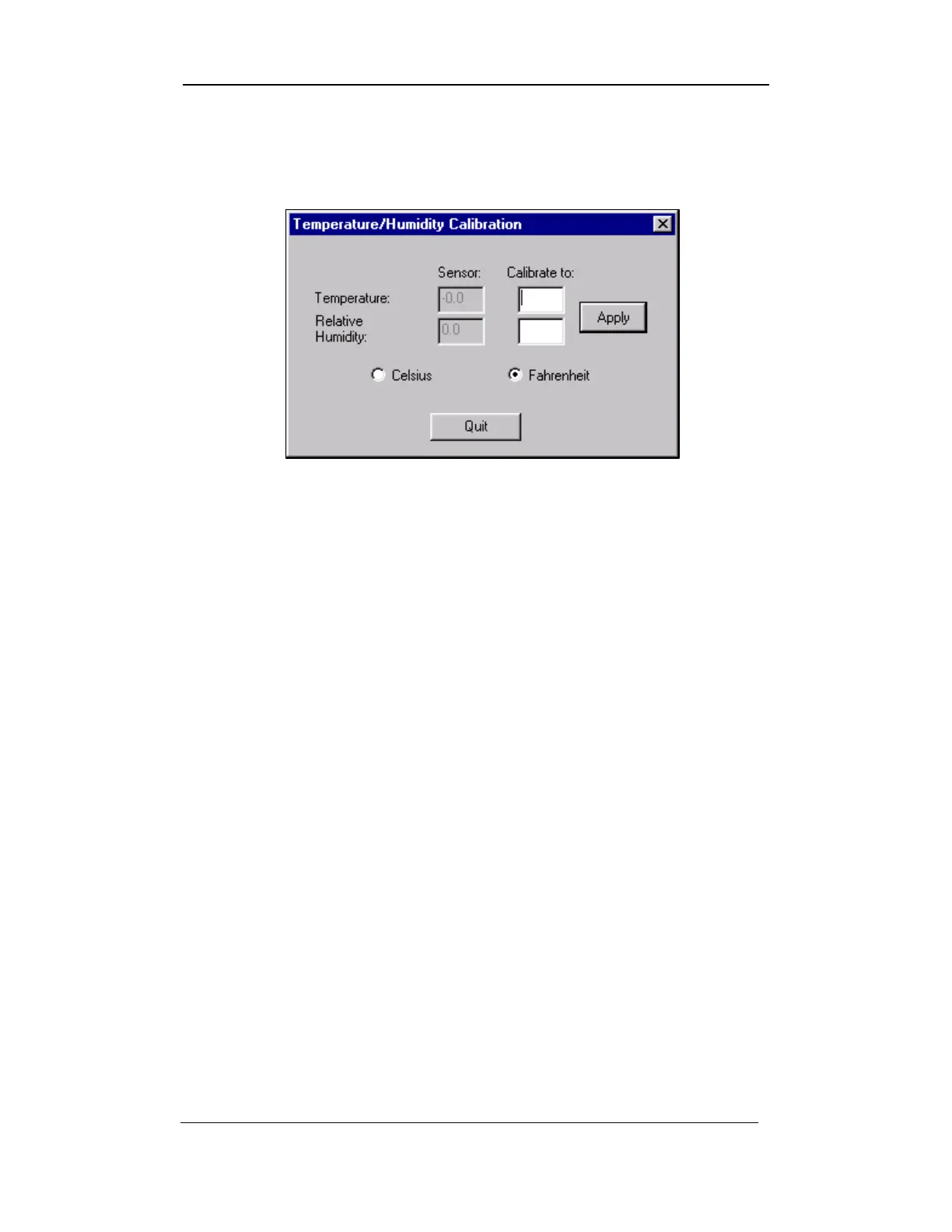
3. Select the TEMP AND HUMIDITY button from the CALIBRATION
screen (refer to Figure 4-2) to access the TEMPERATURE AND
HUMIDITY CALIBRATION screen.
Figure 4-14: Temperature and Humidity Calibration
4. When this screen opens, readings are automatically taken and
displayed on the screen for the operator to view.
5. If these readings are incorrect, enter the correct figures in the
Calibrate to: fields for both the Temperature and Relative
Humidity.
6. Next, select the appropriate temperature setting by clicking
beside either Celsius or Fahrenheit.
7. Save the settings by selecting the APPLY button.
8. If the figures are correct, select the Q
UIT button to exit the
TEMPERATURE/HUMIDITY CALIBRATION screen.
Note: If you enter a value greater than the system can recognize, a
% is shown in front of the invalid entry.
Uster Technologies, Inc. Chapter 4
Calibration • Page 4-22



 To Next Page