USTER
®
HVI SPECTRUM
Instruction Manual
Uster Technologies, Inc. Chapter 3
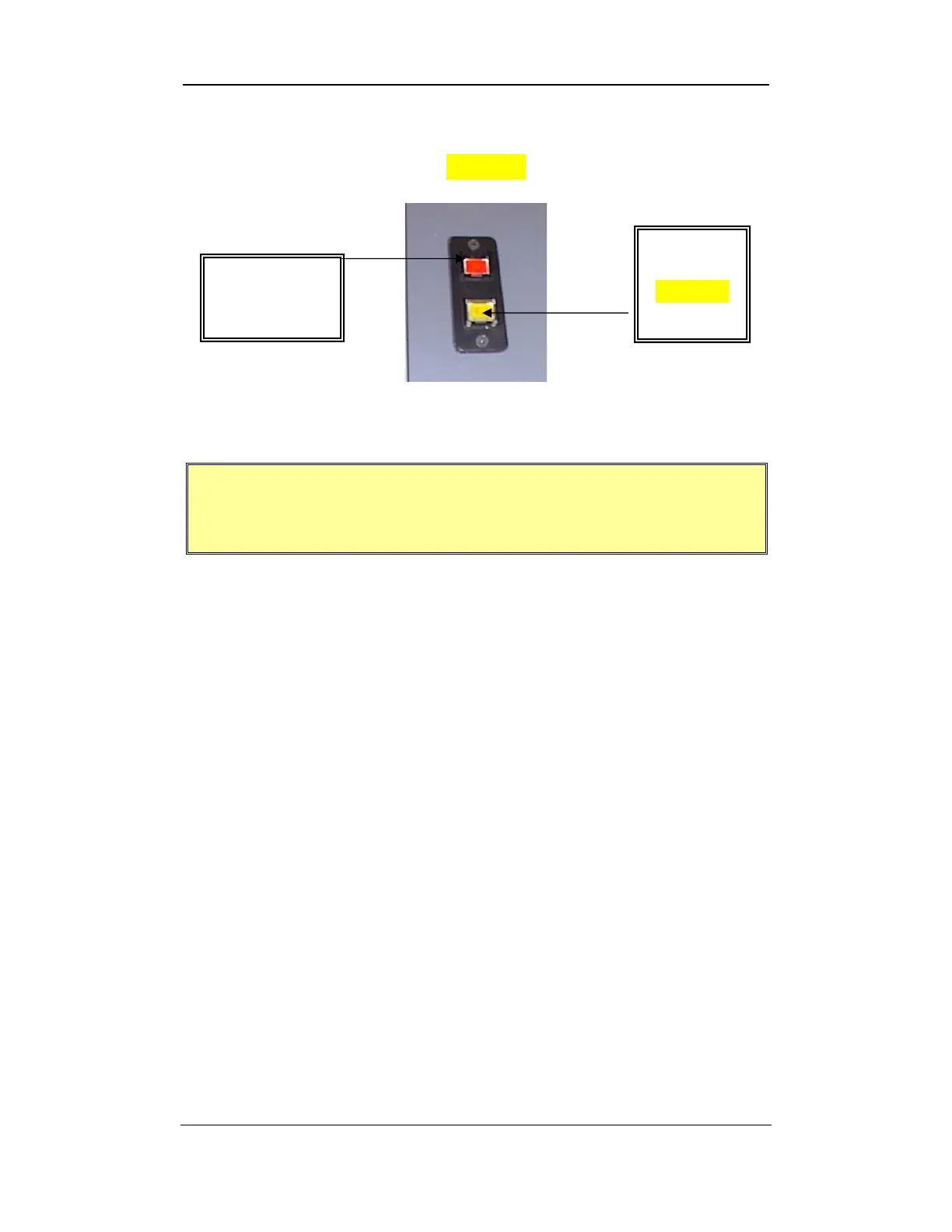
The VACUUM BLOWER and the POWER button are located on the
top of control cabinet
(see below)
. The Power button is RED, whereas
the Vacuum Blower button is YELLOW.
Figure 3-2: Power Button/Vacuum Blower Button
IMPORTANT: It is necessary to TURN ON the Vacuum
Blower BEFORE initiating Length/Strength testing. If the
Blower is OFF, testing will FAIL.
Vacuum
Blower
(YELLOW
Button)
Power
(RED
Software Overview • Page 3-2



 To Next Page