USTER
®
HVI SPECTRUM
Instruction Manual
Note:
After the defined sequence has been measured for the first
time, the system can generally determine which tile is on the window
with the exception of the central tile.
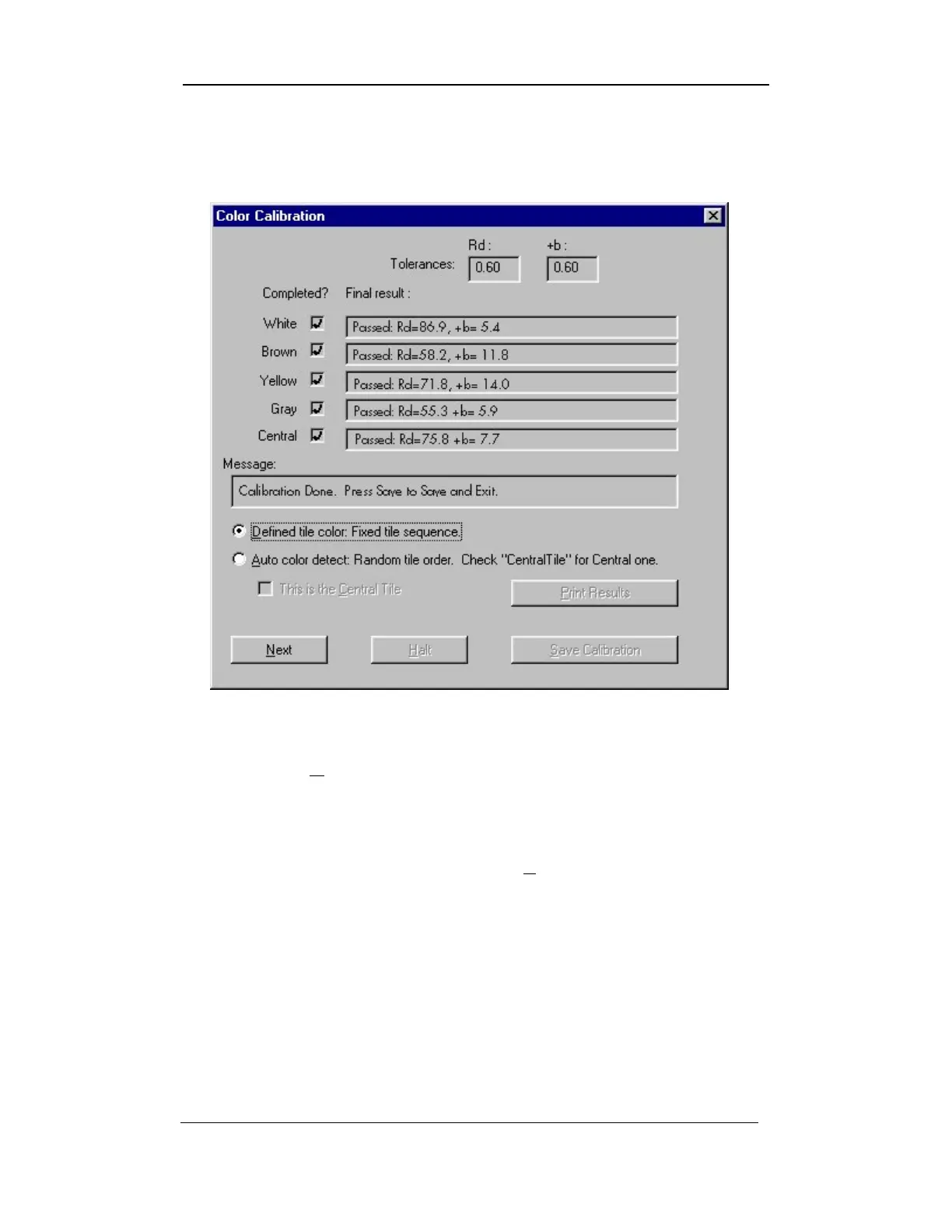
Figure 4-10: Color Calibration Screen – Results
17. When the AUTO COLOR DETECT: RANDOM TILE ORDER CHECK
“CENTRAL TILE” FOR CENTRAL ONE button is selected, the tiles can
be measured in any order.
18. Click in the box beside “T
HIS IS THE CENTRAL TILE” when the
central tile is ready to be measured and has been placed on the
window.
Note:
If this box is unchecked, the color head will automatically take
measurements for a white tile. The results for the central tile will be
incorrect and testing will have to be redone.
Uster Technologies, Inc. Chapter 4
Calibration • Page 4-16



 To Next Page