USTER
®
HVI SPECTRUM
Instruction Manual
6. Select the APPLY button when you have finished.
7. If you want to continue making changes to other configuration
settings, choose another tab from the S
YSTEM CONFIGURATION
screen.
8. Press the OK button when you are finished.
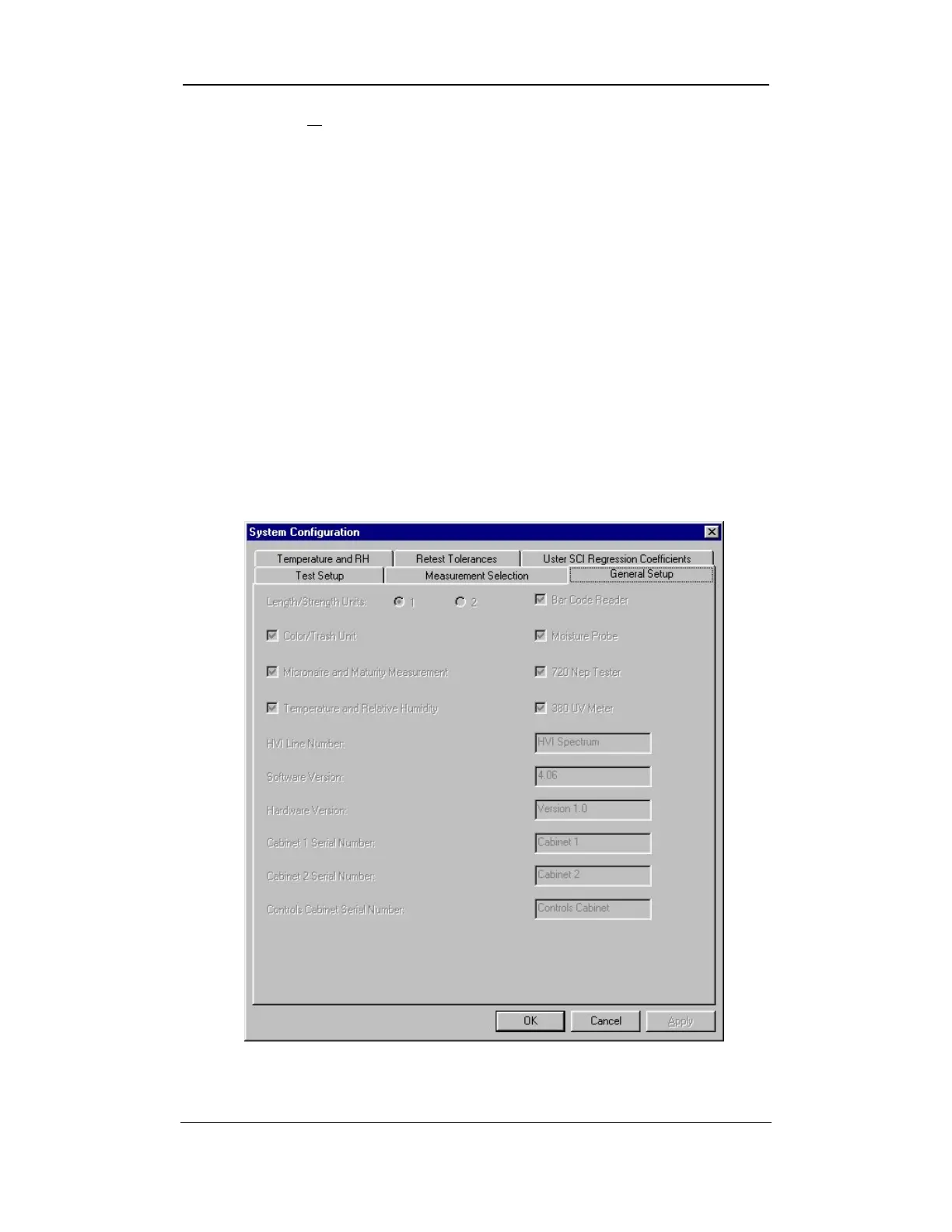
2.3 General Setup Tab
1. Access the S
YSTEM CONFIGURATION screen by selecting the SETUP
button from the
HVI
SPECTRUM
MAIN MENU.
2. Next, select the CONFIGURE button.
3. The SYSTEM CONFIGURATION screen will appear:
Figure 6-13: General Setup Tab
Uster Technologies, Inc. Chapter 6
Configurations • Page 6-13



 To Next Page