USTER
®
HVI SPECTRUM
Instruction Manual
3.2 Micronaire Calibration
Past research and experience with the Micronaire component that is
used in
HVI SPECTRUM
have proven the stability of the instrument.
Therefore, it is recommended that a
routine
check
be performed rather
than a
routine
calibration
. A calibration should only be completed in
cases of extreme swings in humidity or a malfunction in the unit.
Note:
Due to
possible operator error, calibrating the Micronaire on a
routine basis without prior checks (tests) could result in less than
favorable results. Calibration requires a very precise mass (±0.03
grams). If a small amount of the sample is lost or if the sample is not
prepared correctly a miss-calibration can occur.
It is EXTREMELY IMPORTANT to KEEP a RECORD of the
ORIGINAL SETTINGS for future use.
1. Select the SETUP button from
the
HVI
SPECTRUM
MAIN
MENU.
2. Next, select the CALIBRATE
button.
3. Select the MICRONAIRE button
from the CALIBRATION screen.
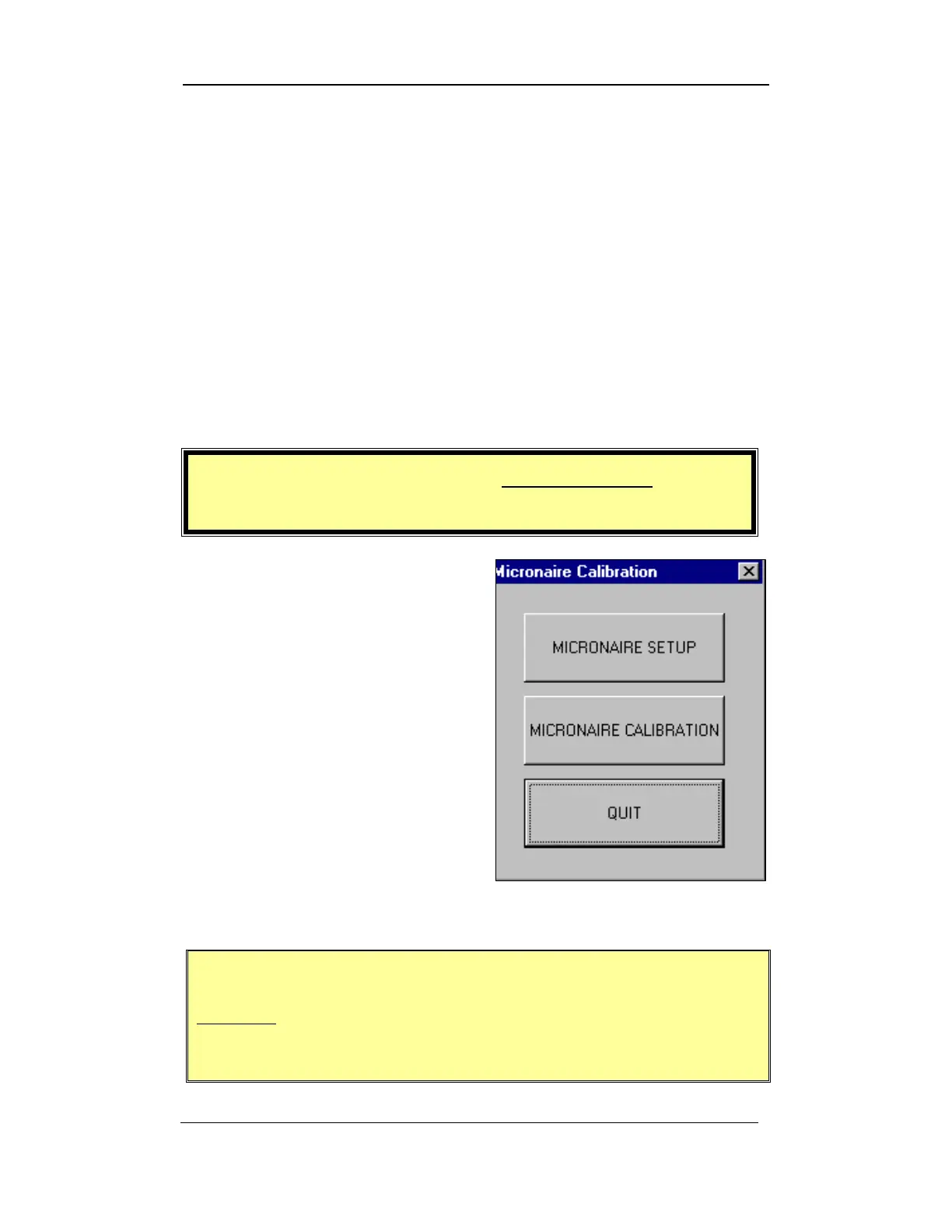
4. This gives you access to the
M
ICRONAIRE CALIBRATION MENU.
Figure 4-5: Micronaire Calibration Menu
IMPORTANT:
DO NOT use the MICRONAIRE SETUP button. ONLY a
qualified Uster Technologies’ service technician should
access this screen.
Uster Technologies, Inc. Chapter 4
Calibration • Page 4-10



 To Next Page