USTER
®
HVI SPECTRUM
Instruction Manual
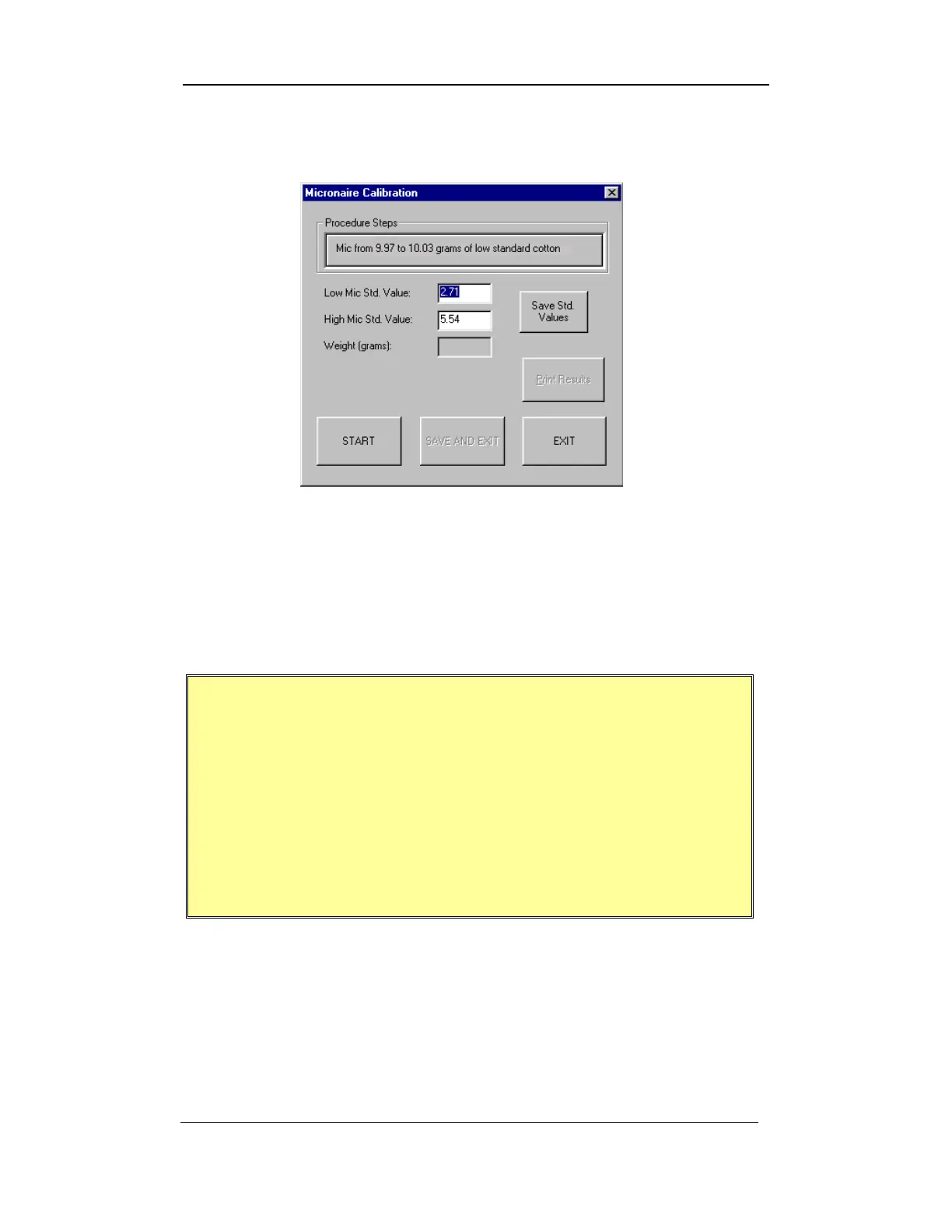
5. Select the MICRONAIRE CALIBRATION button to access the
MICRONAIRE CALIBRATION SCREEN shown below:
Figure 4-6: Micronaire Calibration Screen
6. Enter the low and high micronaire standard values in the
appropriate fields.
7. Once this is done, select the SAVE STD. VALUES button.
IMPORTANT:
Calibration samples should be well-blended samples.
It is recommended that only International Cotton
Calibration Samples be used for calibrating the
HVI
SPECTRUM’s
Micronaire.
A difference of at least 2.5 should exist between the
low and high value of the cotton used for Micronaire
calibration.
8. To begin the calibration, select the START button, then follow the
on-screen instructions by placing 10.0 grams of low-micronaire
cotton on the balance. Take care to ensure that the weight is
precise and the entire weighed sample is placed in the
micronaire chamber.
Uster Technologies, Inc. Chapter 4
Calibration • Page 4-11



 To Next Page