USTER
®
HVI SPECTRUM
Instruction Manual
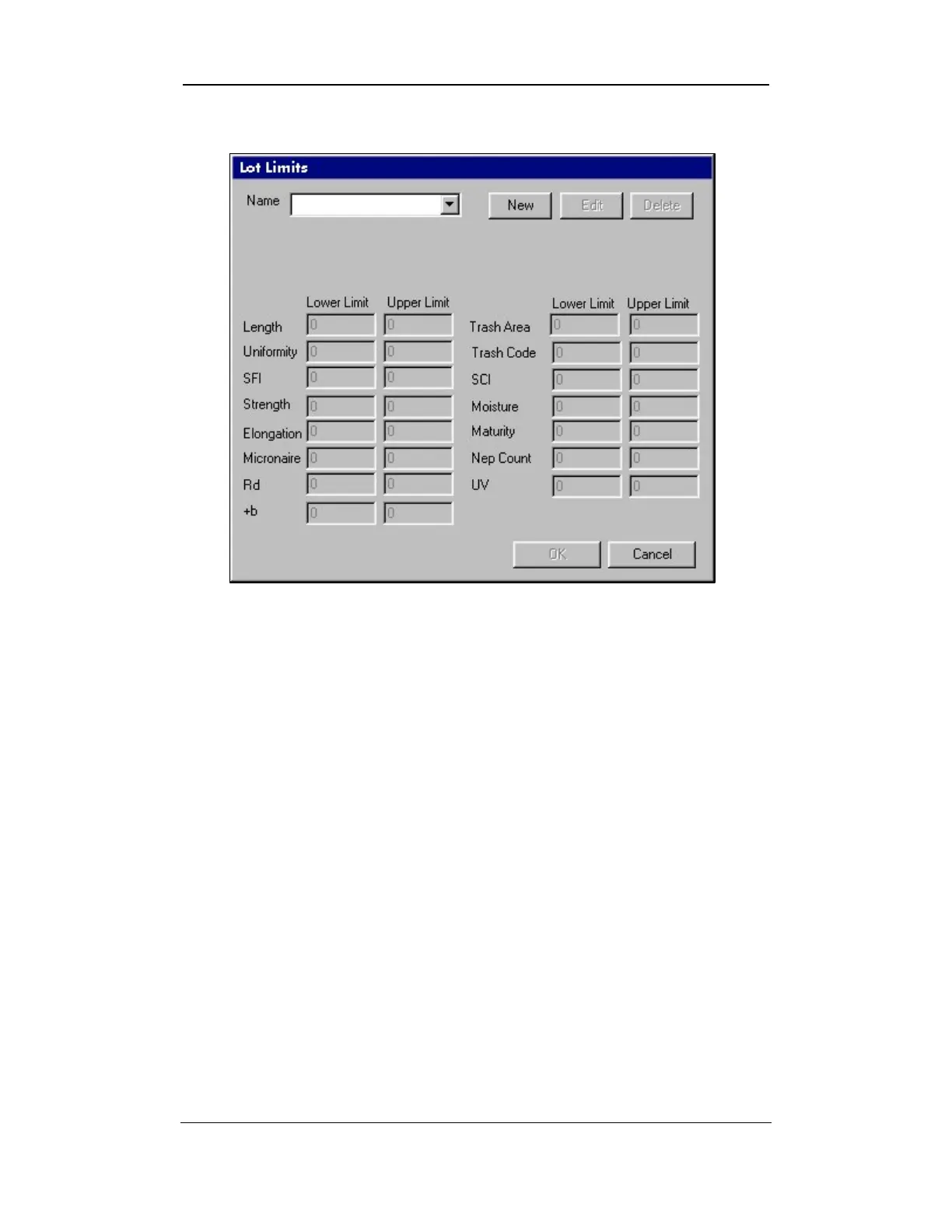
3. The following LOT LIMITS screen will appear:
Figure 6-4: Lot Limits Screen
4. Select the NEW button, which is located to the right of the Name
field.
5. Enter a name for the new lot limit and move the cursor to the first
property you want to have a lot limit.
6. Insert the lower limit then press the TAB key on your keyboard and
insert the upper limit.
7. Repeat this procedure for all the properties requiring lot limits.
8. Select OK when you are finished.
Uster Technologies, Inc. Chapter 6
Configurations • Page 6-7



 To Next Page