USTER
®
HVI SPECTRUM
Instruction Manual
2 Diagnostics
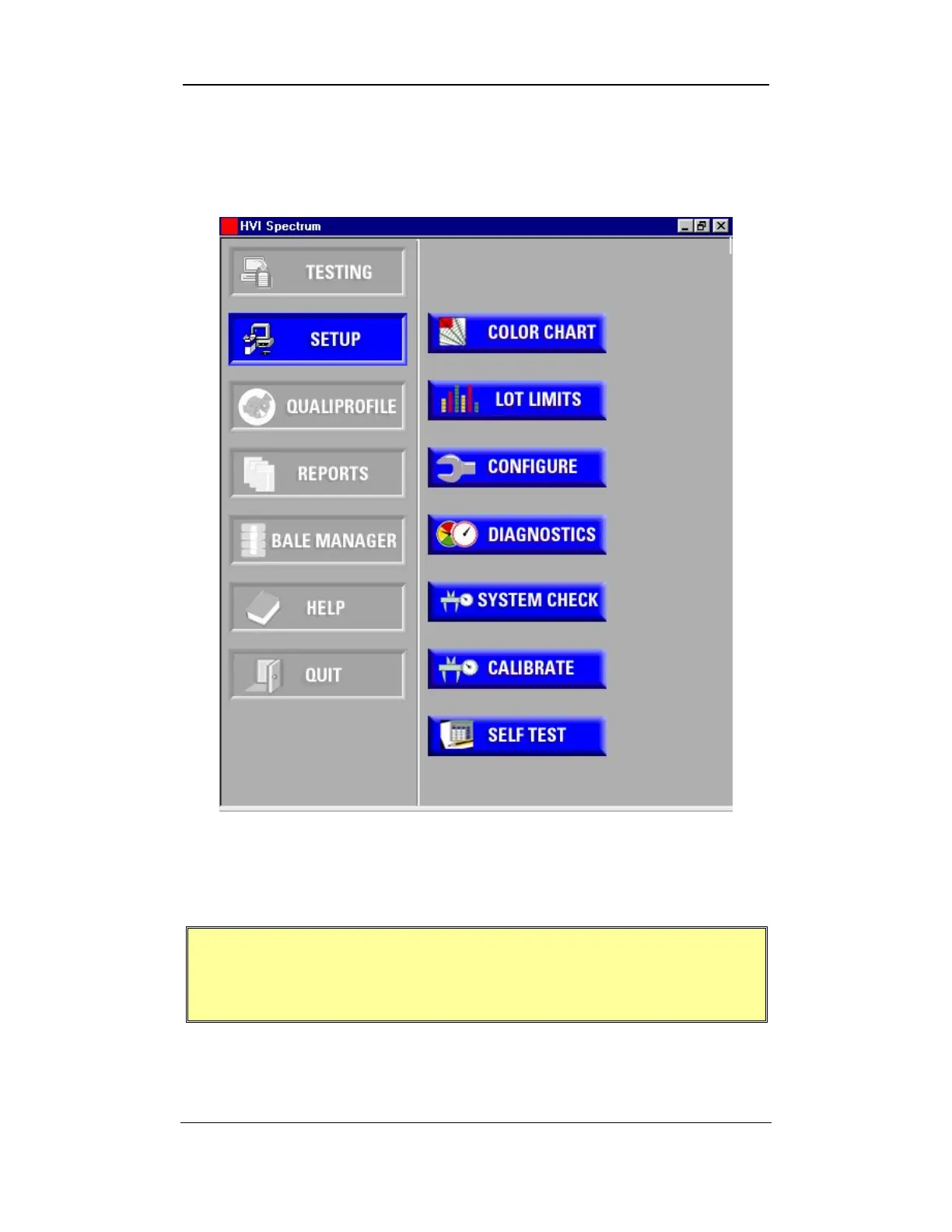
1. Select the SETUP button from the
HVI
SPECTRUM
MAIN MENU.
Figure 12-1: Main Menu - Setup
2. Select the D
IAGNOSTICS button.
The DIAGNOSTICS screen is intended for use by qualified
Uster Technologies’ service technicians during routine
checks, troubleshooting, and maintenance.
Uster Technologies, Inc. Chapter 12
Diagnostics • Page 12-2



 To Next Page