USTER
®
HVI SPECTRUM
Instruction Manual
Uster Technologies, Inc. Chapter 10
Bale Manager • Page 10-14
• Once you have determined what the values are that should be
entered for the Category Definitions to reflect your inventory, you are
ready to define the Categories. This section assumes that you have
analyzed your inventory and know the numbers to be assigned for
the Category Definition of each property.
4.4.1 Define Categories to Reflect Inventory
1. Select BALE MANAGER from the
HVI
SPECTRUM
MAIN MENU.
2. The BALE MANAGER MAIN MENU will be displayed.
3. Select the CONFIGURE menu item from the BALE MANAGER MAIN
MENU.
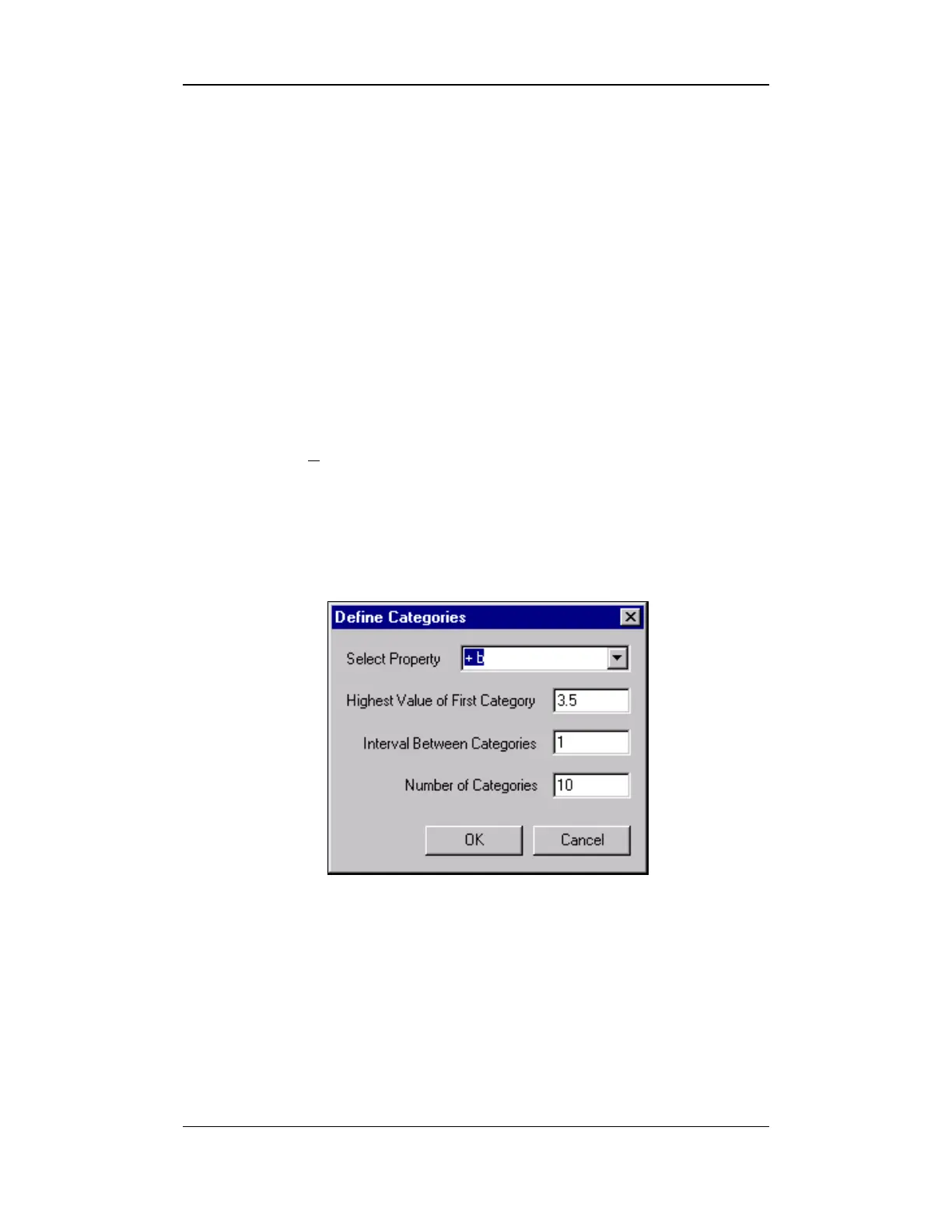
4. Choose the CATEGORIES item to access the DEFINE CATEGORIES
screen shown below:
Figure 10-7: Define Categories Screen



 To Next Page