USTER
®
HVI SPECTRUM
Instruction Manual
2.3 Step 3—Operator Identification
Note: When the HVI SPECTRUM software is initialized at the
beginning of each shift or after a system shutdown, the identification
number of the current testing operator must be entered.
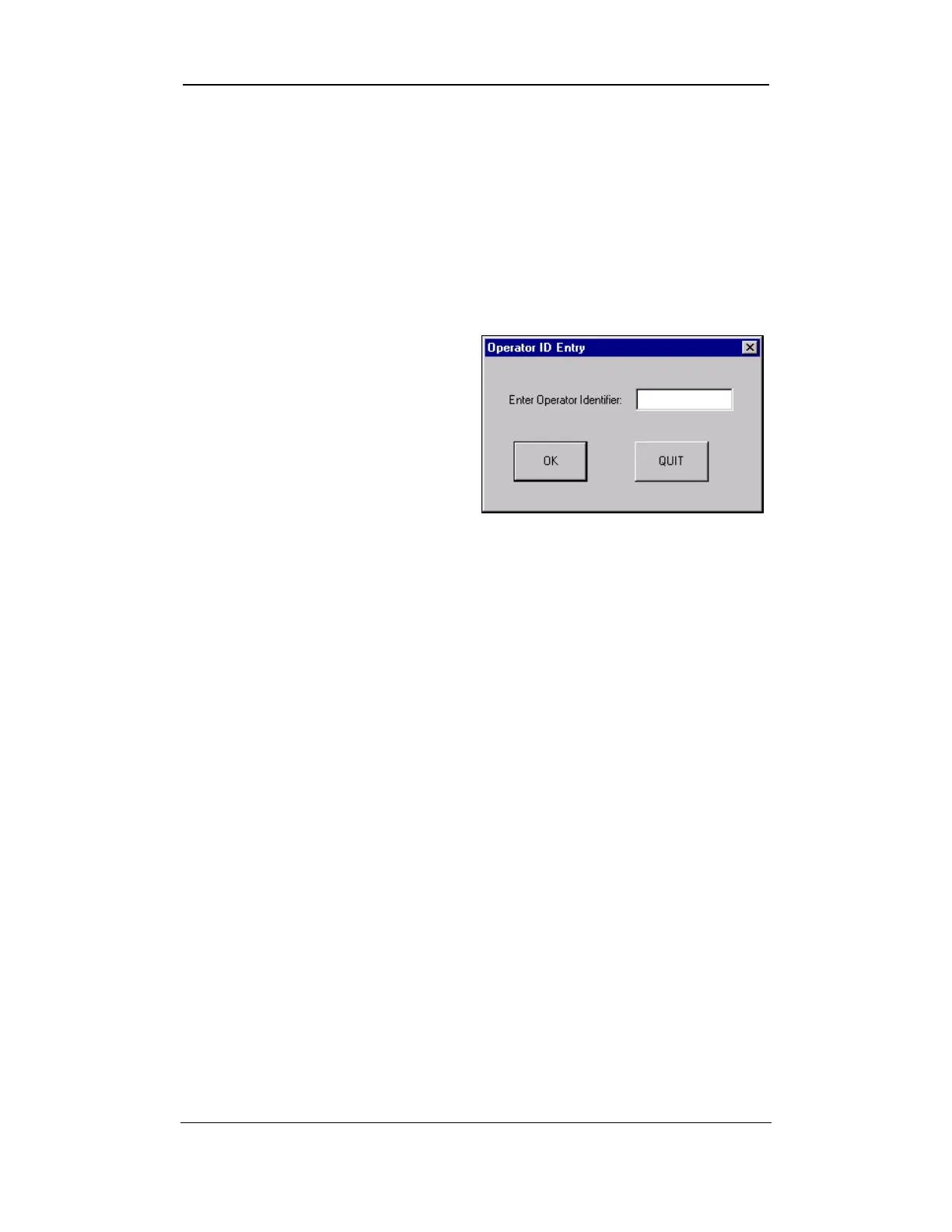
• The OPERATOR ID ENTRY DIALOG BOX opens.
• Enter your Operator Identification number.
• Select OK to continue. If you
want to return to the
HVI
SPECTRUM
MAIN MENU, select
the QUIT button.
Figure 7-4: Operator ID Entry Dialog Box
Uster Technologies, Inc. Chapter 7
Testing Procedures • Page 7-5



 To Next Page