USTER
®
HVI SPECTRUM
Instruction Manual
Uster Technologies, Inc. Chapter 10
Bale Manager • Page 10-33
4.7.3 View Mix History Details
1. Select the VIEW menu option from the BALE MANAGER MAIN MENU.
2. Next, select the HISTORY item.
3. Select the MIX HISTORY DETAIL sub item.
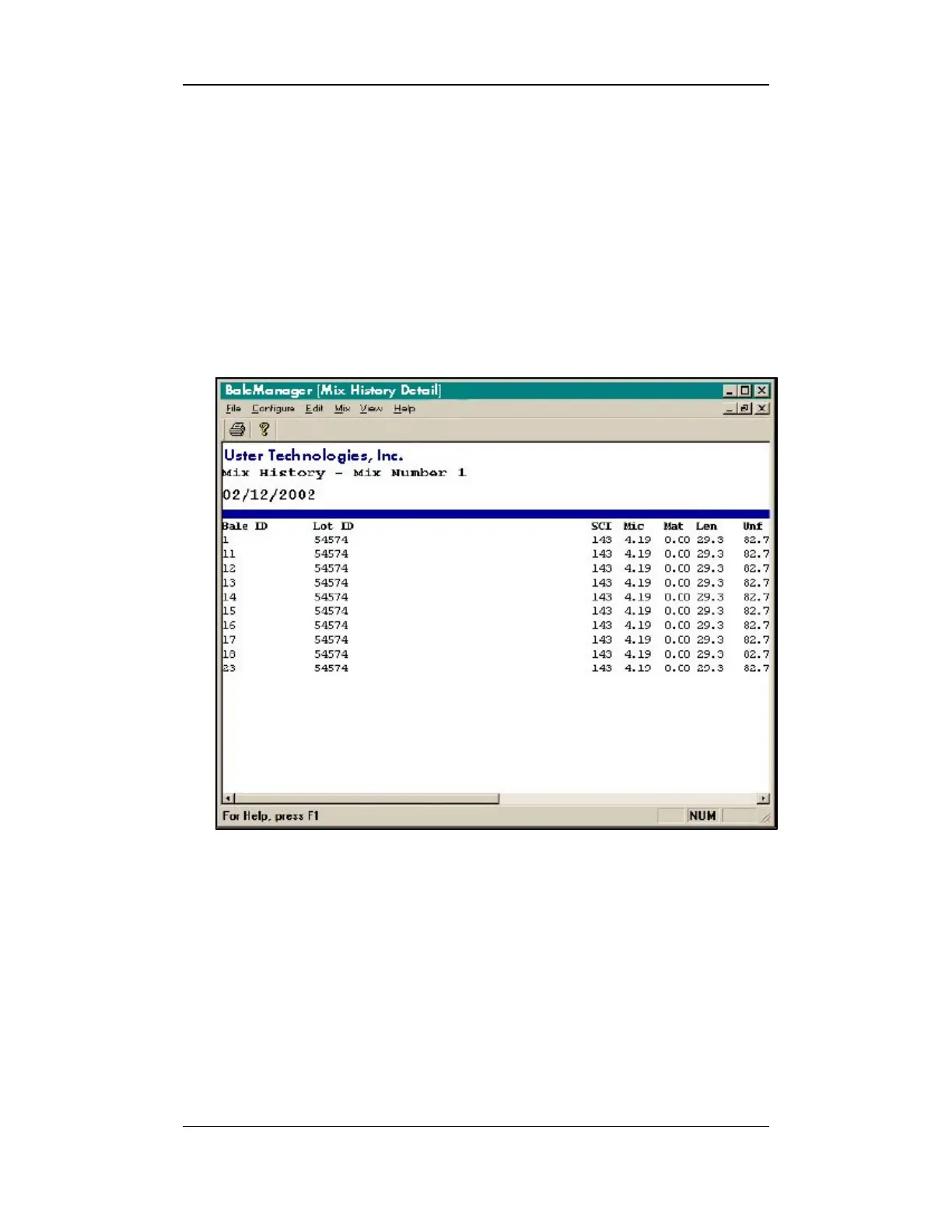
4. The VIEW MIX HISTORY DETAIL screen will appear:
Figure 10-22: View Mix History Detail Screen
5. The Mix History Detail screen shows the individual bales that
comprised a mix.



 To Next Page