USTER
®
HVI SPECTRUM
Instruction Manual
Uster Technologies, Inc. Chapter 1
Overview • Page 1-2
3 Visual Cues Used in this Manual
WHAT YOU SEE WHAT IT MEANS
BOLD, SMALL CAP SMALL CAPITAL letters in bold are used for
on-screen button names (i.e. select the T
ESTING
button to access the T
ESTING screen).
SMALL CAP SMALL CAPITAL letters that are not bolded indicate the
name of a screen or menu (i.e.
HVI
SPECTRUM
MAIN MENU).
BOLD Bold capital letters are used for the names of action
items (i.e. ENTER, Configure, etc.).
italics
Italicized
, non-capital letters indicate a placeholder
for information that must be provided for the menu
item to be selected (i.e.
filename
— the operator
would enter the actual name of the file to be used).
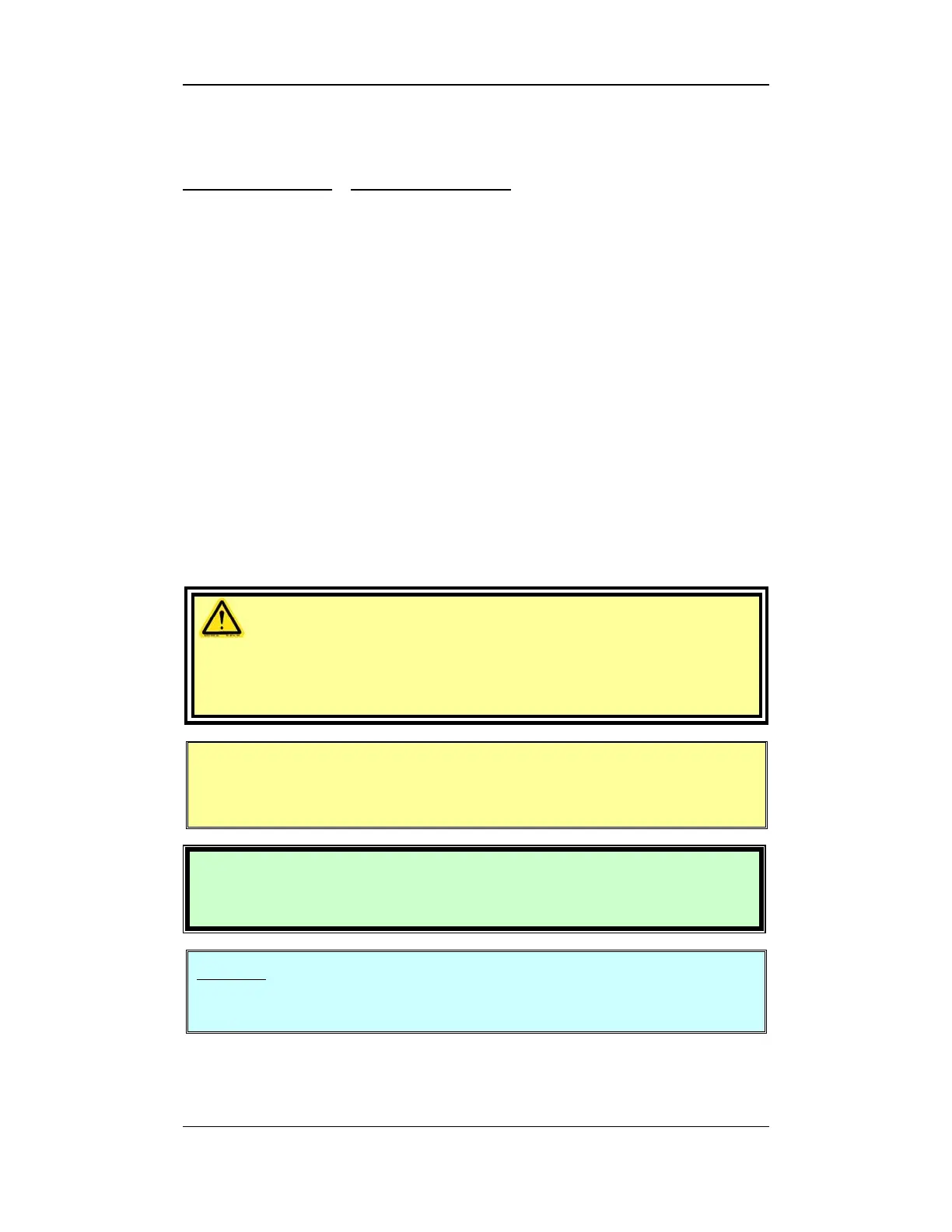
CAUTION!
These statements always appear in a box and
emphasize areas where bodily damage could occur if
the instrument is operated improperly.
IMPORTANT: Important information, as well as CAUTION and
HAZARDOUS VOLTAGE WARNINGS, appear in a text box
with a yellow background.
Attention: These statements are in bold type. They
provide information regarding safe and proper use of
the instrument.
PCT TIP
This box gives important information on diagnosis and service of the
HVI SPECTRUM.
Notes: Appear in italic type. They give special emphasis, tips, or
information about a subject.



 To Next Page