USTER
®
HVI SPECTRUM
Instruction Manual
The TESTING button accesses all areas of the
testing software.
Figure 7-2: Testing Button
• Begin testing by selecting the TESTING button on the
HVI
SPECTRUM
MAIN MENU.
2.2 Step 2—Choose from Additional
Selections
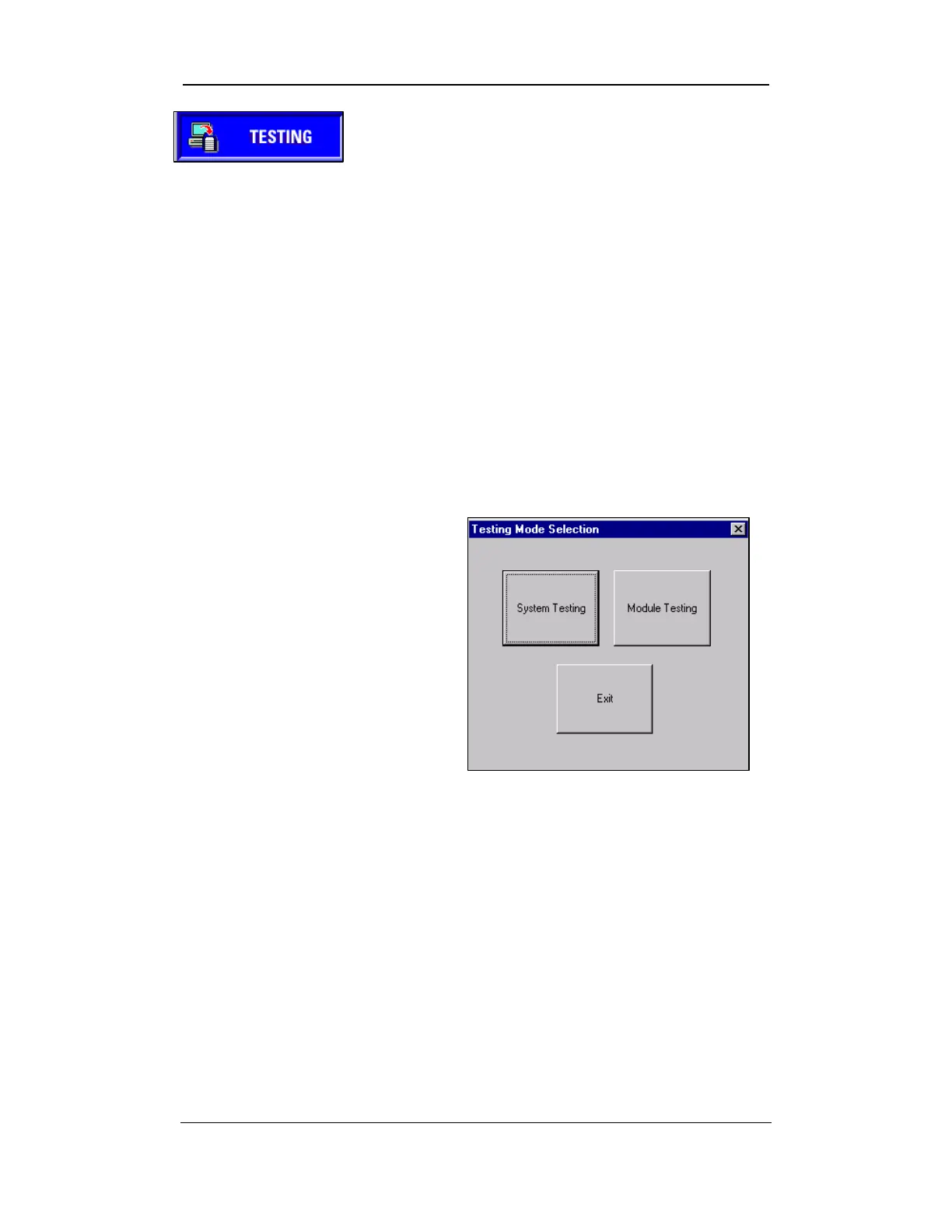
• Once Step 1 has been completed, the TESTING MODE SELECTION
screen appears.
• This screen gives you a
choice of SYSTEM TESTING
and MODULE TESTING in
addition to an EXIT button.
Uster Technologies, Inc. Chapter 7
Testing Procedures • Page 7-4
• Select the SYSTEM TESTING
button.
Figure 7-3: Testing Mode Selection Screen



 To Next Page