USTER
®
HVI SPECTRUM
Instruction Manual
Uster Technologies, Inc. Chapter 10
Bale Manager • Page 10-7
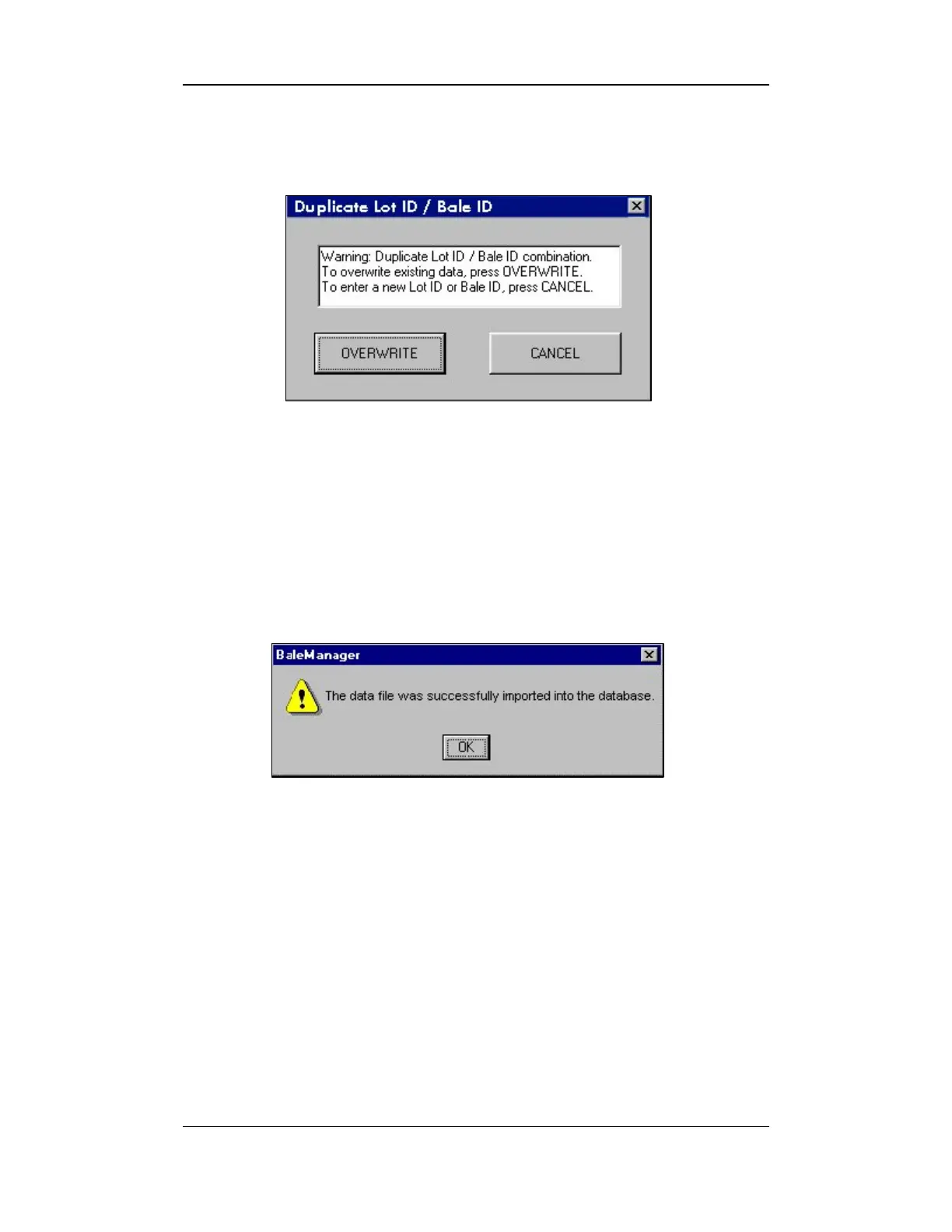
9. In the event that the data has already been imported into the
database, the following dialog box will appear:
Figure 10-4: Bale Manager – Duplicate Data Detected
10. To abort the import attempt, select CANCEL.
11. Select OVERWRITE to overwrite a single record.
12. Once the data has been imported, the STATUS DIALOG will appear:
Figure 10-5: Status Dialog
13. Press the OK button.
3.1.2 Exit
To exit Bale Manager:
• Select the E
XIT item from the FILE menu on the BALE MANAGER MAIN
MENU or click on the ⌧ located in the top right corner of the screen.



 To Next Page