USTER
®
HVI SPECTRUM
Instruction Manual
Uster Technologies, Inc. Chapter 10
Bale Manager • Page 10-18
4.4.3 Define Proportional/Centered Mix Criteria
Note:
The title and function of this screen toggles between “Defining
Proportional Mix Criteria” or “Defining Centered Mix Criteria.” (Refer
to page 8 in part 3.2.1 for differences in these types of mixes) Selecting
the appropriate mix mode on the System Status screen controls the
setting.
1. Select the CONFIGURE menu from the BALE MANAGER MAIN MENU.
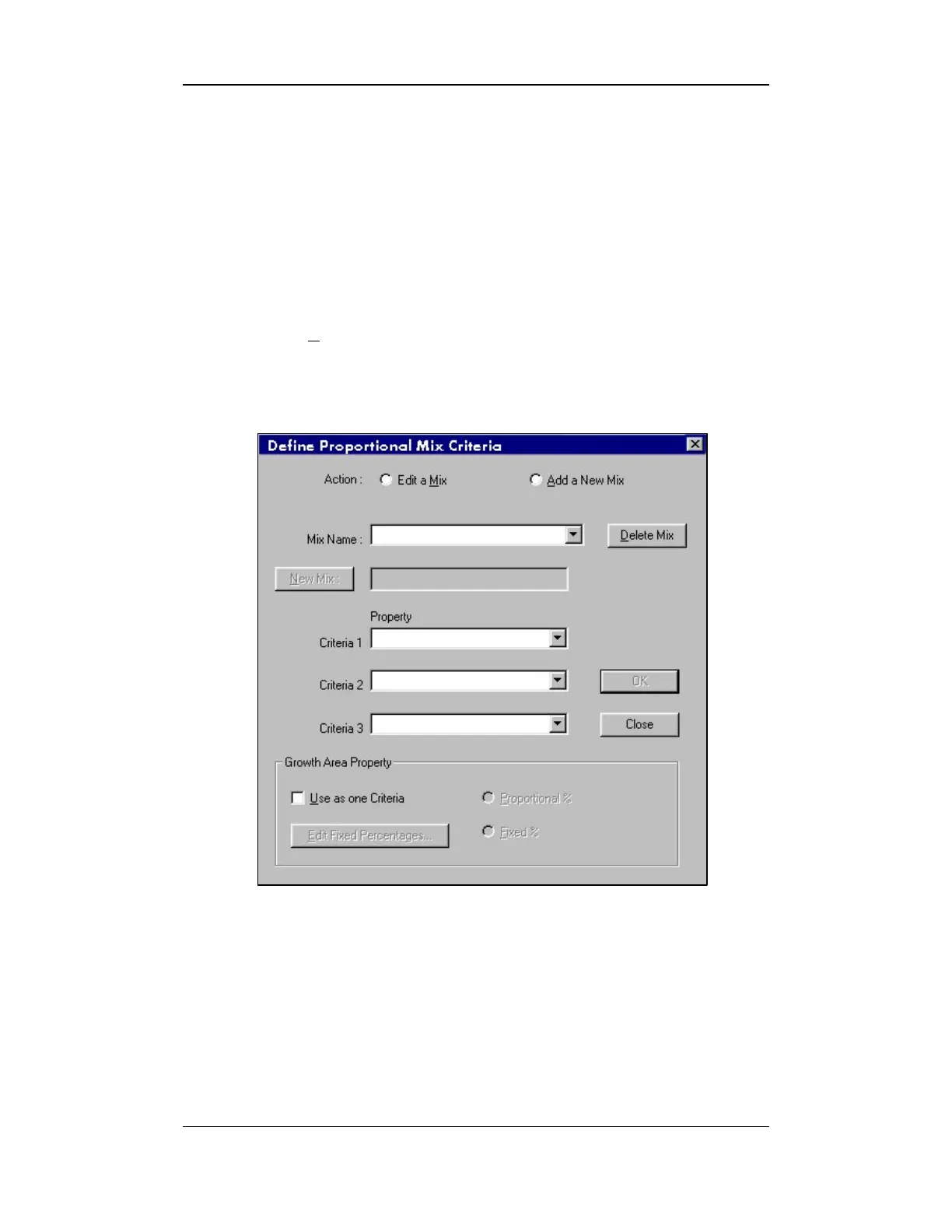
2. Next, select the MIX CRITERIA item. The DEFINE/PROPORTIONAL MIX
CRITERIA screen will appear:
Figure 10-10: Define/Proportional Mix Criteria Screen



 To Next Page