USTER
®
HVI SPECTRUM
Instruction Manual
3.11 Delete Multiple Records for a Lot
This selection provides a mode for deleting records for multiple bales at
one time.
1. Select REPORTS from the MAIN MENU.
2. Select DATABASE from the menu options on the REPORTS MENU.
3. Select the D
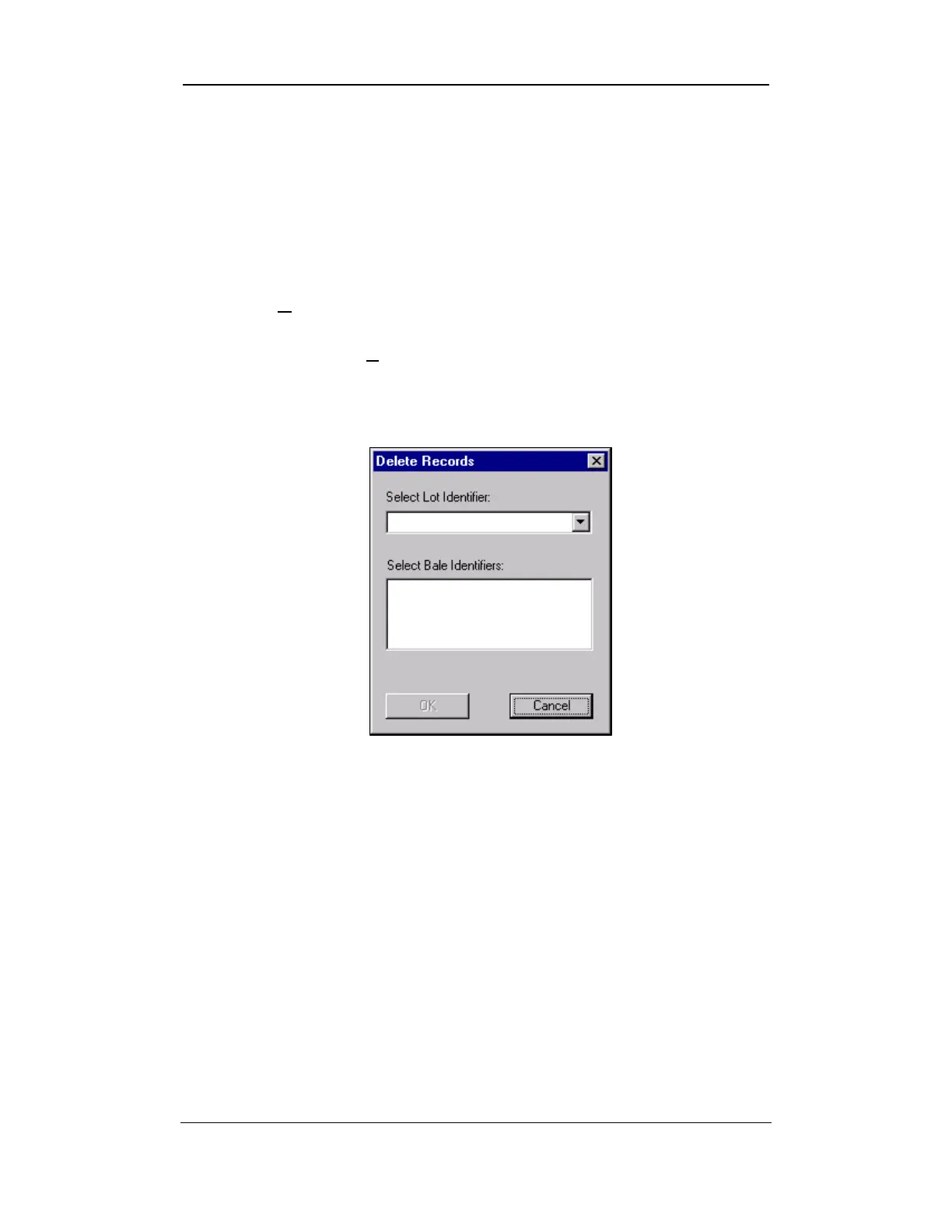
ELETE RECORD item from the menu. The DELETE RECORDS
screen will be displayed:
Figure 8-15: Delete Records Screen
4. Enter the identifier for the lot containing the bale records to be
deleted in the Select Lot Identifier field.
5. Select the specific Bale ID(s) from the pull-down list under Select
Bale Identifier.
6. Select the OK button to remove the records from the database.
Uster Technologies, Inc. Chapter 8
Reports • Page 8-21



 To Next Page