USTER
®
HVI SPECTRUM
Instruction Manual
Uster Technologies, Inc. Chapter 10
Bale Manager • Page 10-27
4.5.5 Change Growth Area
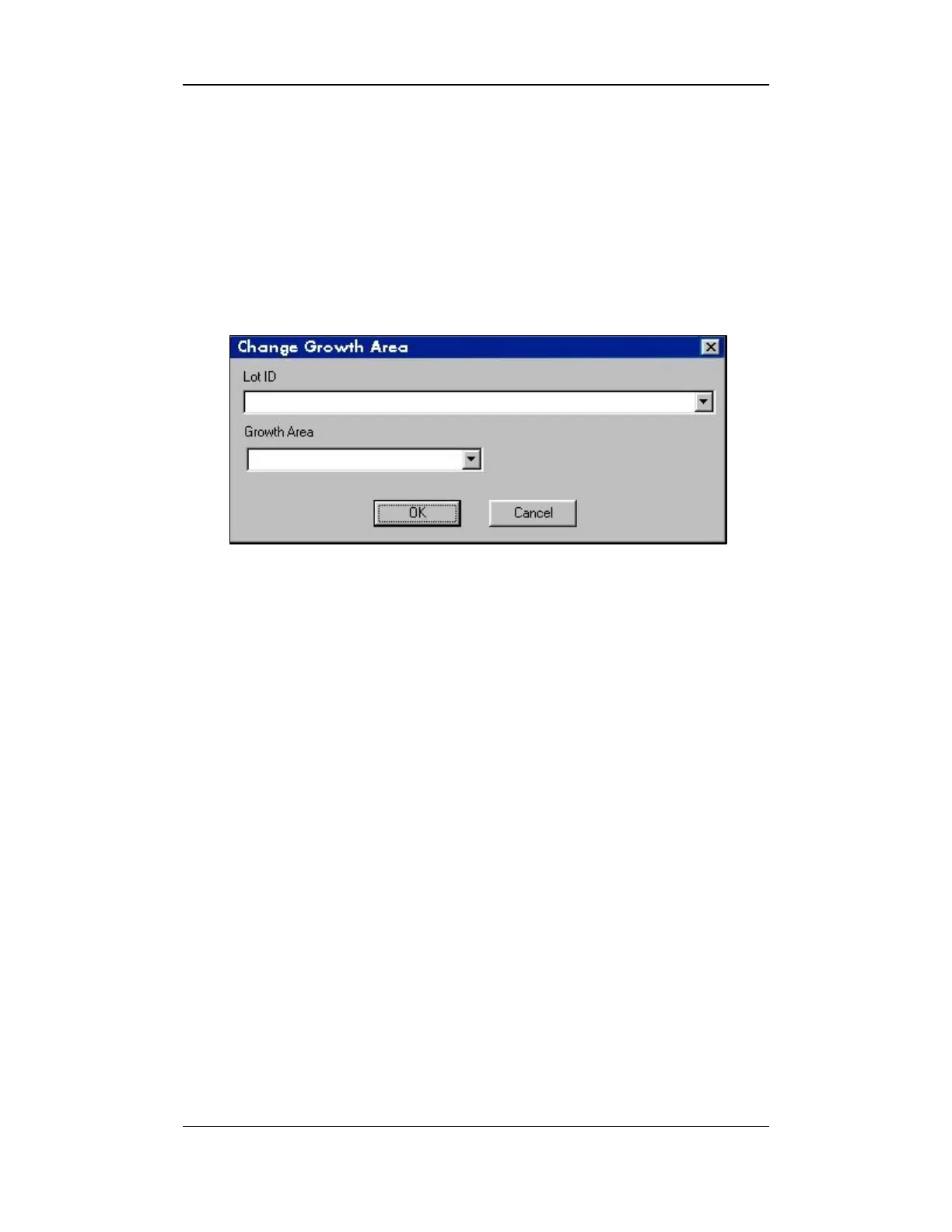
This screen is used to change the growth area of a specified lot.
1. Select the EDIT menu from the BALE MANAGER MAIN MENU.
2. Next, select the CHANGE GROWTH AREA item. The CHANGE
GROWTH AREA screen will appear:
Figure 10-16: Change Growth Area Screen
3. Enter the Lot Identifier in the Lot ID field.
4. Select the Growth Area from the pull-down list.
5. Select the OK button to change the information.
Note:
This screen is used to delete growth area information when a Lot
ID was improperly imported into an incorrect growth area.



 To Next Page