USTER
®
HVI SPECTRUM
Instruction Manual
Chapter 8 Reports
1 Introduction
As the USTER®
HVI SPECTRUM
collects fiber test results, the
information is summarized and stored in the database. It is from this
database that Reports are generated.
The
HVI SPECTRUM
is designed so that these reports can be arranged
and sorted to present specific information for review and interpretation.
This chapter explains how to create categories for measurements of test
data results, design and run reports and graphs, edit the database, and
export selected data or test results to a specified location.
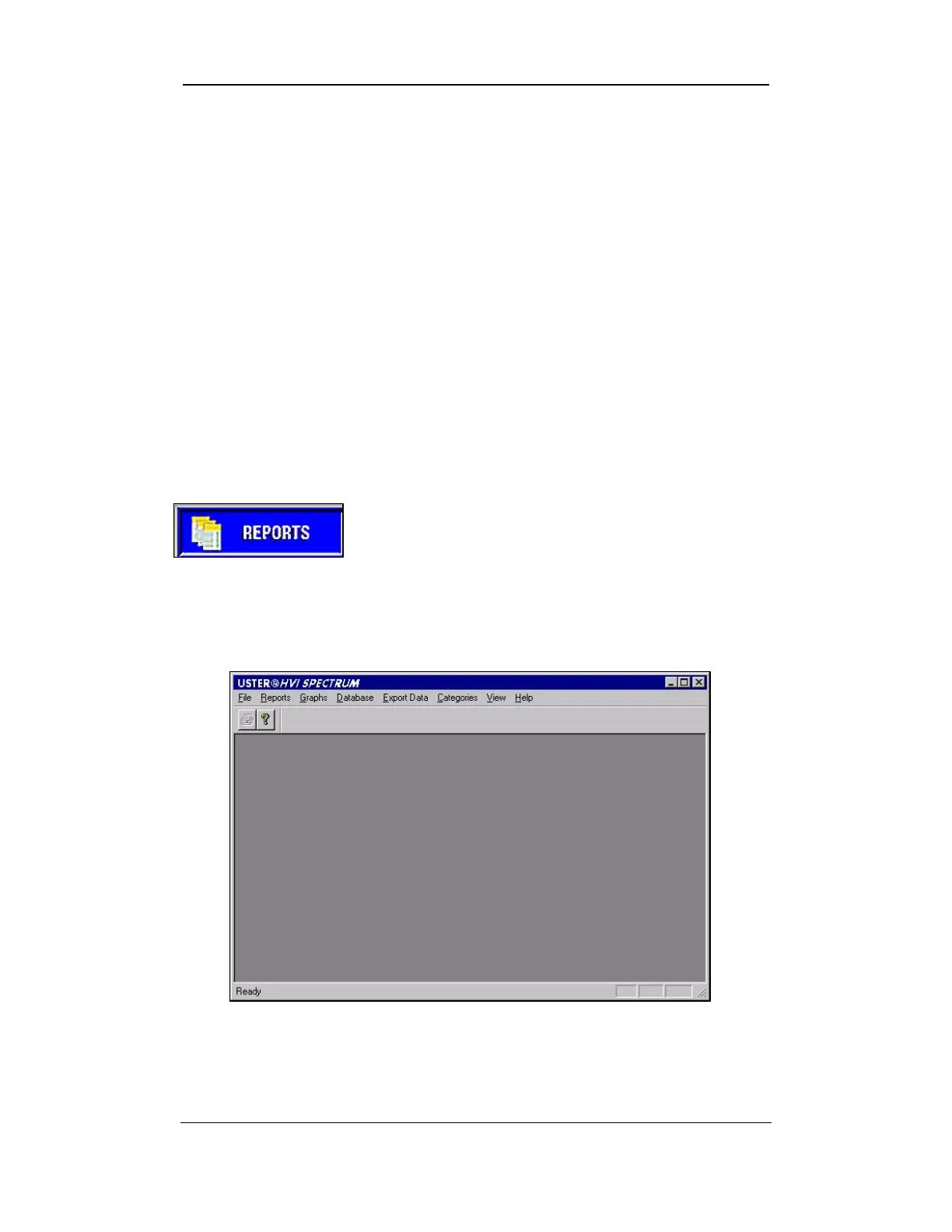
To access the REPORTS MENU screen, select the
REPORTS button from the
HVI
SPECTRUM
MAIN
MENU.
Figure 8-1: Reports Button
• The REPORTS MENU screen will be displayed:
Figure 8-2: Reports Menu Screen
• The menu options on this screen are used to generate reports.
Uster Technologies, Inc. Chapter 8
Reports • Page 8-1



 To Next Page