USTER
®
HVI SPECTRUM
Instruction Manual
2.2 Measurement Selection Tab
1. Select the SETUP button from the
HVI
SPECTRUM
MAIN MENU.
2. Next, select the CONFIGURE button.
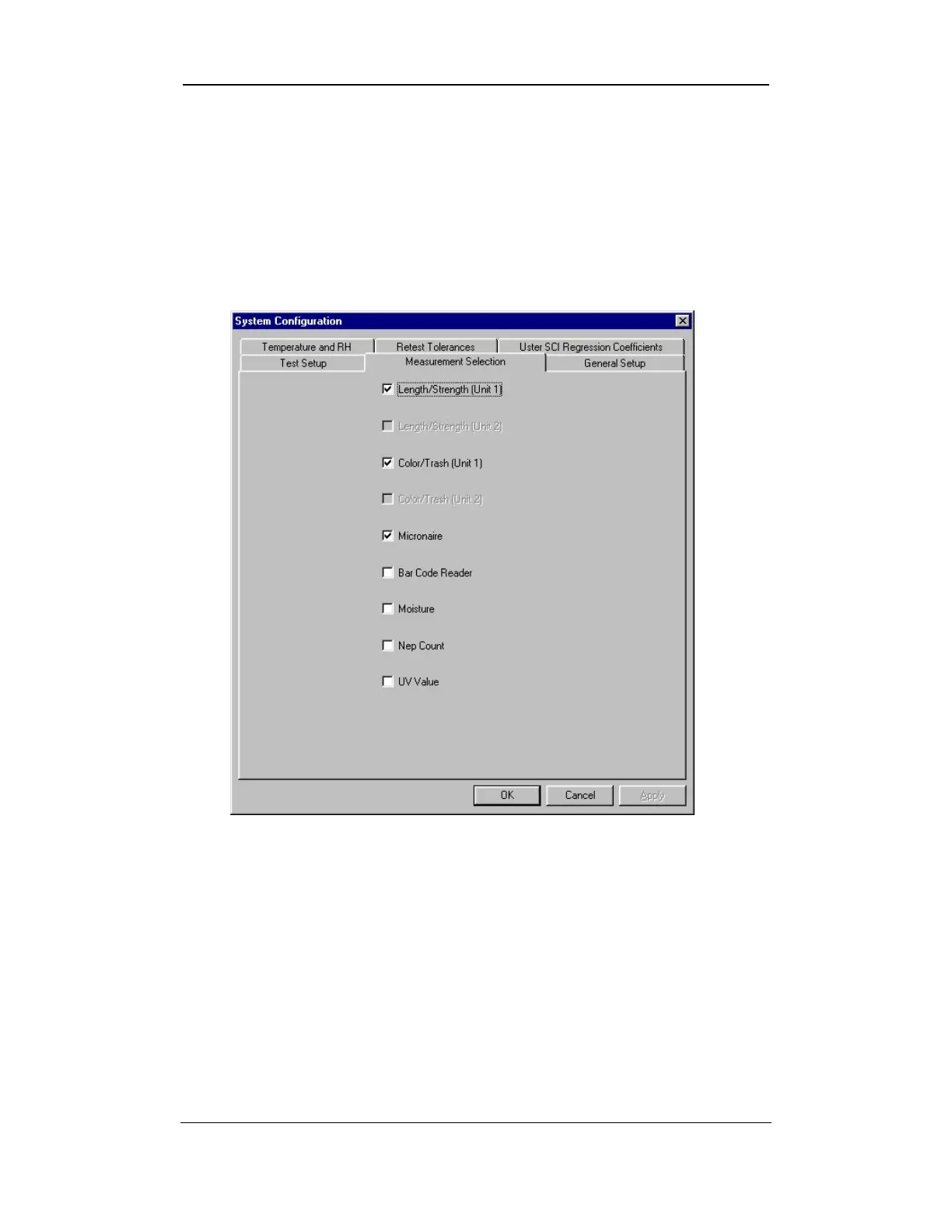
3. The SYSTEM CONFIGURATION screen will appear:
Figure 6-12: Measurement Selection Tab
4. The MEASUREMENT SELECTION tab is used to select the
measurements that will be taken based on the type of
HVI
SPECTRUM
system you have.
Note:
Items that are shaded out may not be available for use by the
operator.
5. Check or uncheck the box adjacent to the measurement type to
change the settings.
Uster Technologies, Inc. Chapter 6
Configurations • Page 6-12



 To Next Page