USTER
®
HVI SPECTRUM
Instruction Manual
3.4 Generating a Report
1. Select REPORTS from the
HVI
SPECTRUM
MAIN MENU.
2. The R
EPORTS MENU launches.
3. To run a report, select the
R
EPORTS item from the menu
options.
4. Select the RUN item from the
drop-down menu.
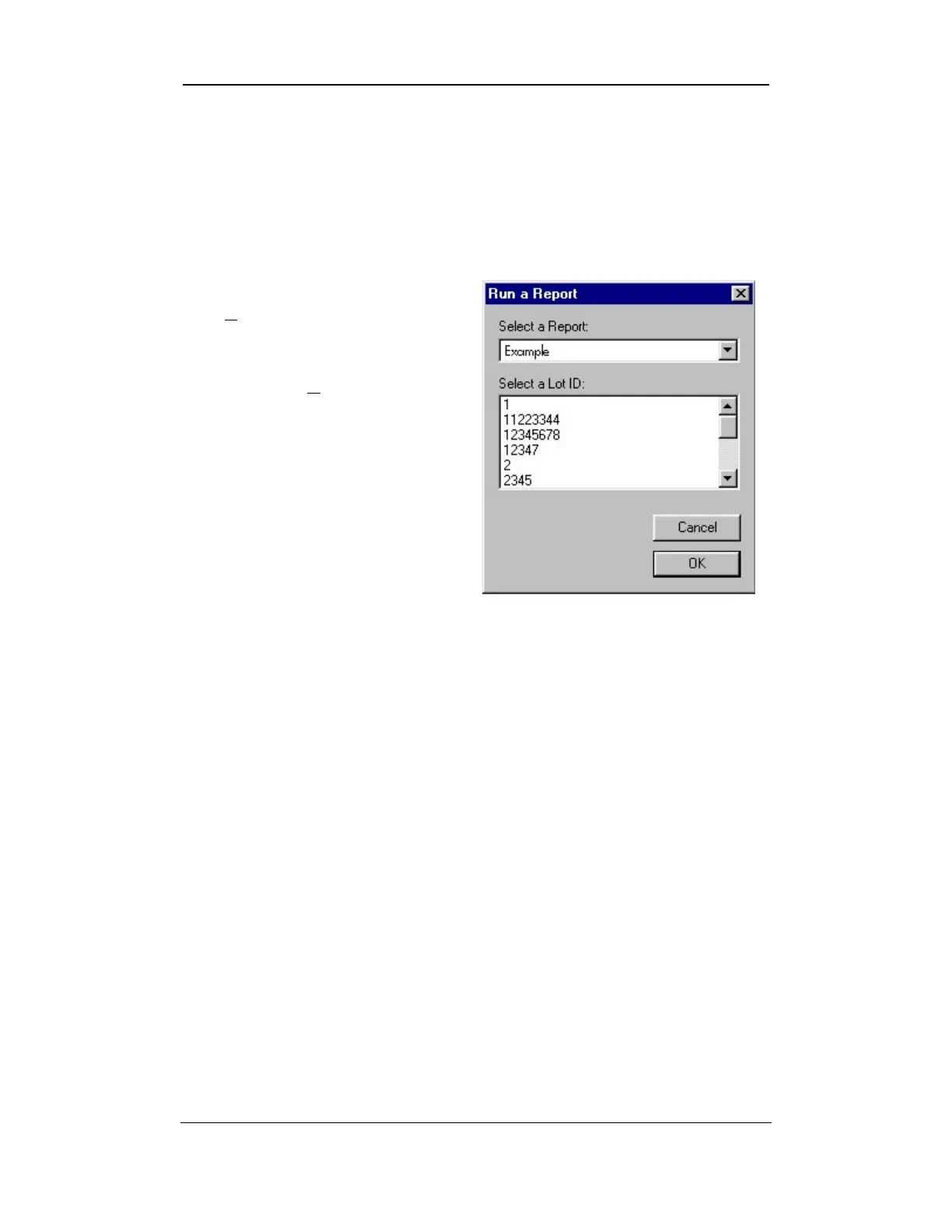
5. The RUN A REPORT screen
appears.
Figure 8-8: Run a report Screen
6. Reports are generated based on the report name and the Lot ID.
7. Enter the name of the report that you want to run (it must be
entered exactly as it appears on the list) or select it from the pull-
down list in the Select a Report field.
8. Next, scroll down in the window to select from the desired lot
number(s) in the Select a Lot ID field.
9. Once you have selected the information to be generated, press the
OK button.
10. The report will be displayed on the screen.
11. If desired, the report may be printed by selecting the P
RINT option
on the toolbar or by choosing PRINT from the FILE menu.
Uster Technologies, Inc. Chapter 8
Reports • Page 8-12



 To Next Page