USTER
®
HVI SPECTRUM
Instruction Manual
Uster Technologies, Inc. Chapter 3
2 Software
The software for the
HVI SPECTRUM
system is installed on the hard disk
drive (C:\HVI). When the system is turned on, the software performs a
series of checks and the
HVI SPECTRUM
MAIN MENU is displayed.
2.1
HVI SPECTRUM
Main Menu
The
HVI
SPECTRUM
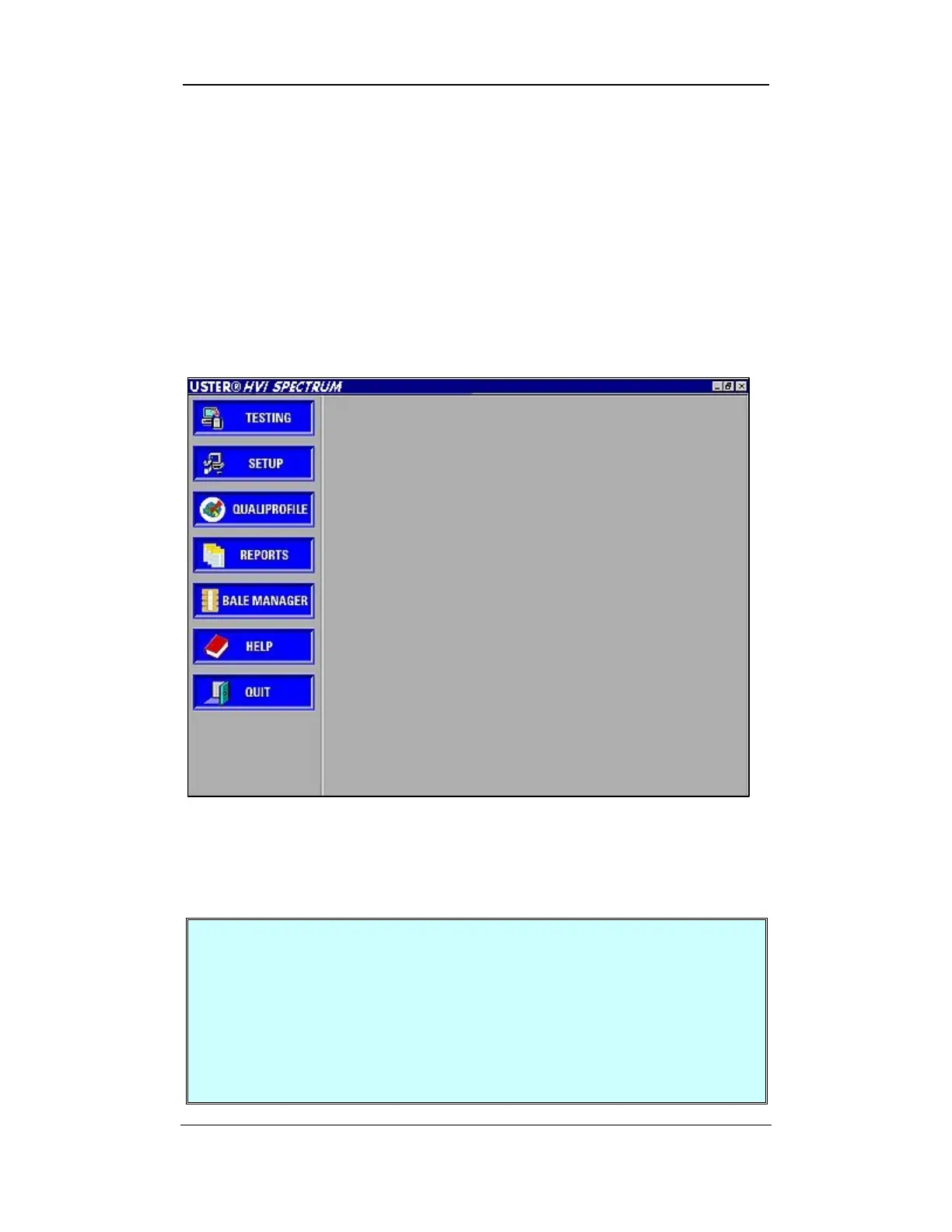
MAIN MENU, which contains the major features of
the system, is automatically displayed:
MENU, which contains the major features of
the system, is automatically displayed:
Figure 3-3:
HVI SPECTRUM
Main Menu Figure 3-3:
HVI SPECTRUM
Main Menu
Note:
Clicking on a feature button will open or close your selection. Note:
Clicking on a feature button will open or close your selection.
For example: If you click on the REPORTS button, the
REPORTS screen will appear. Once you have exited from
the REPORTS screen, you will find that the REPORTS button is
still activated and the other function buttons on the
HVI
SPECTRUM
MAIN MENU cannot be used. It is necessary to
click on the REPORTS button again in order to access the
other functions of the main screen.
Software Overview • Page 3-3



 To Next Page