USTER
®
HVI SPECTRUM
Uster Technologies, Inc. Chapter 3
Instruction Manual
Chapter 3 Software Overview
1 Control System
IMPORTANT:
Please note that the screens shown in this manual depict
the
HVI SPECTRUM I
instrument. If you are using an
HVI
SPECTRUM II
instrument, the screens that you see on
your monitor may differ slightly.
The
HVI SPECTRUM
is a sophisticated instrument that requires specific
instruction and training to be used properly. Only operators that have
received proper training should use the
HVI SPECTRUM
.
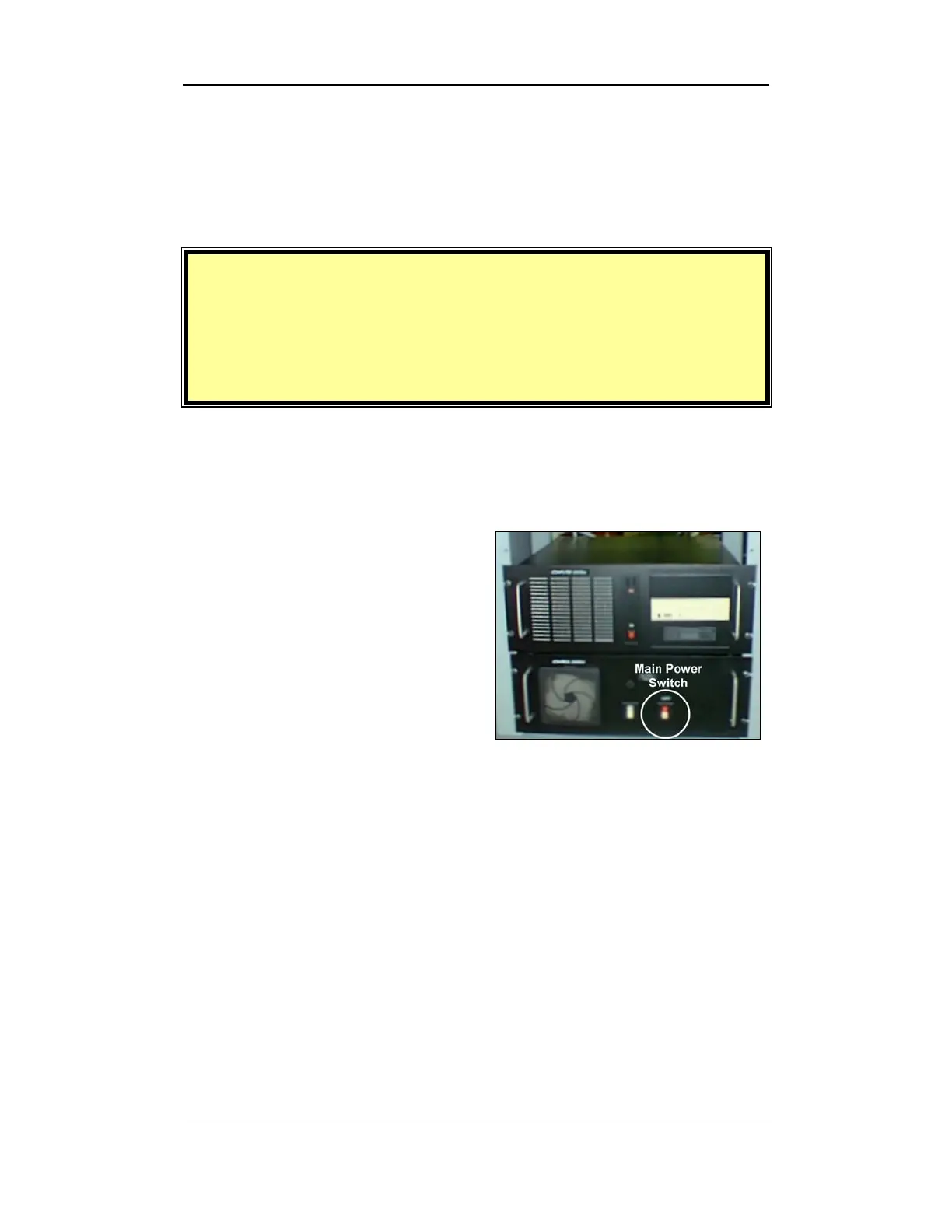
The main power switch is located on
the Control System panel within the
cabinet that holds the monitor and
keyboard. It is labeled as “Main”
for ease of identification.
Software Overview • Page 3-1
• Press the main power switch to
activate the unit.
Figure 3-1: Main Power Switch



 To Next Page