USTER
®
HVI SPECTRUM
Instruction Manual
4. The information shown under the GENERAL SETUP tab is setup by
an authorized Uster Technologies’ service technician during initial
installation.
Note: Cabinet 1 and 2 are also referred to as Color head Unit 1 and
2 and are used on the HVI SPECTRUM II.
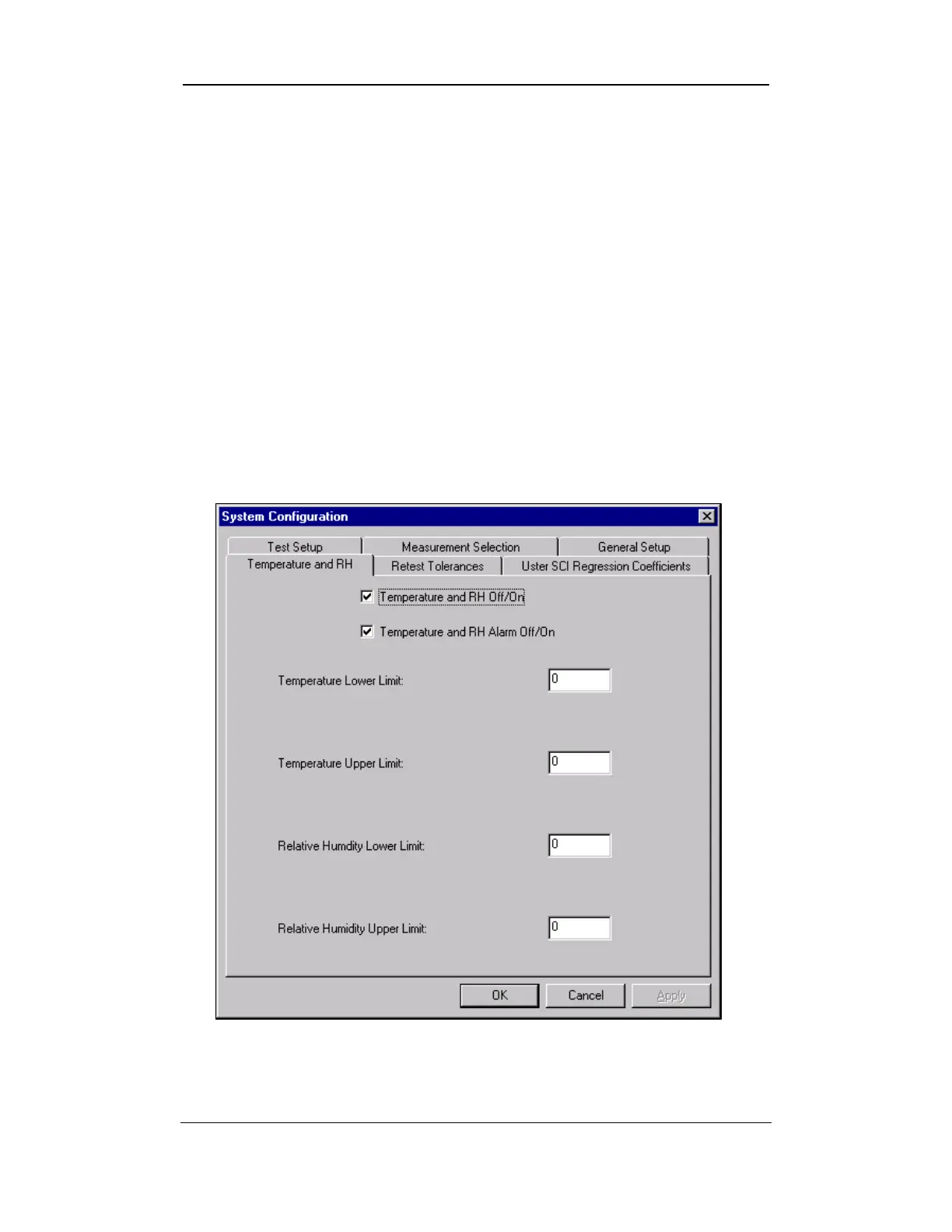
2.4 Temperature and RH Tab
1. Access the S
YSTEM CONFIGURATION screen by selecting the SETUP
button from the
HVI
SPECTRUM
MAIN MENU.
2. Next, select the CONFIGURE button.
3. The SYSTEM CONFIGURATION screen will appear:
Figure 6-14: Screen Temperature and RH Tab
Uster Technologies, Inc. Chapter 6
Configurations • Page 6-14



 To Next Page