USTER
®
HVI SPECTRUM
Instruction Manual
Uster Technologies, Inc. Chapter 3
2.1.6 Help
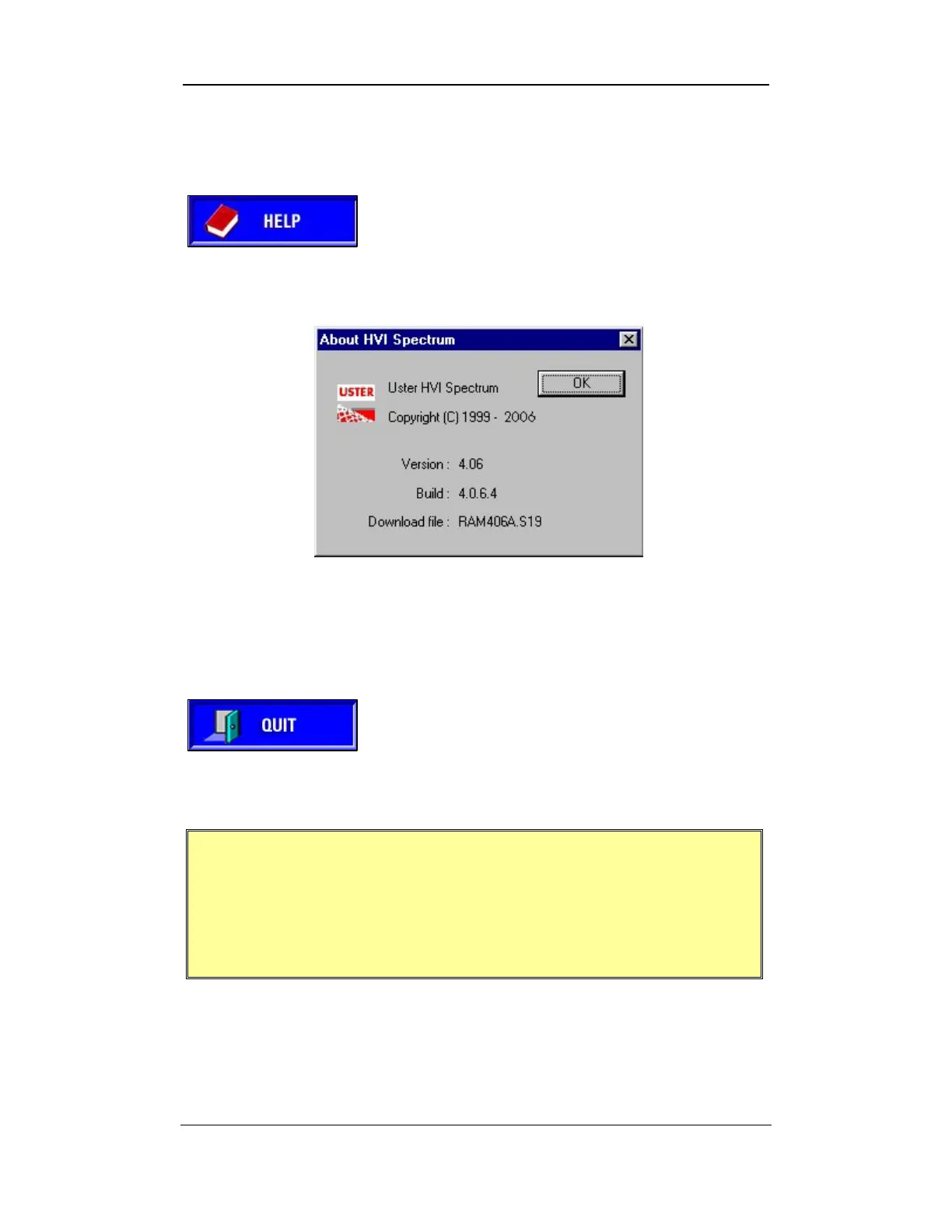
When the HELP button is selected, an ABOUT
screen is displayed. Information providing the
software version number, build number, and
name of the download file are given.
Figure 3-9: Help Button
Figure 3-10: About Screen
2.1.7 Quit
This item is used to exit the application program
and access other features or applications of the
Windows operating system.
Figure 3-11: Quit Button
IMPORTANT:
It is recommended that the printer and monitors be
turned OFF at the end of each testing day; however, the
instrument should be left ON.
Note:
Various HVI SPECTRUM screens contain “On/Off” fields that
are used to activate or deactivate a function of the system. If the field is
checked (using the keypad or spacebar), the feature is in the ON
position. If the field is blank, the feature is in the OFF position.
Software Overview • Page 3-6



 To Next Page