USTER
®
HVI SPECTRUM
Instruction Manual
Uster Technologies, Inc. Chapter 10
Bale Manager • Page 10-26
4.5.4 Delete Mix History
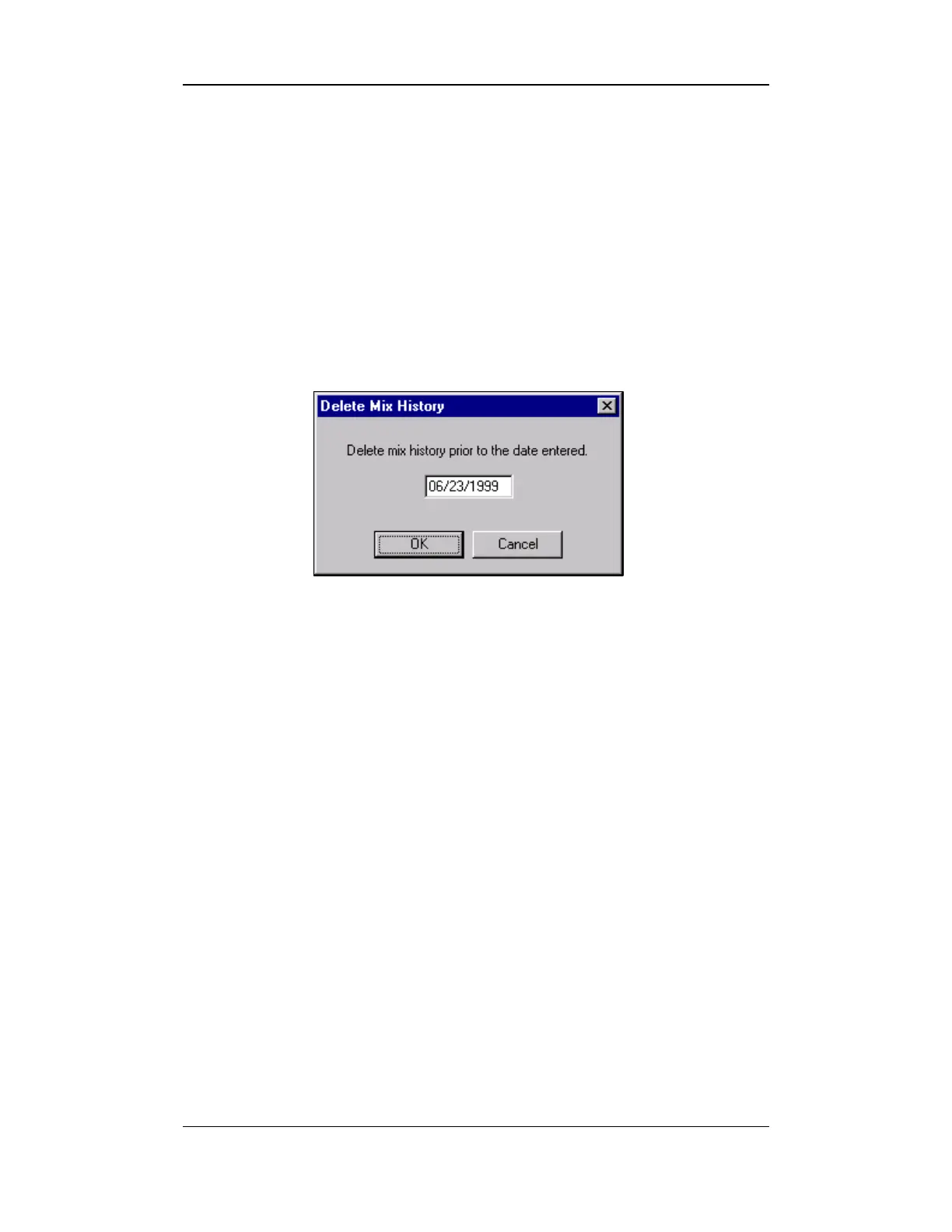
This screen is used to delete the mix history prior to the date entered on
the screen.
1. Select the EDIT menu from the BALE MANAGER MAIN MENU.
2. Next, select the DELETE MIX HISTORY item. The DELETE MIX HISTORY
screen will appear:
Figure 10-15: Delete Mix History
3. Enter the date when the mix history should begin.
4. Next, select the OK button to delete the data prior to that date.



 To Next Page