USTER
®
HVI SPECTRUM
Instruction Manual
Uster Technologies, Inc. Chapter 10
Bale Manager • Page 10-36
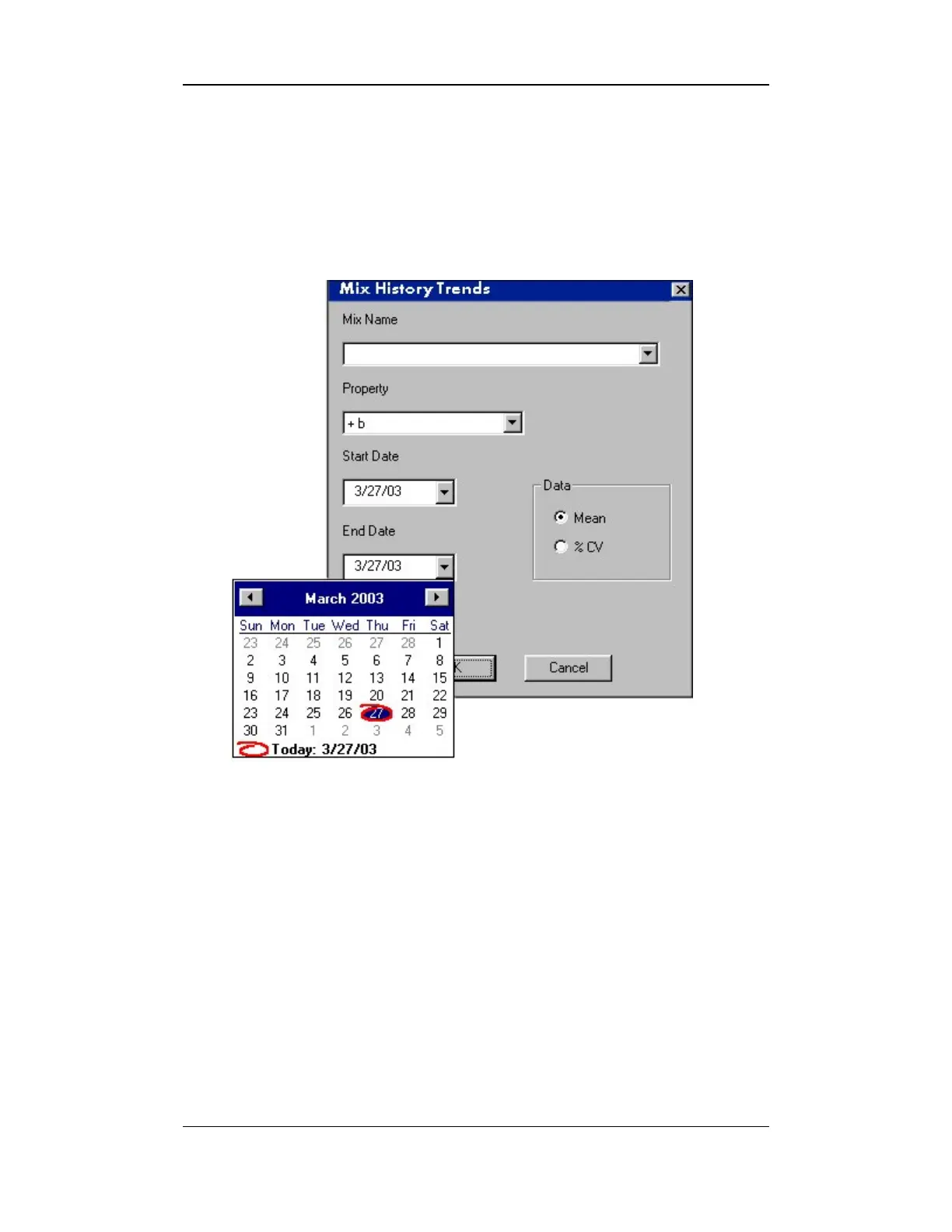
3. The date range is selected by clicking on the down arrow beside
the Start Date field to pop up the calendar.
4. Use the left and right arrows to select the desired month and year
and click on the day on the calendar to complete the selection.
5. Click the OK button to display the results.
Figure 10-25: View Mix History Trends – Date Range / Calendar



 To Next Page