USTER
®
HVI SPECTRUM
Instruction Manual
Chapter 9 Quick Reports Quick Reports
1 Introduction 1 Introduction
Test results can be viewed and/or printed at any time during testingTest results can be viewed and/or printed at any time during testing
by selecting the QUICK REPORT button on an
HVI
SPECTRUM
TESTING
screen or MODULE TESTING screen.
The data associated with each completed test in addition to the average
and standard deviation (if enough data is present) is displayed.
1. While you are in a testing mode, click on the QUICK REPORT button
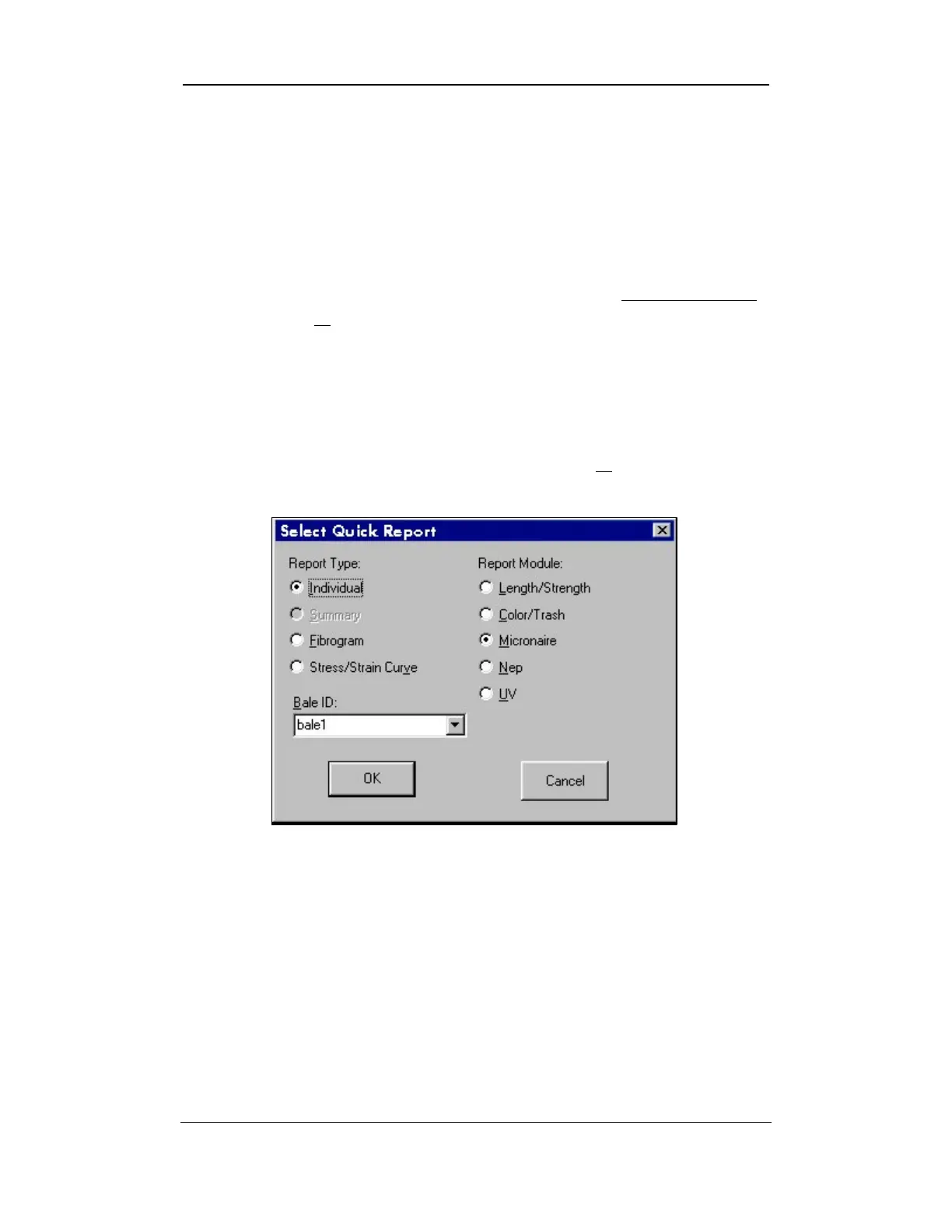
to access the SELECT QUICK REPORT screen.
Figure 9-1: Select Quick Report Screen - Individual
2. Click on the radio button to the left of the type of report you want
to print (or view) from the Report Type area on the screen.
3. Make a selection in the Report Module area by clicking on the
radio button to the left of the report module type. In the screen
above, micronaire has been selected.
Uster Technologies, Inc. Chapter 9
Quick Reports • Page 9-1



 To Next Page