USTER
®
HVI SPECTRUM
Instruction Manual
Uster Technologies, Inc. Chapter 10
Bale Manager • Page 10-17
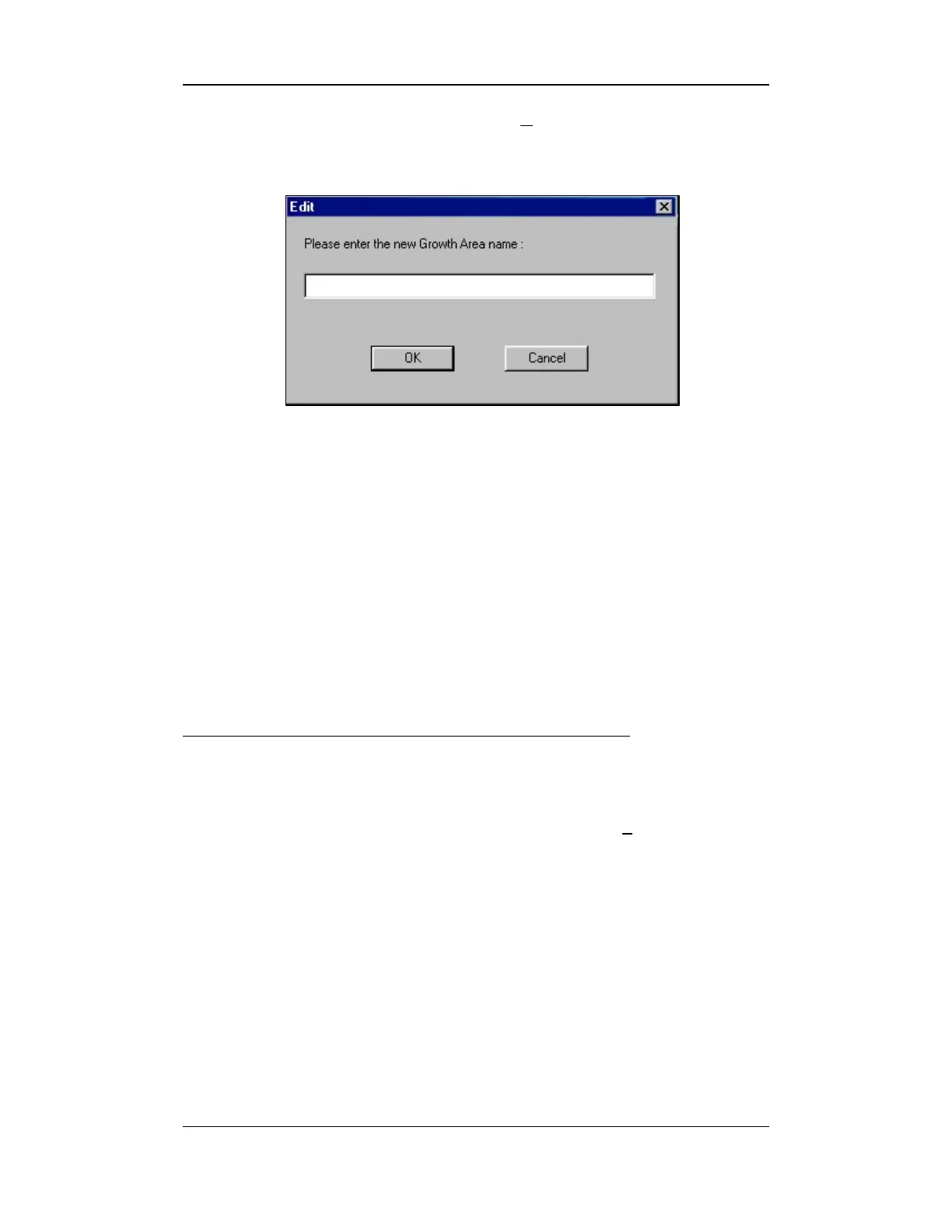
4. To rename a growth area, press the RENAME button on the right.
An EDIT screen appears:
Figure 10-9: Define Growth Areas - Edit Screen
5. Enter the new name in the area provided on the EDIT screen and
click OK.
6. To delete previously defined growth areas, select the area from the
pull-down list in the Growth Areas field.
7. Press the DELETE button then the OK button.
To move the bales to a different growth area:
• Click on the M
OVE BALES TO GROWTH AREA button.
• Select a destination from the pull down list in the T
o Destination
field.
• Press OK when you are finished.



 To Next Page