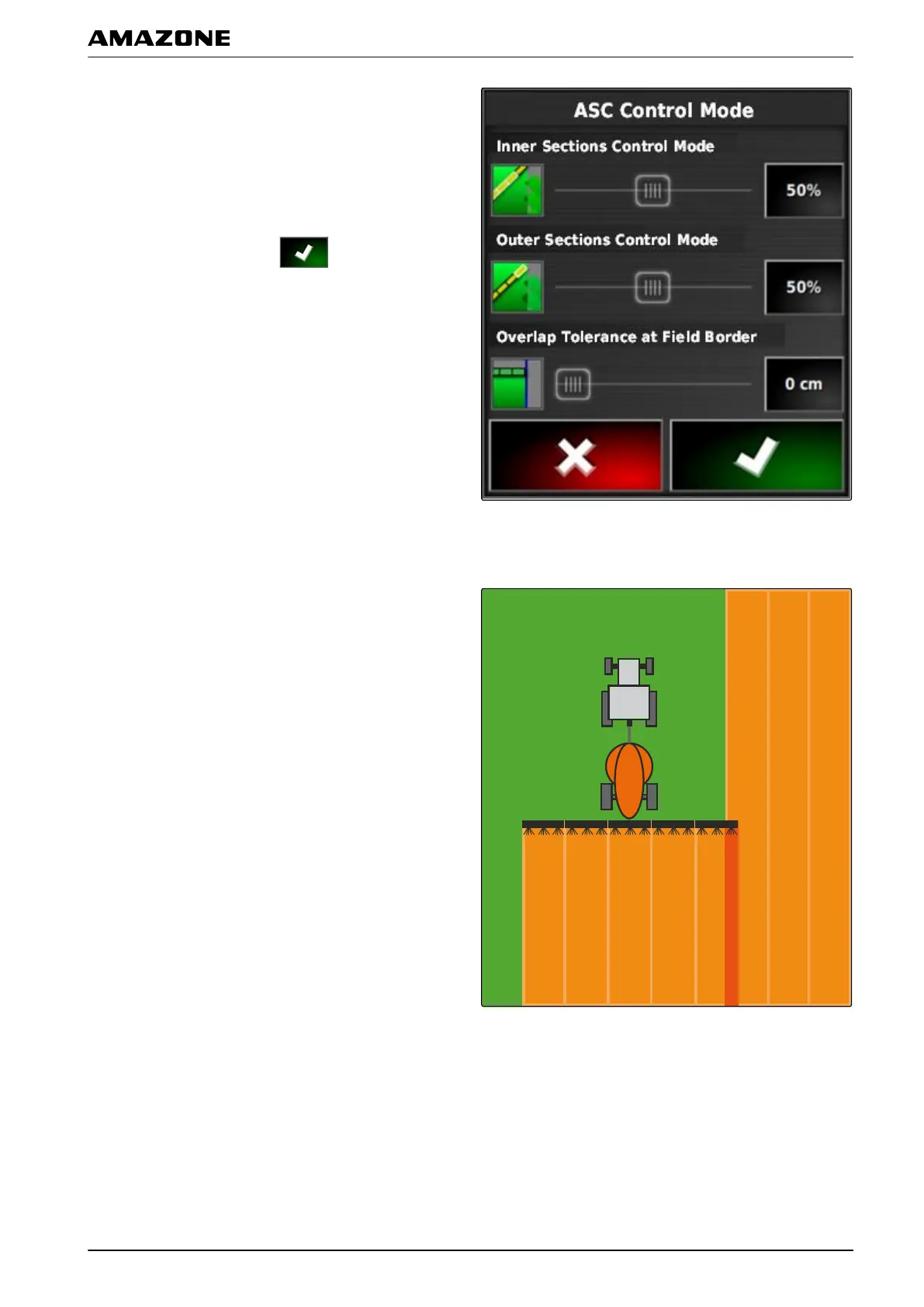
1. Under "Inner sections control mode", set the percent
value using the slide bar
or
Enter the percent value.
2. Confirm the settings with
.
2.1.1 Configuring the outer sections control mode
The outer sections control mode describes the overlap of
the
two outer part-width sections. The overlap defines
how far the part-width sections can protrude into the
already worked areas before the sections are switched
off. Overlap prevents that the outer part-width sections
are constantly switched on and off when they touch on
worked areas during parallel driving.
009859
P | Using part-width section control| Using automatic part-width section control
MG5574-EN-II | B.1 | 25.10.2016
189



 To Next Page