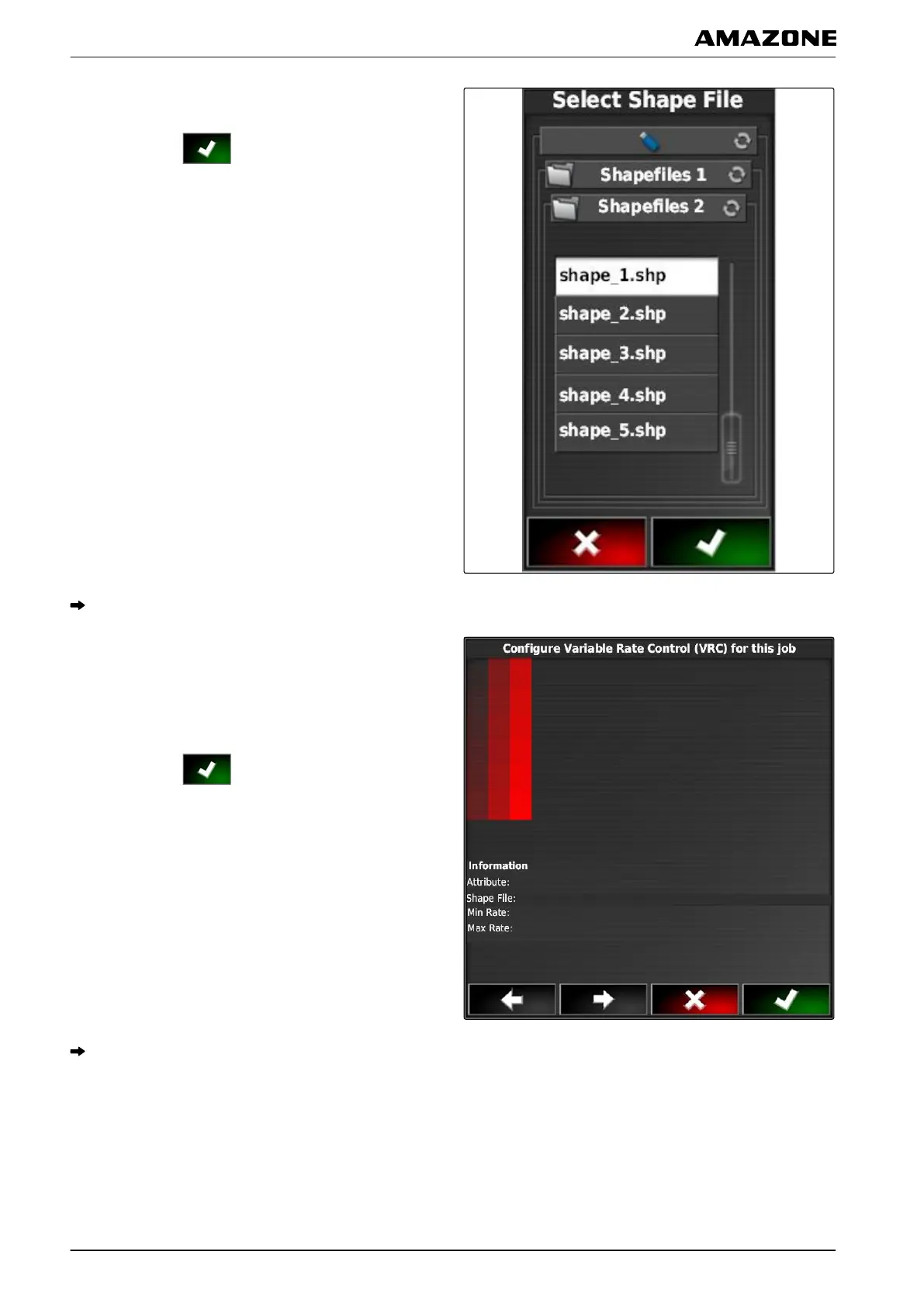
6. Select application map (shape file).
7. Confirm with .
The contents of the shape file will be shown.
Different application maps with different application rates
can be saved
in a shape file. The different application
maps are called "Attributes".
8. Select the desired attribute with the arrows.
9. Confirm with
.
The settings for variable rate control will be shown.
Q | Using rate control| Adding an application map to a job
MG5574-EN-II | B.1 | 25.10.2016
198



 To Next Page