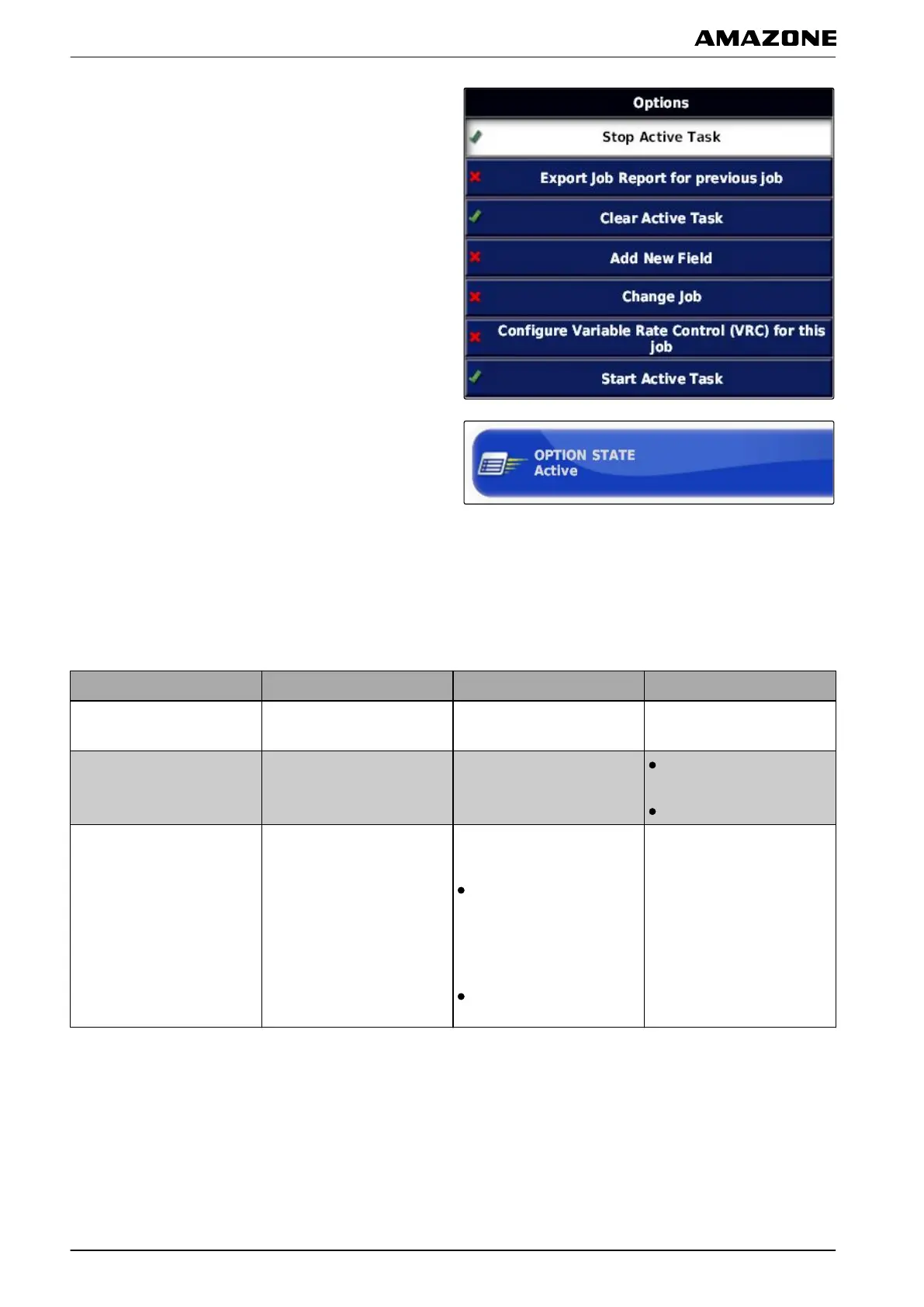
2. Tap on the desired options in the list.
3. Enable the options under "Option status".
For some of the options, other settings can be entered.
In these cases, additional
buttons are shown under the
"Option status" button.
4. If ot
her settings are required,
tap on the displayed buttons and enter the settings.
Options Working procedures Additional settings Prerequisites
Stop active job
The active job and the
application
will be stopped.
None
Export job report for the
previous job.
Exports the job report for all
saved
jobs.
The current job is
stopped.
USB stick is connected.
Delete active job
Deletes the recorded
coverage of the current job
and
the generated job
statistics.
"Confirm before
deleting":
When this setting is
enabled, a prompt to
confirm will be shown
"Delete
options":
Selection of the data
that should be deleted.
The current job is stopped.
F | Configuring the AMAPAD | Entering the system settings
MG5574-EN-II | B.1 | 25.10.2016
48



 To Next Page