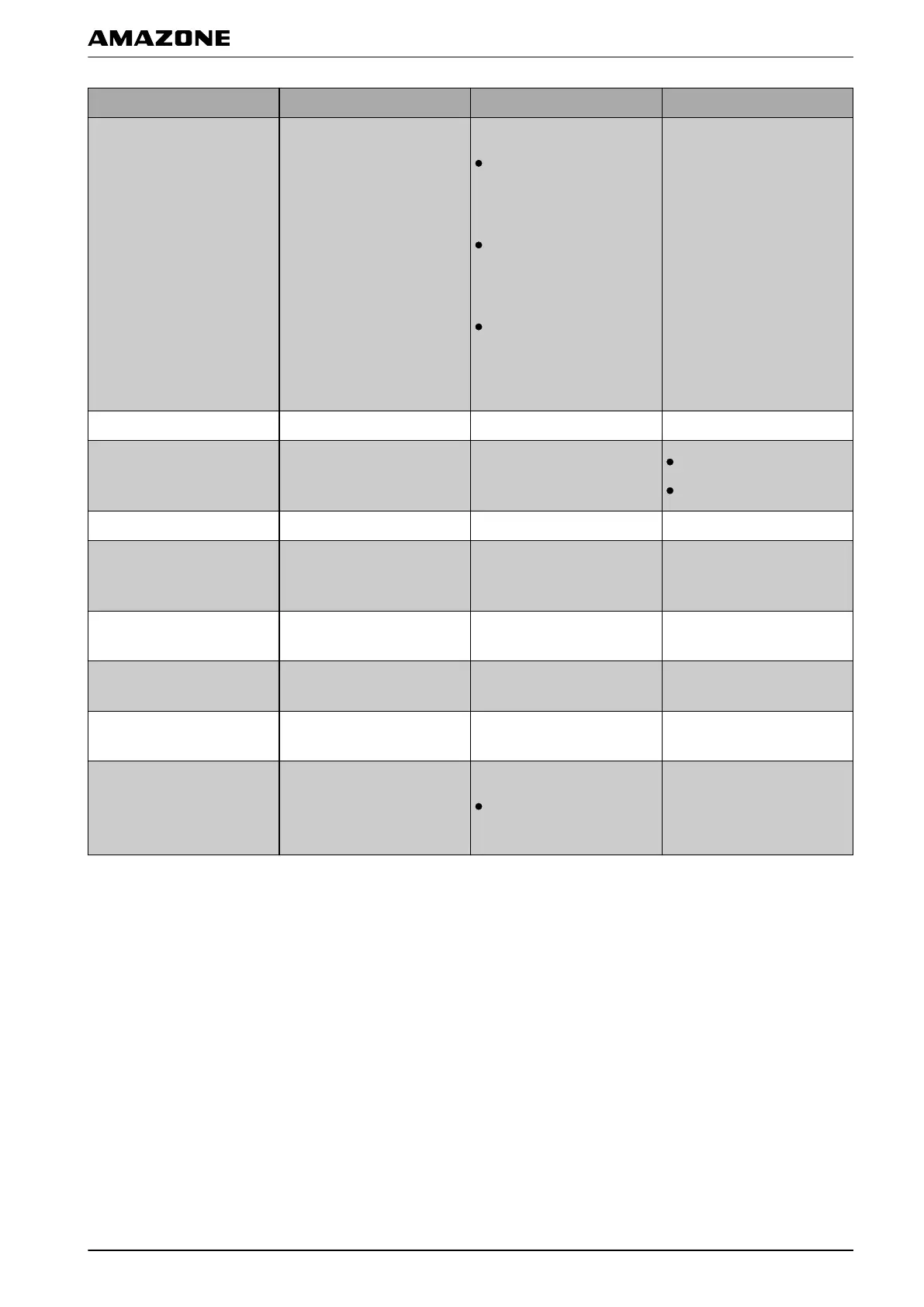
Options Working procedures Additional settings Prerequisites
Add new field
Opens the menu where a
new field can be
created.
"Create name for field":
"Standard": The new
field is given the date
and the time of creation
as a name.
"User-defined": Another
setting will be shown. A
user-defined name can
be given.
"Prompt": When the
field is created, a text
box is opened in which
the name must be
entered.
None
Change job Changes the current job. see page 50 The current job is stopped.
Assign rate control
Opens the menu where the
rate control
can be
assigned to an implement.
see page 194
Implement is selected.
Job is selected.
Start active job Starts the current job. Job is selected.
Adjust the boundary line
offset
Opens the menu where the
boundary offset can be
adjusted.
None
Record boundary line
Starts recording of the
boundary line.
None
Set GPS drift correction
Opens the GPS drift
options
None
Create flag point
Opens the menu where a
flag point can be
created.
None
Set track line pattern
Sets the selected track
pattern.
"Track line pattern":
Track lines will be
created with the set
track line pattern.
None
F | Configuring the AMAPAD | Entering the system settings
MG5574-EN-II | B.1 | 25.10.2016
49


 To Next Page