NOTE
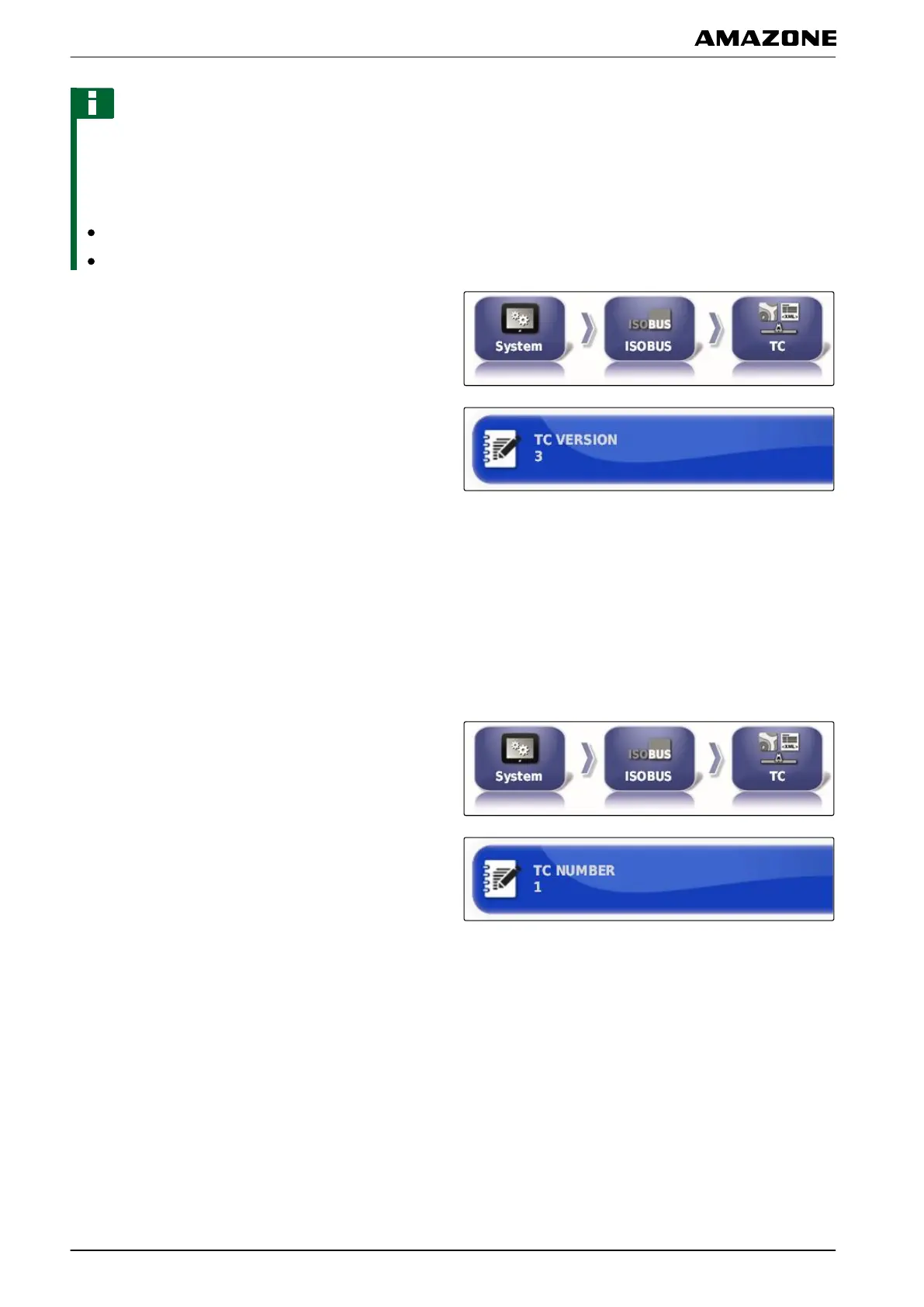
The AMAPAD normally automatically detects the TC
version.
T
o define the TC version, the following applies:
AMAZONE implements: TC version 3
For Peer Control: TC version 4
1. Select "Setup menu" > "System"
> "ISOBUS" >
"TC".
2. Tap on "TC version".
3. Select the TC version.
Defining the TC number
If several terminals are connected to an implement, the
AMAPAD can be clearly identified by the TC number.
Each terminal needs a different TC number to avoid
conflicts.
1. Select "Setup menu" > "System" > "ISOBUS" >
"TC".
2. Tap on "TC number".
3. Enter the TC number.
Defining the control mode for manual part-width section control
If automatic part-width section control is disabled, the
part-width sections
can still be controlled manually. This
setting defines whether the part-width section can be
controlled using the virtual part-width section switch.
009194
048298
F | Configuring the AMAPAD | Entering the system settings
MG5574-EN-II | B.1 | 25.10.2016
66



 To Next Page