38477BA2B
3 – 302 25.5.09
Menu Structure Volume 3
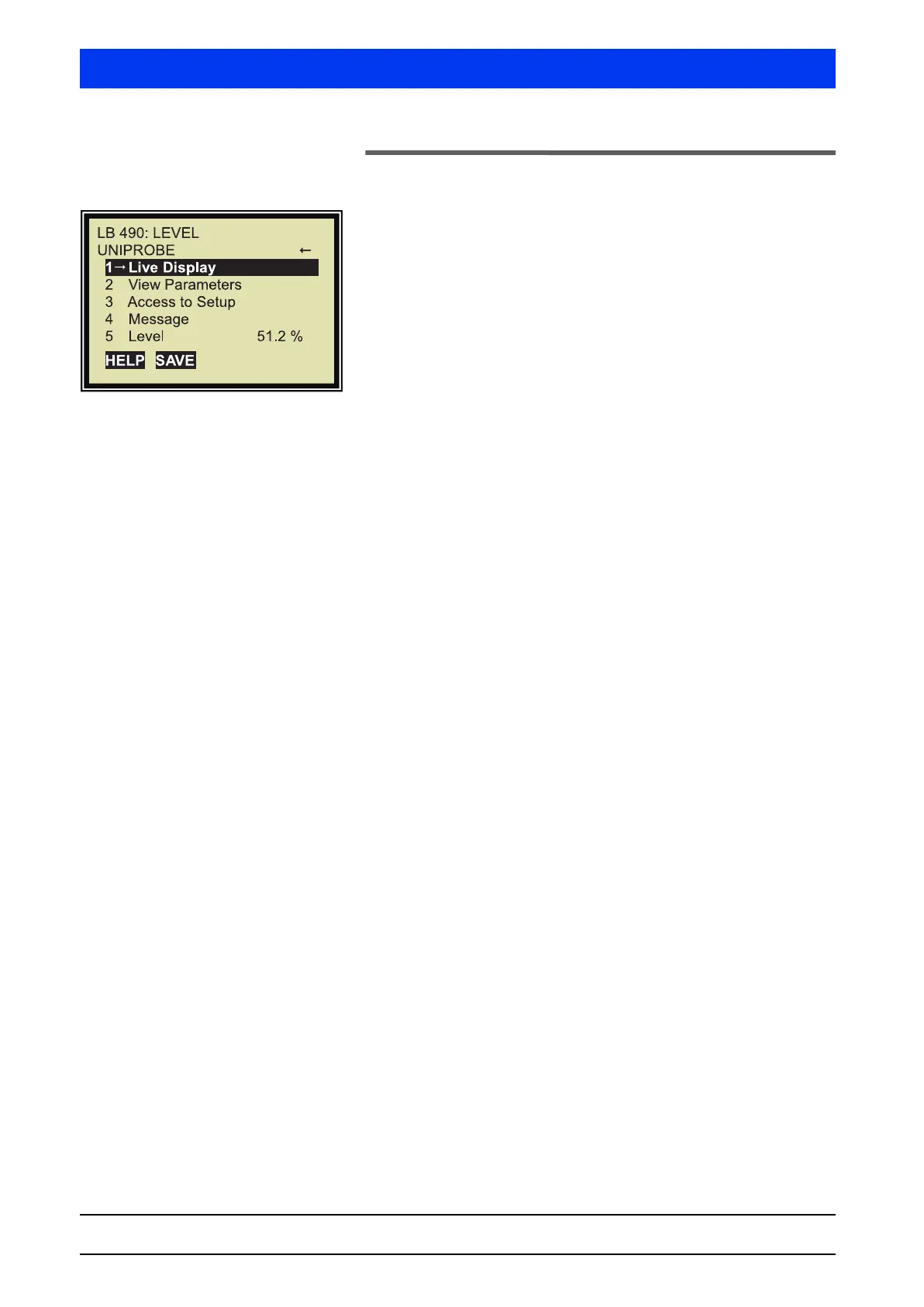
2.3 Start Menu
The Start menu is the first and highest level for communication
with the Uni-Probe. From the Start menu you have access to all
other menu items.
The Start menu appears when you
• switch on the connected HART
®
Communicator or
•push the HOME softkey anywhere in the menu.
1 LIVE DISPLAY
Shows the currently measured values.
2 VIEW PARAMETERS
Shows the measurement parameters. These parameters are read
only.
3 ACCESS TO SETUP
This item allows you to set the instrument parameters using the
following functions:
•Configuration
• Calibration
•Service Menu
4 MESSAGE
Shows additional user information.
5 LEVEL
Shows the current level.
Menu Structure



 To Next Page