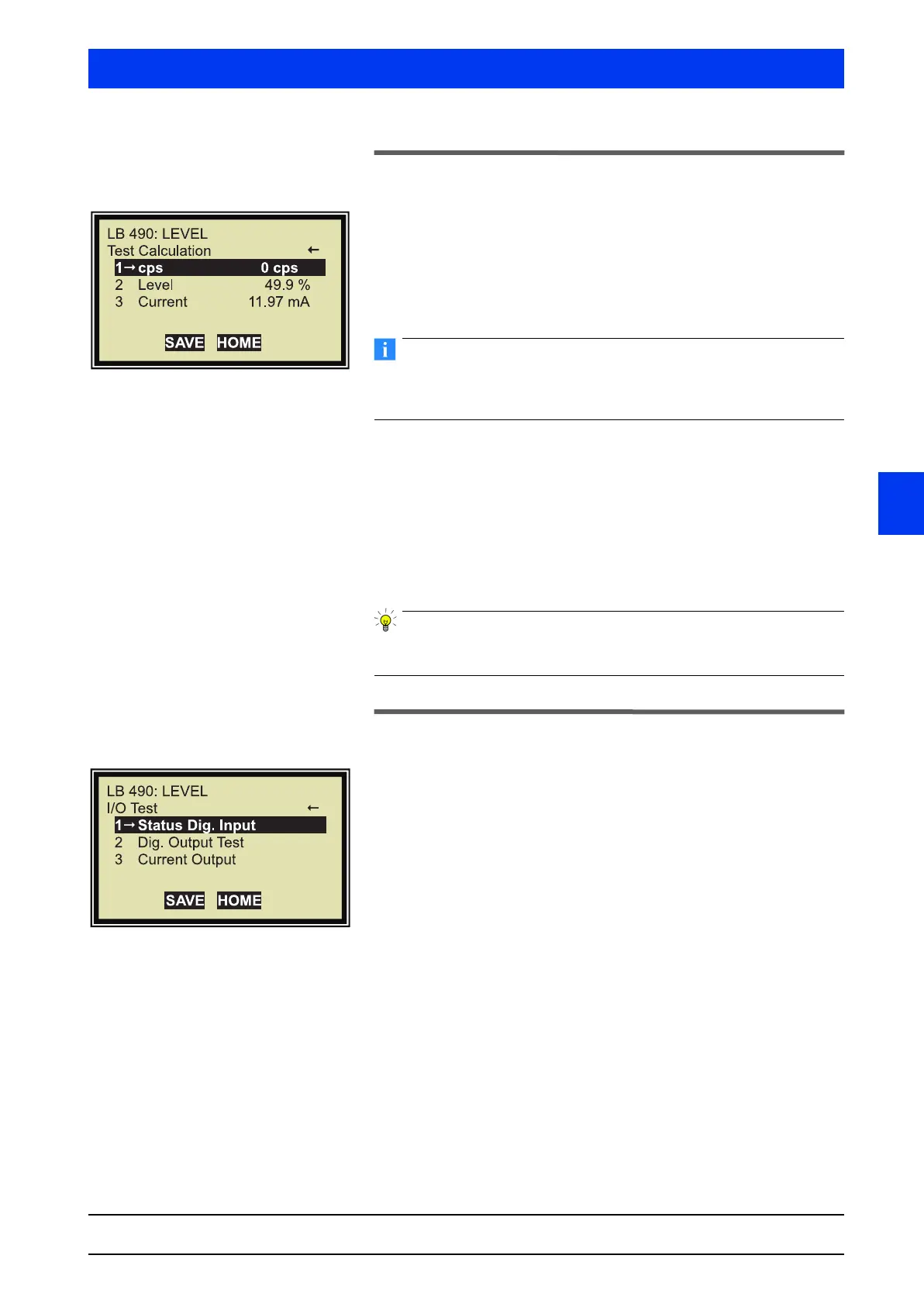
Uni-Probe LB 490
BERTHOLD TECHNOLOGIES GmbH & Co. KG
3 – 329
Volume 3 Menu Structure
3
2.32 TEST CALCULATION
1 CPS
Enter a count rate and check the level reading. Level shows the
expected value.
The Test Mode is enabled if you enter a count rate >0. During Test
Mode the failure relay indicates an alarm.
Reset the test count rate to “0” as soon as the test is over to con-
tinue in the normal measurement mode. Otherwise, only the test
value will be displayed, no measured value.
2 LEVEL
Level reading depending on the calibration and the defined test
count rate.
3 CURRENT
Check if the current output matches your test level reading.
A test calculation should be performed after every calibration to
ensure that the device has been set up correctly.
2.33 I/O TEST
1 STATUS DIG. INPUT
Check the status of the digital inputs.
2 DIG. OUTPUT TEST
Opens the relay test window.
3 CURRENT OUTPUT
Current outputs test and adjustment of current output.


 To Next Page