Uni-Probe LB 490
BERTHOLD TECHNOLOGIES GmbH & Co. KG
2 – 237
Volume 2 4 Repair, Maintenance and Service
2
4.13 Updating the Embedded Software in
the Uni-Probe
The update of the embedded software is carried out via the RS-232
interface on the digital board of the Uni-Probe (see Figure 4-9).
Connect a PC via null modem cable to the Uni-Probe. An RS-232
port has to be available at the PC. Special download software, the
Uni-Loader, must be installed on the PC.
The Uni-Loader software and the cable are available from
BERTHOLD TECHNOLOGIES on request.
– Software Uni-Loader, ID no. 42236
Depending on the digital board version, only certain software revi-
sions can be installed on the Uni-Probe. See chapter 4.10 under
"Digital board versions".
– Uni-Probe with serial number up to 6xxx: Digitalboard 1, ID no.
35966, Soft Revision <100 (or internal Berthold Soft. V 1.xx)
– Uni-Probe with serial number 7000 and higher: Digitalboard 2,
ID no. 48631, Soft Revision ≥100 (or internal Berthold Soft. V
2.xx)
The software is available from under the following ID no.
BERTHOLD TECHNOLOGIES:
– Level software for digital board 1: ID no. 37784
– Level software for digital board 2: ID no. 50246
– Level software for digital board 3: ID no. 52341
When downloading the software, the parameters will be deleted.
Note down all parameter values to transfer the data later again to
the Uni-Probe.
Install the Uni-Loader software on your PC. Start the installa-
tion by double-clicking on the Setup.exe file on the CD and fol-
low the instructions of the installation program.
Disconnect the Uni-Probe from mains.
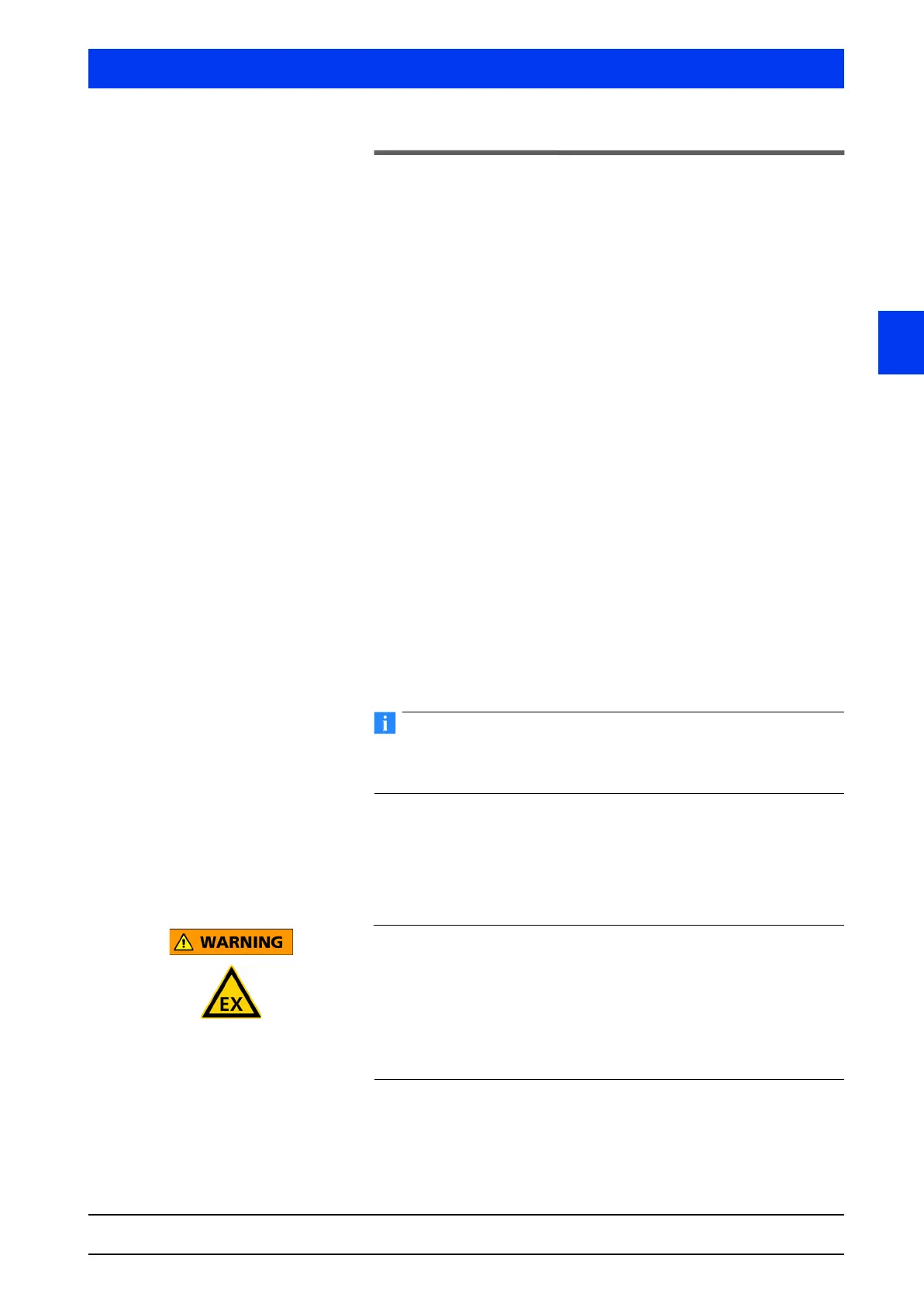
Explosion hazard!
Danger of explosion when opening the housing in an explosive
atmosphere!
Please wait 30 minutes after you have turned off the power supply
before you open the housing. The cooling-off time of 30 minutes
ensures that possibly overheated components have enough time to
cool off and cannot ignite the explosive atmosphere.
Unscrew the housing cover (M32 screw wrench).



 To Next Page