38477BA2B
3 – 324 25.5.09
Menu Structure Volume 3
2.26 MULTI POINT CURVE
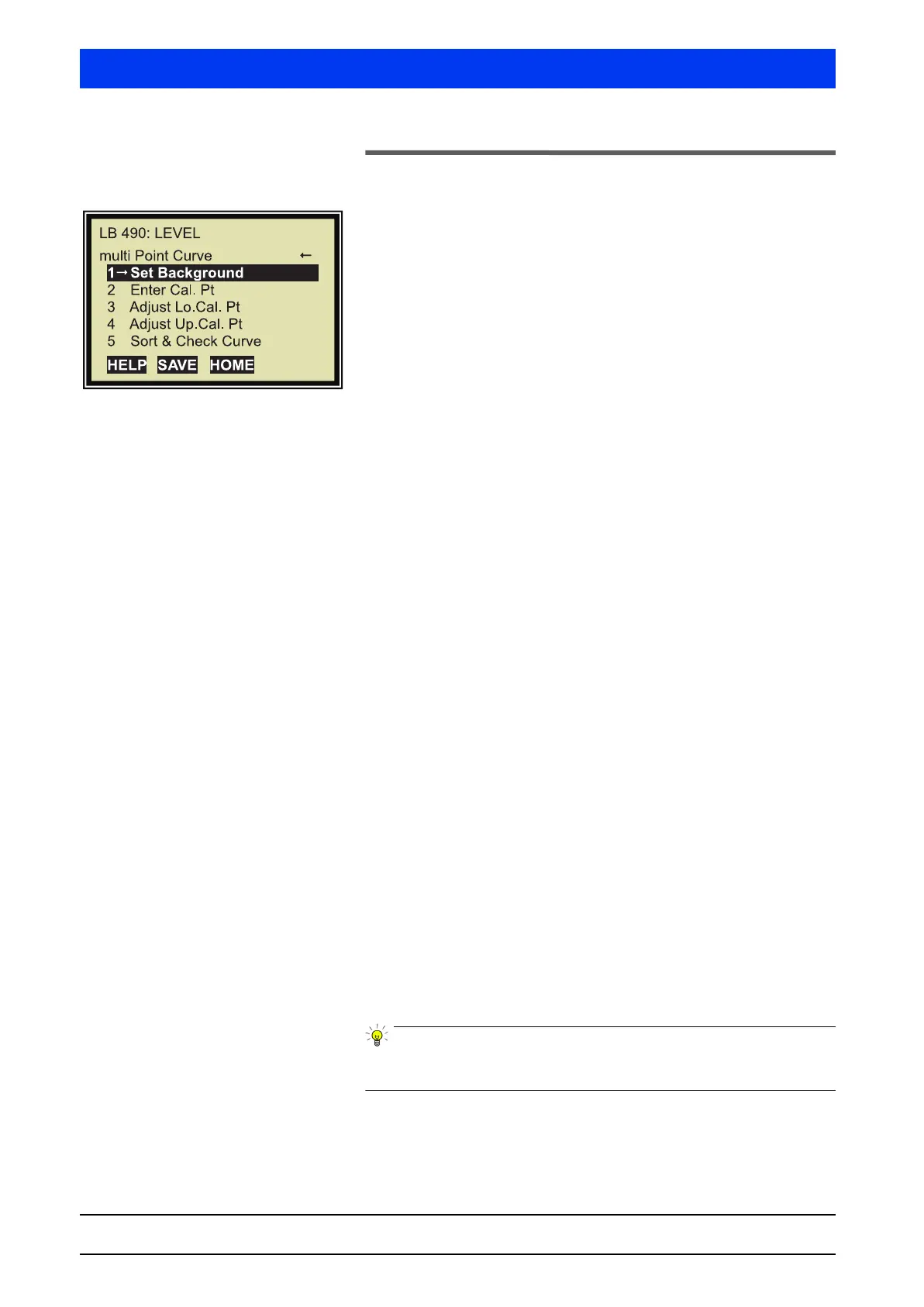
If you have entered 3 or more calibration points in the previous
window Calibration, the window depicted to the left will appear.
1 SET BACKGROUND
Setting the background rate (see also Volume 3, section 4).
2 ENTER CAL. PT
Enter the values for all calibration points. Each calibration point
consists of two values:
•level
•rate
3 ADJUST LO. CAL. PT
Set the lower calibration point.
Define the level and the count rate for the lower calibration point.
Typically, the lower calibration point is at 0% level. The adjustment
has the effect that all other calibration points are adjusted accord-
ingly in percent. The adjustment is described in Volume 3, section
4.5.
4 ADJUST UP. CAL. PT
Set the upper calibration point.
Define the level and the count rate for the upper calibration point.
Typically, the upper calibration point is at 100% level. The adjust-
ment has the effect that all other calibration points are adjusted
accordingly in percent. The adjustment is described in Volume 3,
section 4.5.
5 SORT & CHECK CURVE
This function allows you to check the calibration curve for errors
and to sort it. This function is particularly helpful for multi-point
calibrations. The following will be checked and carried out:
• Monotony?
rising level – falling count rate
• Full count rate higher than background?
• Sort calibration points by count rate
Always select this function at the end of the calibration process to
ensure that your calibration data is plausible.
The calibration sequence is described in detail in Volume 3, section
4.5.



 To Next Page