38477BA2B
5 – 424 25.5.09
2 General Information on SIMATIC PDM Volume 5
2.1 Hardware Requirements
• PC with Windows 2000 or higher
•HART
®
modem with RS-232, USB, or PCMCIA interface
• Field device, e.g. Uni-Probe
Connect the HART
®
modem to the current output. The current out-
put has to be terminated with a resistance of 250 to 500Ohm.
If you are working with a USB modem, the USB port must be set to
COM1. If necessary, change the COM1 port you may have already
configured to another free port.
Please observe the information on the Fifo buffer (see chapter 2.2)
if you are working with a HART
®
modem with USB port.
2.2 Fifo Buffer
The “Fifo buffer” has to be disabled if you are connecting the
Uni-Probe via a USB-HART
®
modem.
As long as the Fifo buffer is enabled, no communication between
Siemens SIMATIC PDM and the detector is possible.
If you are working with FDT/DTM, you do not have to disable the
Fifo buffer.
2.2.1 Disabling the Fifo Buffer
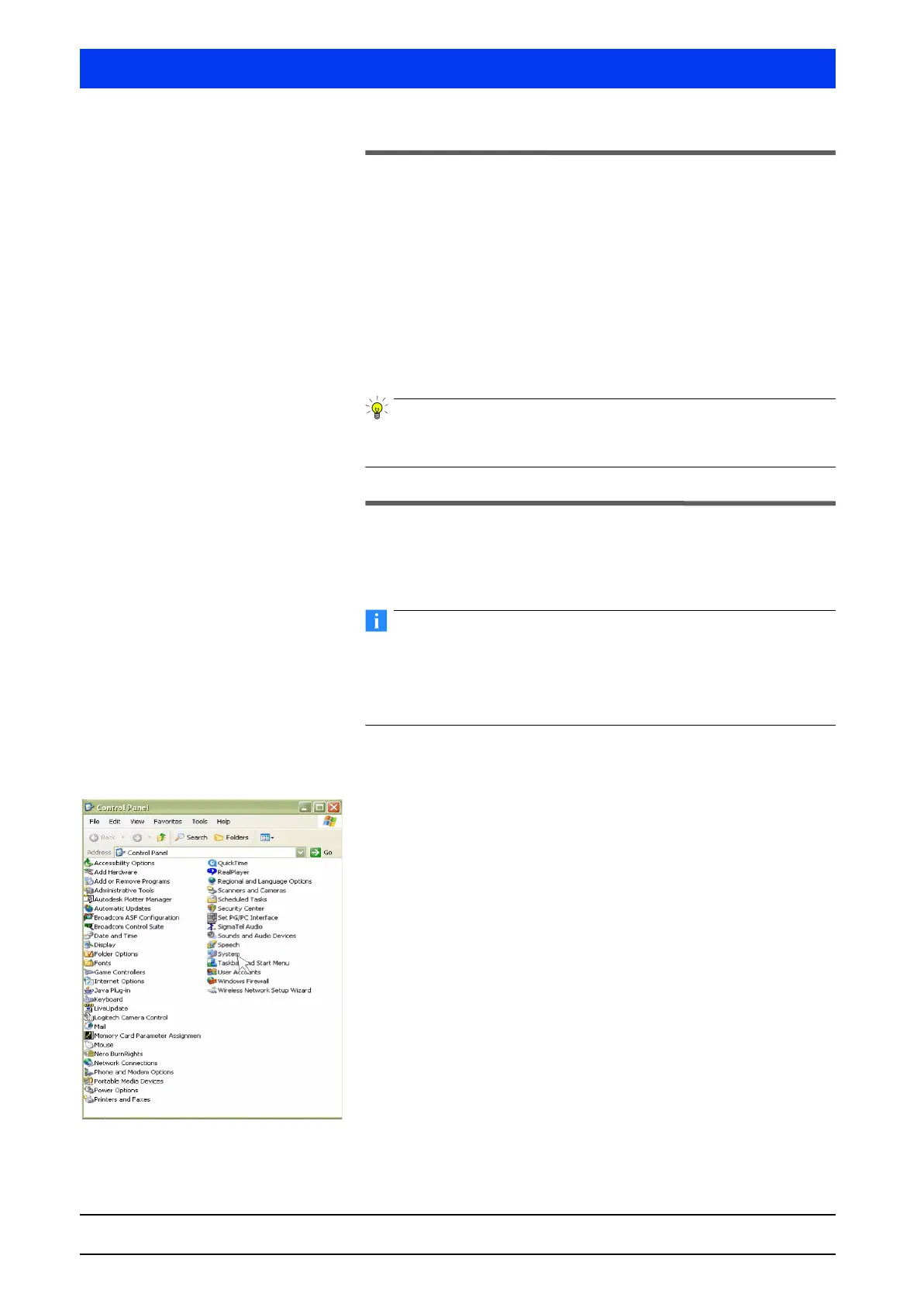
Open the SYSTEM PROPERTIES dialog box.



 To Next Page