38477BA2B
5 – 438 25.5.09
3 Getting Started with SIMATIC PDM Volume 5
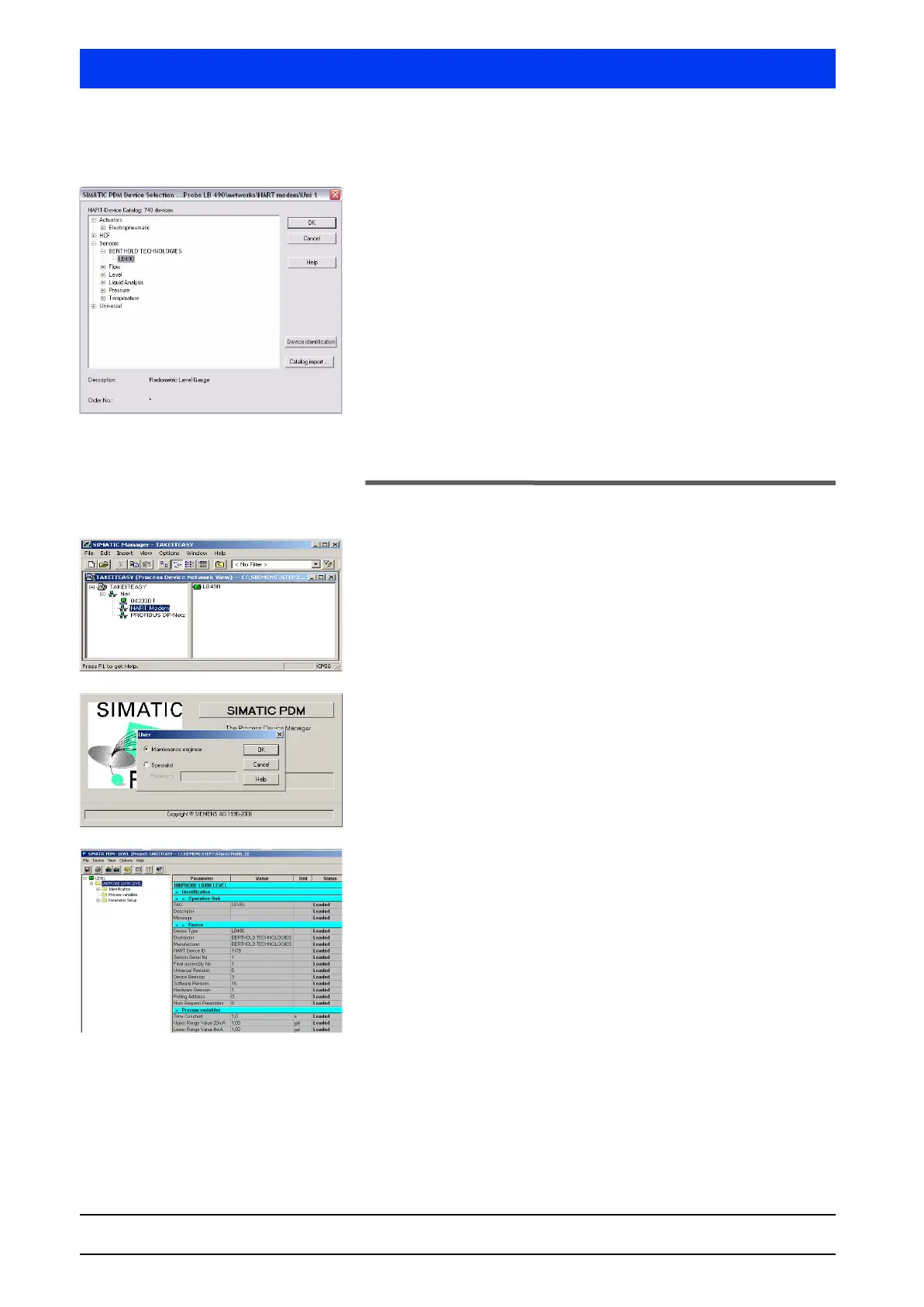
Selecting a Sensor
In the structure tree, select SENSORS LEVEL RADIOMETRIC
BERTHOLD LB490 and confirm the selection with OK.
The sensor is assigned to the respective HART
®
device and the
dialog window for defining the object properties opens.
The project has now been set up completely.
3.5 Start SIMATIC PDM
Start SIMATIC PDM by double-clicking on the device symbol (in
our example
MESSST12).
When SIMATIC PDM is started, a welcome screen and the
USER
dialog box appear.
Select the desired user status, enter your password, if neces-
sary (in the
SPECIALIST text box) and then confirm with OK.
The SIMATIC PDM main window opens (see also section 7.2).



 To Next Page