Uni-Probe LB 490
BERTHOLD TECHNOLOGIES GmbH & Co. KG
3 – 321
Volume 3 Menu Structure
3
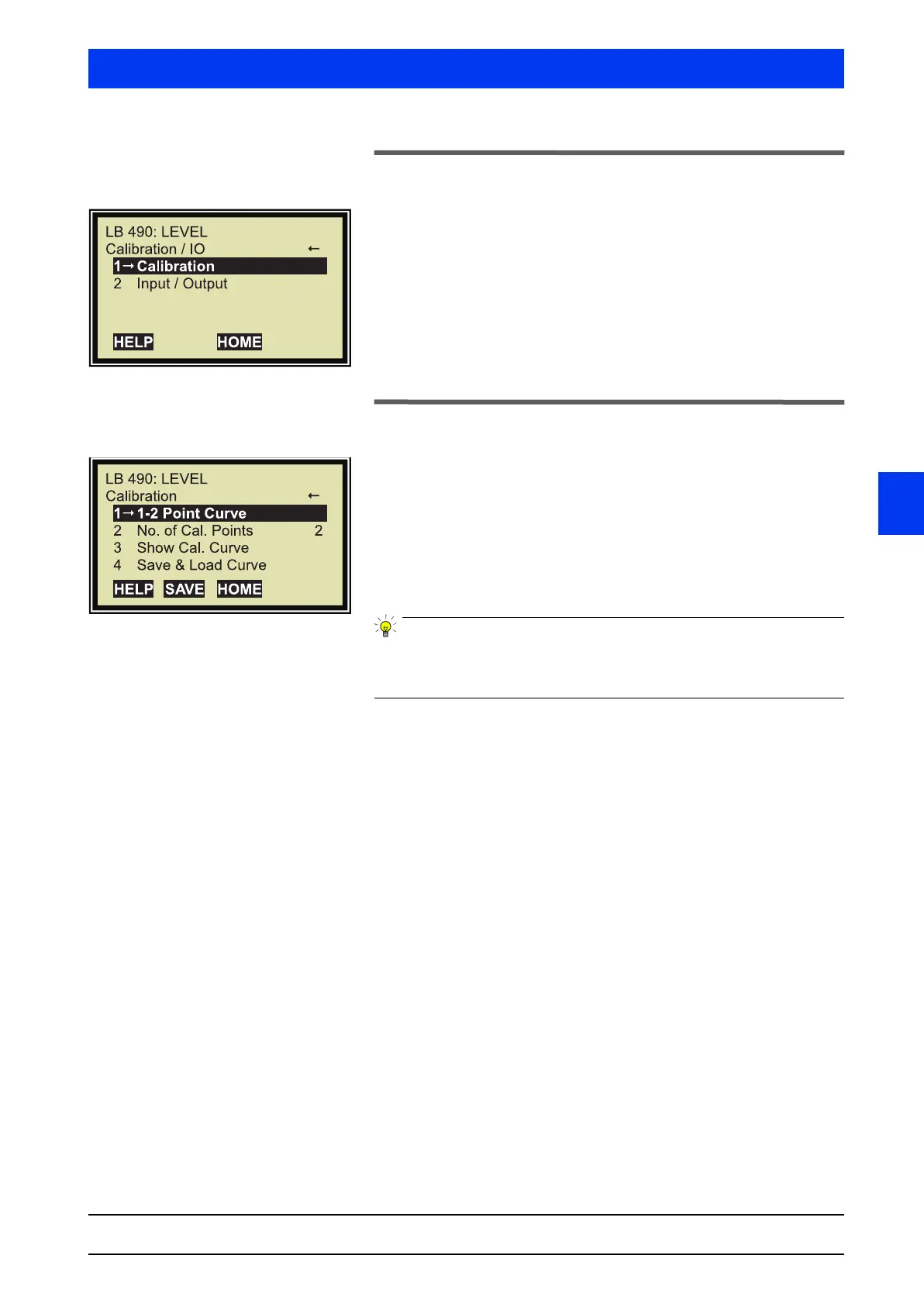
2.22 CALIBRATION I/O
1 CALIBRATION
Shows the calibration parameters and the storage options for com-
plete calibration data sets.
2 INPUT / OUTPUT
Shows the parameters for the current output and the relay outputs.
2.23 CALIBRATION
1 1-2 POINT CURVE
Opens the calibration window.
2 NO. OF CAL. POINTS
Enter the number of calibration points required for your calibration.
A number between 1 and 10 is accepted.
Any change in the number of calibration points has to be sent to
the Uni-Probe immediately by pushing the
SEND softkey. Otherwise
the following calibration is not correct.
3 SHOW CAL. CURVE
Shows the parameters for the existing calibration curve. At this
point, the parameters cannot be edited. You may check the calibra-
tion without being in danger of inadvertently deleting data.
4 SAVE & LOAD CURVE
This function allows you to save the existing calibration data set to
a separate memory of the Uni-Probe and to restore it again, if nec-
essary.



 To Next Page